
How-to · 6 steps
How to End a Blog Post: Effective CTAs, Memorable Closures, Engagement

To end a blog post well, build the conclusion from four parts: a fresh topic sentence, a short summary of two or three main points, an emotional impression and one clear call to action. Most conclusions run 50 to 150 words. The guide adds eight closing techniques with Ahrefs and HubSpot examples and four metrics to test them.
- Restate your thesis in a fresh topic sentence instead of copying the intro
- Summarize two or three main points in one sentence each
- Leave an emotional impression with second person, active voice and short vivid phrasing
- Close with one clear call to action matched to the post's purpose
- Add a specific comment question, share request or one or two related links where fitting
- Track comments, shares, CTA click-through rate and scroll depth per post
Most blog posts put all the effort into the opening and the body. The conclusion gets whatever energy is left, and it shows. A strong ending does more than wrap things up. It gives readers a reason to act, share or come back. Without a clear close, you're leaving the best moment of the interaction to chance.
Every good blog conclusion has four parts: a topic sentence, a brief summary of main points, an emotional impression and a clear call to action. The eight techniques below give you practical ways to build those four parts into a closing that actually lands.
What Makes a Strong Blog Conclusion?
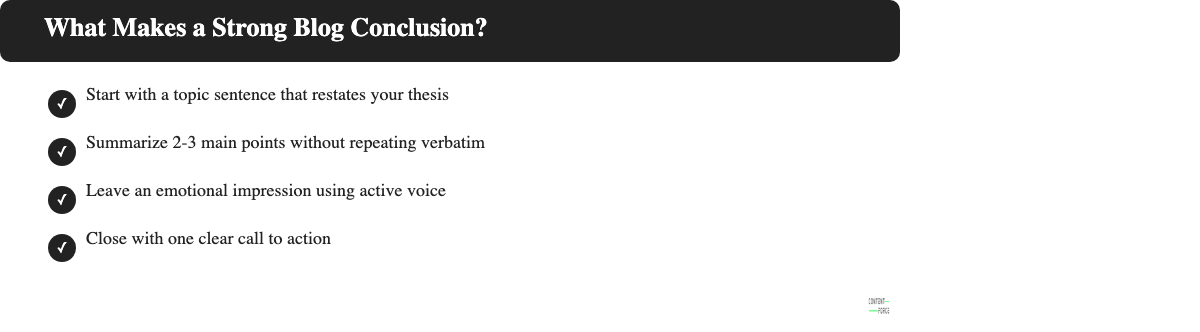
A conclusion does four things: it restates your main idea, recaps your key points, leaves a feeling and tells the reader what to do next. Skip any of those four and the post feels unfinished.
Start with a topic sentence
A topic sentence restates your thesis in a fresh way, not a copy of the intro. If you repeat the opening sentence exactly, readers notice the laziness. Rephrase it and the callback feels intentional. That's the difference.
A cooking blog might open a post with "Meal prep saves time." The conclusion topic sentence could be: "Twenty minutes on Sunday changes the whole week." Same idea, different angle.
Summarize your main points
Hit the two or three most important ideas from the post. Not all of them. A long recap defeats the purpose. Readers already read the post once; they don't need it again in miniature.
Keep it to one sentence per idea. Skimmers read conclusions first, so clarity matters here as much as anywhere.
Leave an emotional impression
The last thing readers feel is the thing they remember. Use the second person, active voice and short vivid phrasing to make that feeling land. It's not a technique. It's just how memory works.
Sentences like "You've got what you need to start" or "This works, try it this week" create forward motion. Generic sign-offs like "We hope this was helpful" create nothing at all. That's flat-out the wrong note to end on.
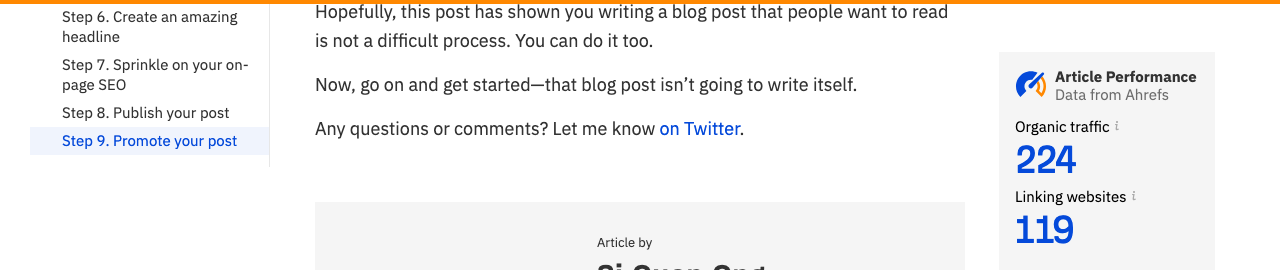
The Ahrefs blog does this well. Their "how to write a blog post" conclusion ends with: "Now, go on and get started. That blog post isn't going to write itself." One sentence, second person, forward motion.
Close with a call to action
A call to action tells readers exactly what to do next. Match it to the post's purpose: a tutorial ends with "try this today," a thought piece ends with a question, a product review ends with a link to the best option.
One clear action outperforms a list of options, without question. When readers see three CTAs in the same conclusion, they usually take none of them. Pick one and commit.
8 Ways to End a Blog Post
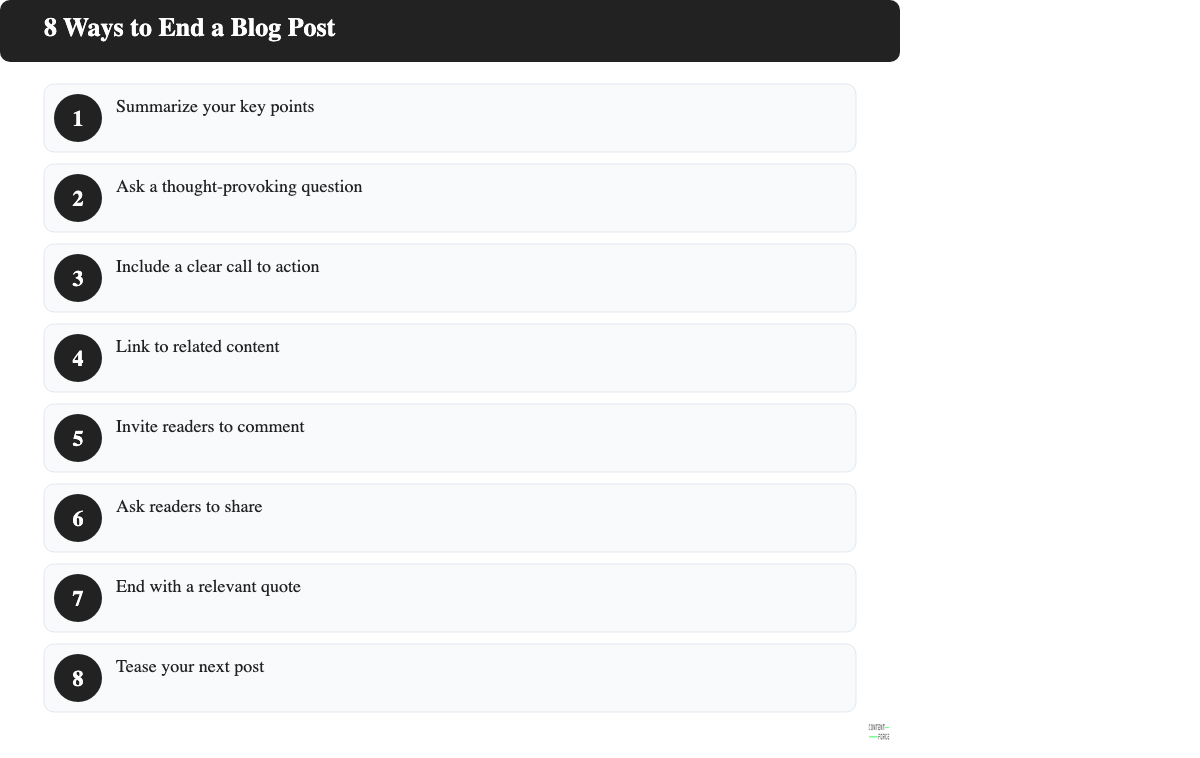
These eight techniques are the most reliable ways to close a post with purpose. Most work well on their own, but a few can be combined when the post calls for it.
1. Summarize your key points
A brief recap of two or three core ideas helps skimmers get the message and reinforces it for readers who went through the whole post. Keep it to one sentence per point. Skip anything that wasn't central to the argument, although it's tempting to include every insight.
A finance blog might close with: "Setting a budget, automating savings and cutting one recurring expense covers most of what moves the needle."
2. Ask a thought-provoking question
A good closing question invites readers to reflect and leaves the conversation open. It works best for opinion or advice posts where the reader's own situation shapes the answer. But not every post type suits it, so choose accordingly.
Rather than "What do you think?" try something specific: "Which of these three habits would change the most in your workday?" Specificity gets more responses than an open invitation. Always.
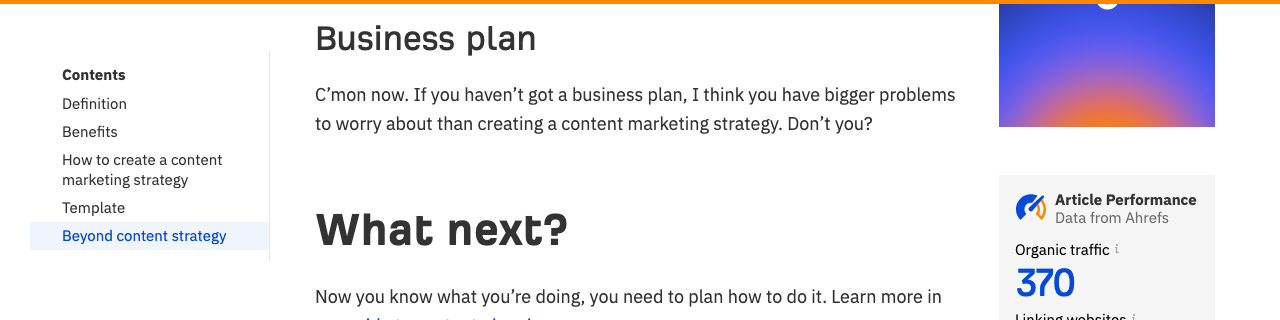
Ahrefs closes their content strategy guide with: "C'mon now. If you haven't got a business plan, I think you have bigger problems to worry about than creating a content marketing strategy. Don't you?" Opinionated, specific, impossible to ignore.
3. Include a clear call to action
A call to action directs readers to the one thing you want them to do: download, subscribe, share or try something. Use plain, direct language ("Get the free checklist") and avoid vague phrasing ("Feel free to explore more options"). Vague CTAs don't convert.
Position the CTA at the very end of the conclusion so nothing interrupts the path from reading to acting. That placement isn't optional.
HubSpot uses this consistently. Their content marketing plan article ends with a single framed download box: no competing links, no options list, one button.

4. Link to related content
Linking to one or two relevant posts keeps readers on your site and signals what to read next. Choose links that naturally continue the topic rather than everything that's tangentially related.
A productivity blog post about morning routines might close with: "If you want to go deeper on focus, the guide on deep work walks through the same principles in a work context."
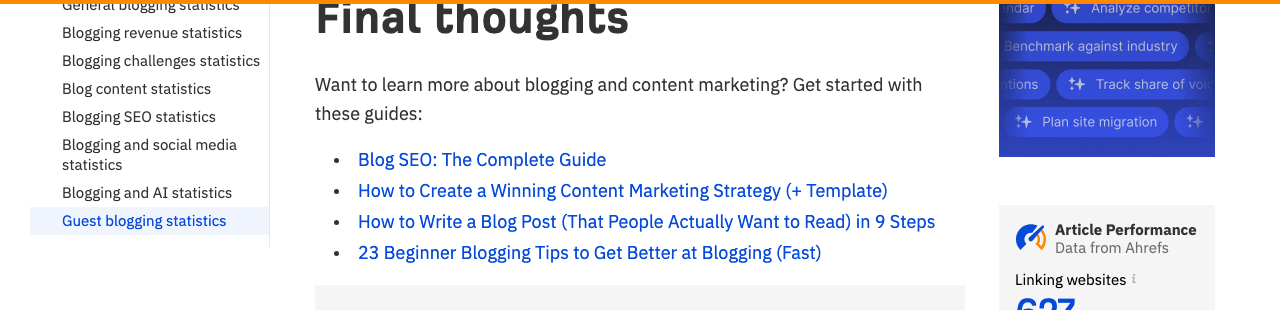
Ahrefs uses a dedicated "Final thoughts" section to close long data posts with four specific recommended reads, all directly relevant, none generic.
5. Invite readers to comment
Asking readers to comment turns a one-way post into a conversation. A specific question gets far more responses than a general "let me know what you think."
Try: "What's the biggest thing stopping you from putting this into practice? Drop it in the comments." The constraint makes answering easier, not harder.
6. Ask readers to share
A direct share request works when the post solved a real problem. People share content that made them feel smart or gave them something to pass along to a colleague. But they won't share something that felt generic or unhelpful, no matter how prominent the share button is.
Keep the request honest: "If this helped, send it to someone who'd find it useful." That framing respects the reader's judgment instead of begging for a share.
HubSpot ends most posts with "Don't forget to share this post!" paired with social icons. The ask is direct, the friction is near zero, and it's the last thing readers see before they leave.

7. End with a relevant quote
A closing quote works when it extends or reframes the article's main idea. It falls flat when it's just a famous phrase bolted onto the end. Choose a quote that makes the reader think rather than one they've seen a hundred times.
A leadership blog might close with a quote from a lesser-known practitioner who captures the post's thesis in a single sentence. It adds weight without adding length.
8. Tease your next post
A short preview of what's coming builds return visits. One or two sentences is enough to create curiosity without summarizing.
"Next week: why most editorial calendars fall apart in month three and what to do instead." That's a teaser. "Coming soon: more great content" is not.
How Long Should a Blog Post Conclusion Be?
Most blog conclusions are 50 to 150 words. That's enough to restate the main point, recap two or three ideas and give readers a clear next step without going in circles.
Longer posts on complex topics can run up to 250 words if the conclusion includes a CTA, a short resource list or a FAQ element. The length should match what the conclusion actually needs to do, not the length of the post above it.
Conclusion Generator: endings that reinforce the payoff and bridge to your CTA. Free, no signup.
How to Measure Whether Your Blog Conclusion Is Working
Four metrics tell you whether your conclusion is doing its job:
- Comment count. If your conclusion ends with a specific question, track whether replies increase. A flat comment section usually means the CTA was too vague.
- Social shares. A share request tied to a solved problem shows up in your share count within the first 48 hours of publishing. One tied to a vague topic rarely does.
- CTA click-through rate. Tag your conclusion links with UTM parameters in Google Analytics 4. Low CTR on a prominent link usually means the CTA language isn't specific enough.
- Scroll depth. Google Analytics 4 and Hotjar both report scroll depth. If a significant share of readers aren't reaching the bottom of the post, the conclusion is being written for an audience that isn't arriving.
Track these per post, not just as site averages. Patterns across posts show which conclusion types drive action for your specific audience.
FAQ
Can I end a blog post with a question?
Ending with a question is a strong way to close a post, as long as the question is specific enough to answer. A vague question like "What do you think?" almost never generates responses. A targeted question tied to the post's main idea ("Which of these techniques will you test first?") gives readers something concrete to react to.
Does every blog post need a conclusion?
Most blog posts benefit from a conclusion, but not every post needs a formal one. A short listicle or a post where the final item naturally closes the topic can end there without a separate wrap-up paragraph. For anything over 600 words or any post with a CTA, a brief conclusion helps. It's the last thing readers see, so it deserves at least one focused sentence.
What is the difference between a summary and a conclusion?
A summary recaps what was already said. A conclusion adds something to that recap: a final thought, an emotional close or a call to action that gives the reader a reason to do something next. A summary is backward-looking; a conclusion is forward-looking. The best blog conclusions do both in two or three short paragraphs.