
Tool list · 13 tools
13 AI Content Creation Tools

ContentForce AI, Jasper, ChatGPT, Canva, Descript, Claude, and seven other AI content creation tools now write, design, and edit media across text, video, audio, and images for marketing teams. The comparison covers what each tool actually costs and which workflow it fits best, from refreshing existing WordPress content to building full videos.
AI content creation tools like ChatGPT, Claude, Jasper and Canva now write, design and edit media faster than a human team working alone, and in 2026 most marketing departments run several of them at once. That's not hype, it's just how content teams work now. Here's an overview of our favorite AI content creation tools for writing, video, design and audio, plus what each one actually costs today.
- ContentForce AI uses NLP and ML to refresh and update existing WordPress content at scale, rather than writing one-off drafts from scratch.
- Descript is an AI tool that simplifies audio and video editing by letting you edit media files as easily as text documents, with plans ranging from free to enterprise level and features like automatic transcription and voice cloning.
- Claude is Anthropic's AI assistant, and it's a strong pick for long-form drafting, outlining and research-heavy writing, with a genuine free plan alongside its paid tiers.
This guide covers 13 AI content creation tools, what each one costs right now and how to pick the right one for your team's actual workflow rather than a generic feature checklist. It won't take long to find your match.
What are AI content creation tools?
AI content creation tools are software applications that use artificial intelligence, mainly natural language processing and machine learning, to generate or assist with text, video, audio and images. They automate tasks like drafting, editing, ideation and repurposing so a single person can produce what used to take a small team. It's not magic, just faster pattern-matching at scale.
The main difference between AI-powered content creation and traditional methods comes down to speed. A 500-word article that takes hours to write by hand can go from prompt to first draft in minutes with the right tool, though it still needs a human editor before it's ready to publish. These platforms are customizable enough that content creators can match tone, style and brand voice, not just spit out generic text. Generic doesn't cut it anymore.
For digital marketers, that speed translates into a real competitive edge. Teams use AI tools to brainstorm, optimize for search, and analyze what's already working, then apply that insight to new content without slowing down production. The tools automate the repetitive parts of content creation, but human oversight still decides what actually ships.
How do AI content creation tools work?
AI content creation tools work by using large language models and generative algorithms trained on huge datasets of text, images or audio. You give the tool a prompt, and it predicts the most likely next word, pixel or sound based on patterns it learned during training, then assembles that into new material shaped by your instructions. That's the whole mechanism, repeated billions of times.
The exact mechanism depends on the medium, and it isn't the same across text, image, audio and video. Text tools like ChatGPT or Jasper analyze word associations to build blog posts, ad copy or emails that match a requested tone and structure. Image tools like Canva rely on diffusion models trained on millions of images and their captions, translating a text prompt into a new graphic or illustration. Audio tools read a script and use deep learning to generate voiceovers that match natural inflection and pacing, and video tools stitch footage, captions and AI voiceovers together from a script you provide.
Paragraph Generator: concrete sentences and specific verbs in plain English. Free, no signup.
What tools can I use for AI content creation?
We tested and researched the AI content creation tools marketers actually use in 2026, split by what you're trying to build: writing, design, video or audio. The table below is a quick scan, and the full profiles underneath cover pricing, features and honest drawbacks for each one.
| Tool | Best for | Starting price | Free tier |
|---|---|---|---|
| ContentForce AI | Updating and refreshing existing WordPress content | From €49/month | No, 7-day free trial |
| Jasper.ai | Marketing copy and multilingual brand content | From $59/month (annual) | No, 7-day free trial |
| Copy.ai | GTM and workflow automation for revenue teams | From $24/month (annual) | No published free plan |
| ChatGPT | General-purpose brainstorming, outlining and drafting | Plus at $20/month | Yes |
| Canva | Design, social graphics and AI image generation | Pro from about $12.99/month | Yes |
| Descript | Text-based audio and video editing | From $16/month | Yes |
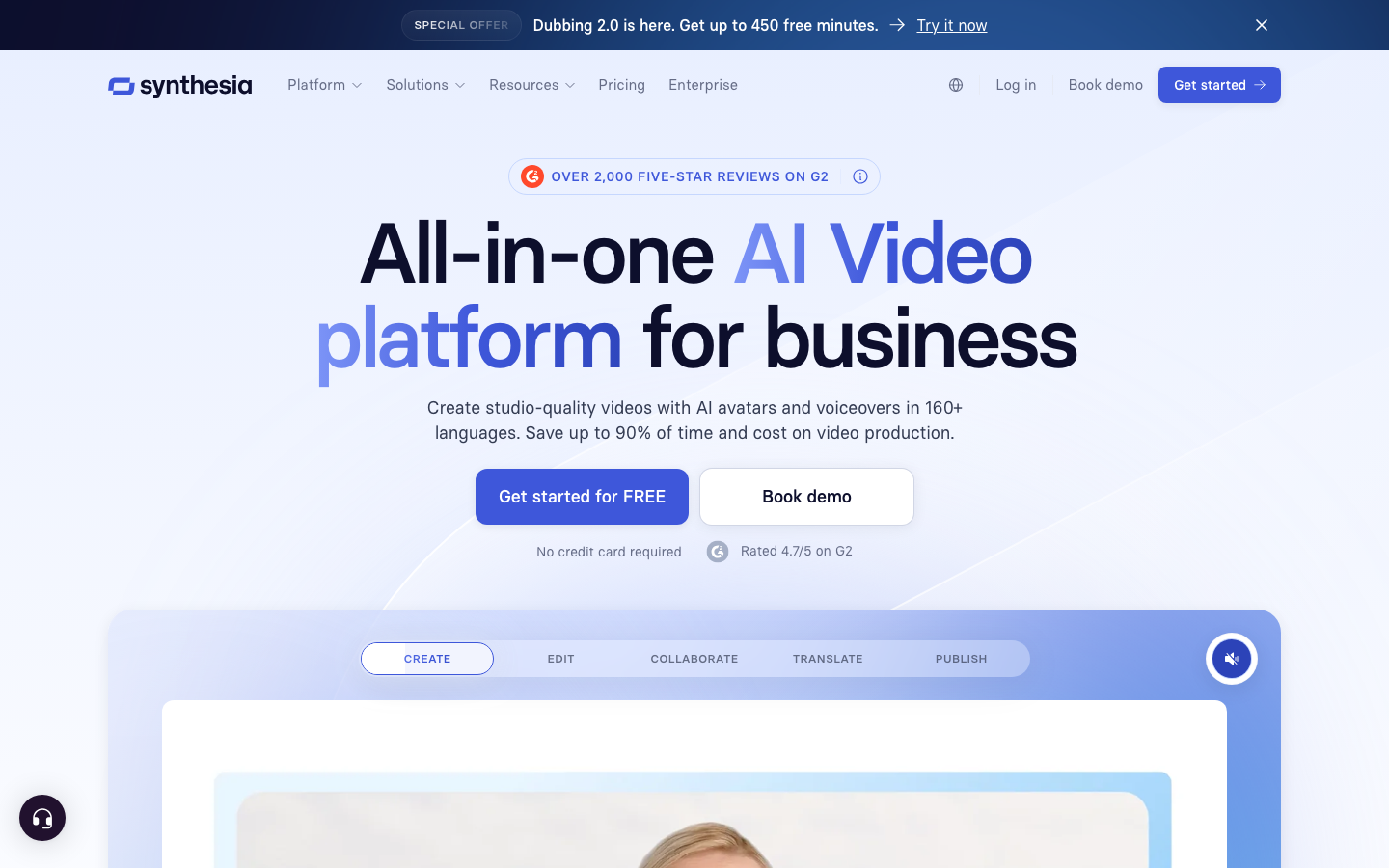
| Synthesia | AI avatar videos without filming equipment | From $18/month (annual) | Yes |
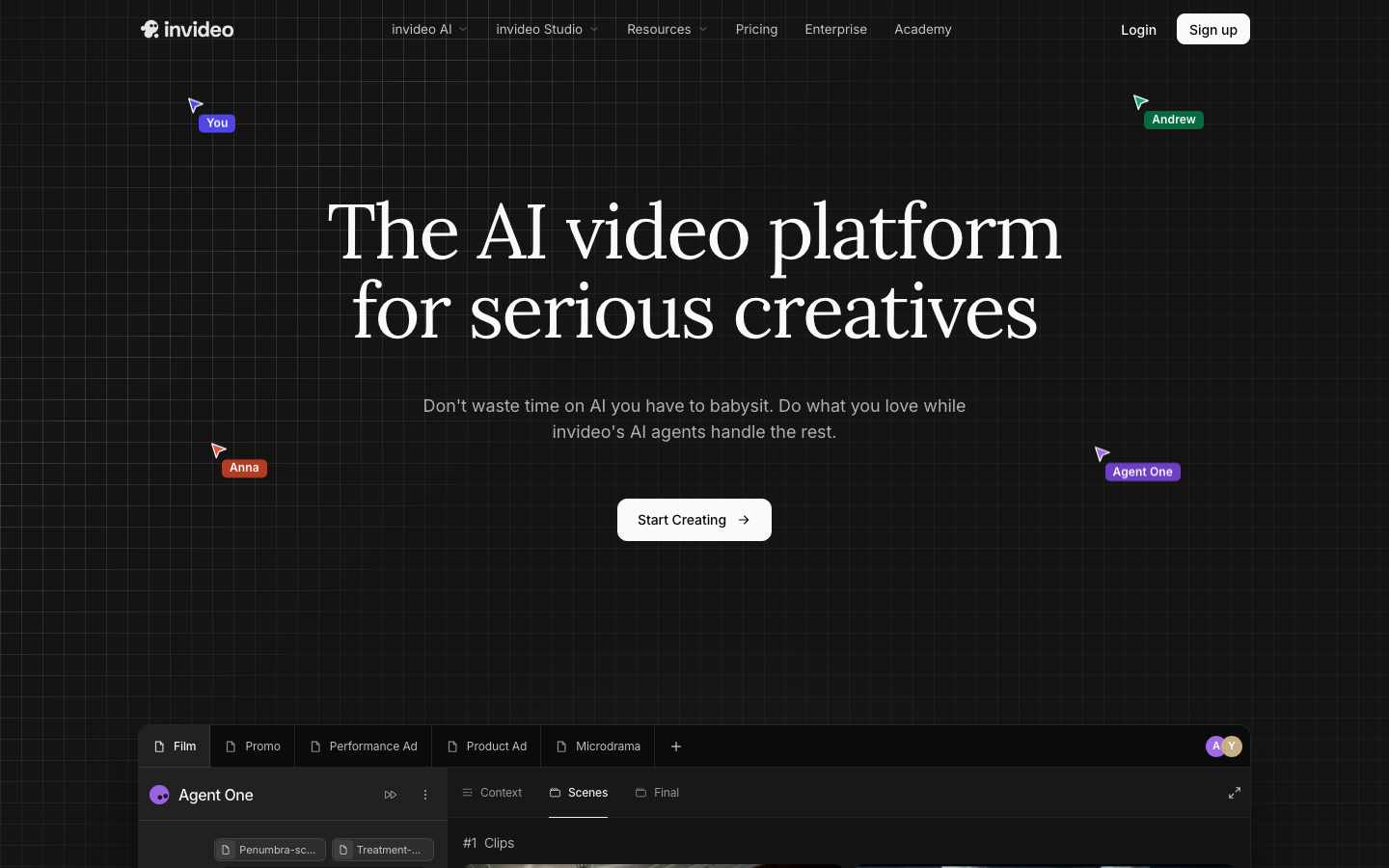
| InVideo | Text-to-video generation with templates | From about $17/month (annual) | Credit-limited trial only |
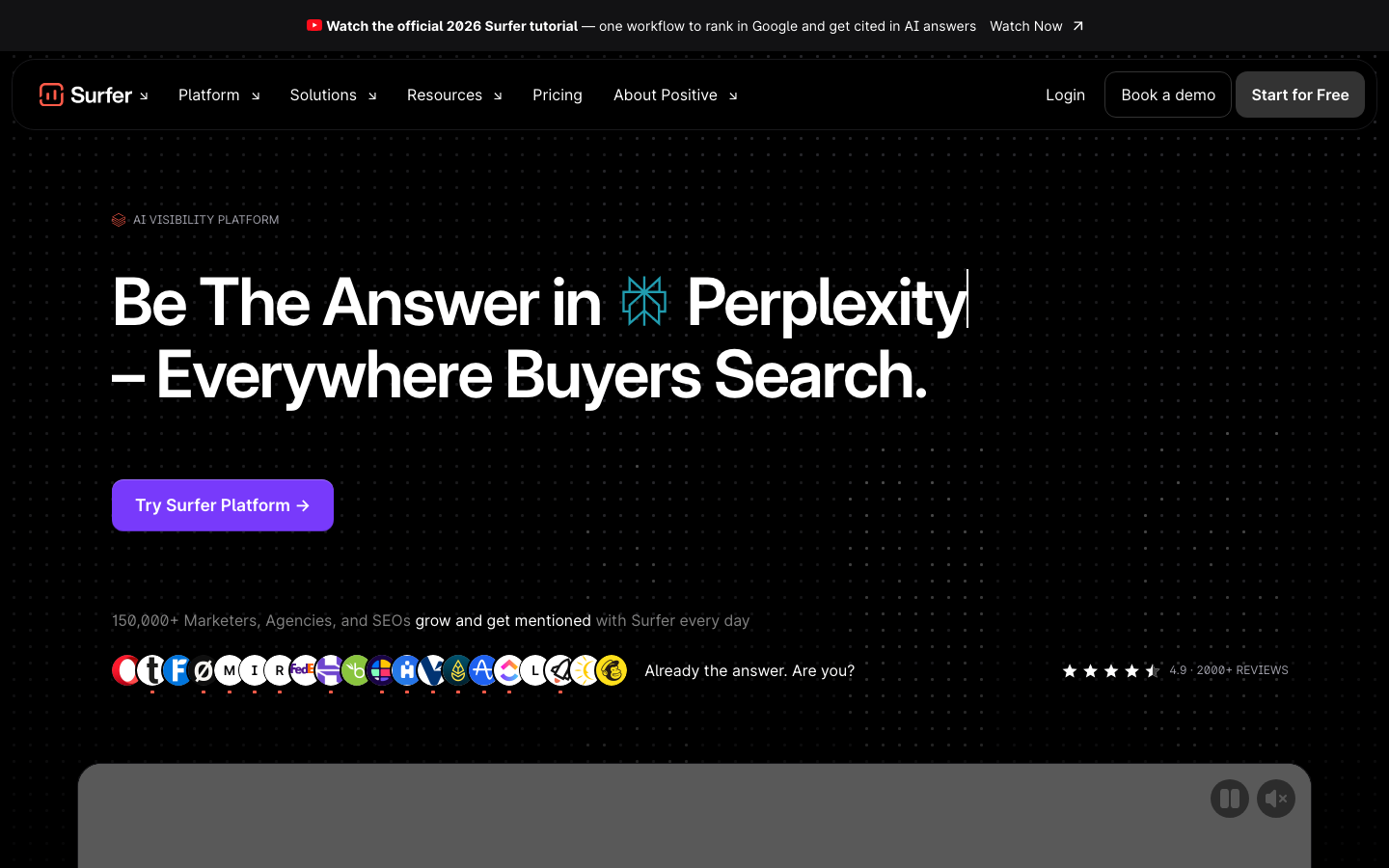
| Surfer SEO | SEO content optimization and AI-search tracking | From €49/month (annual) | No, money-back guarantee only |
| Claude | Long-form drafting, outlining and research-heavy writing | Pro from $17/month (annual) | Yes |
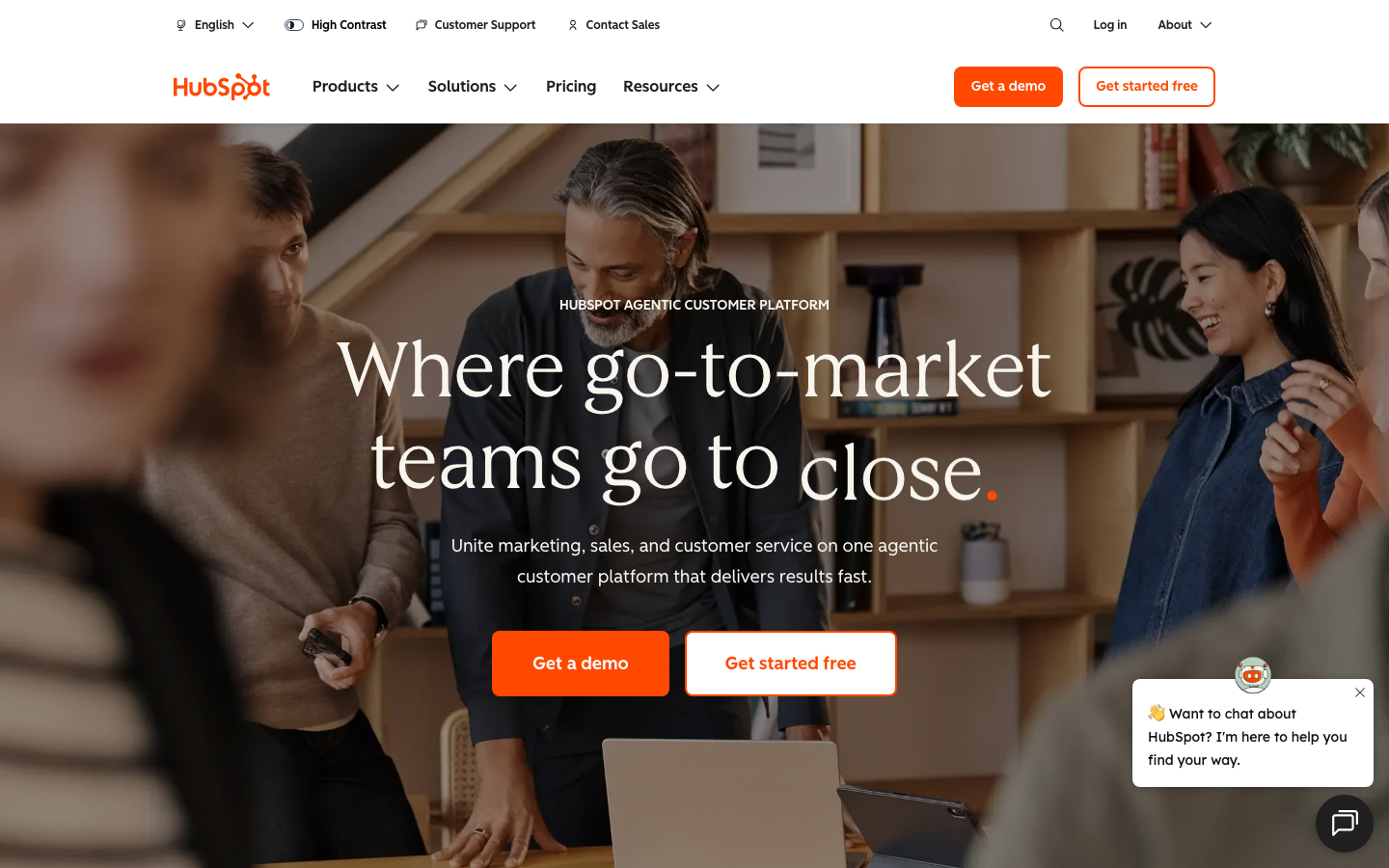
| HubSpot | Content tied to a CRM and marketing workflow | Starter from $7/seat/month | Yes, free Marketing Hub |
| Grammarly | Grammar, style and AI writing suggestions | Pro at €12/month | Yes |
| Typeface | Enterprise brand-governed content at scale | Custom, demo required | No, 30-day trial |
Now let's look at each tool in detail, starting with the categories most content teams reach for first.
ContentForce AI
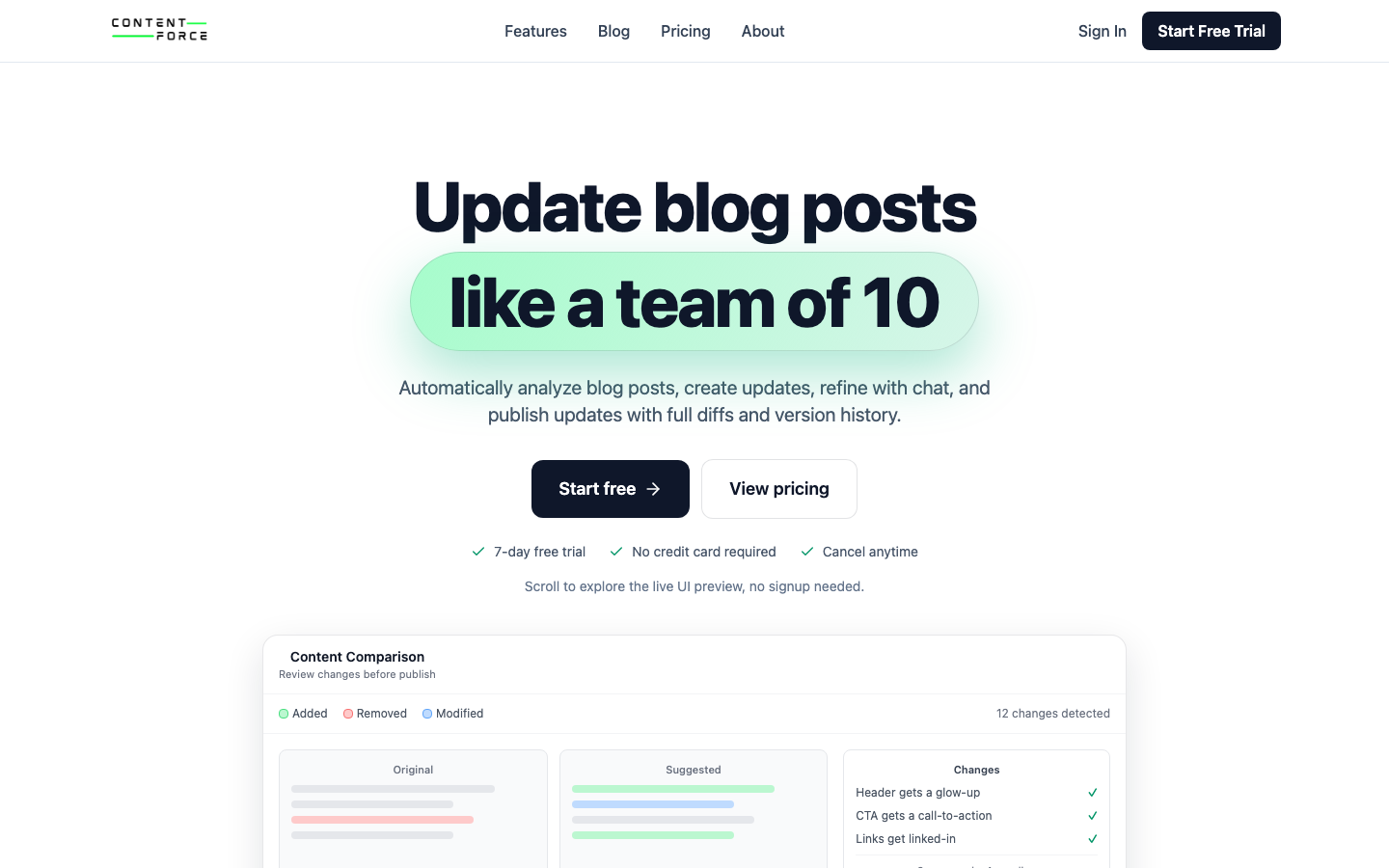
Best for teams that need to keep dozens or hundreds of existing WordPress posts current instead of writing everything from scratch. ContentForce AI uses NLP and ML to analyze a live article against the current search results and rewrite it for freshness, not just generate new drafts. That's the whole point of the tool.
Cost:
- Starter: €49/month for 10 update credits and 40 refinement credits across up to 3 WordPress sites.
- Professional: €129/month for 35 update credits and 150 refinement credits across up to 10 sites, plus team collaboration.
- Scale: €299/month for 100 update credits and 600 refinement credits across unlimited sites, plus API access.
- All plans include a 7-day free trial with no upfront payment.
Main Features:
- Uses NLP and ML to rewrite existing content against live competitor and search data, not just a static prompt.
- Customizable tone and style so updates match your existing brand voice.
- Bulk content refresh across many WordPress posts at once.
- Built-in SEO optimization through keyword and meta tag suggestions.
- Outline and key point generation to speed up the editorial process.
Drawbacks:
- It's built for updating and refreshing content, not for greenfield creative writing, so it's a narrower tool than a general-purpose assistant.
- Quality still depends on human editing before publishing, same as any AI writer.
Integrations:
- Connects directly to WordPress for one-click content updates.
- Google Sheets and calendar-based workflows for teams running scheduled update cycles.
Jasper.ai
Best for marketing teams that need on-brand copy across multiple languages at volume. Jasper.ai generates blog posts, ad copy and social updates while keeping a consistent brand voice across a whole content calendar. It isn't cheap, but the output stays on-brand.
Cost:
- Pro: $69/month billed monthly, or $59/month billed annually, for one seat with core marketing agents.
- Business: custom pricing with a 12-month minimum, adding advanced agents, API access and enterprise governance.
- New users get a 7-day free trial, and there's no permanent free plan.
Main Features:
- Supports more than 30 languages using current large language models.
- Offers dozens of templates for blogs, ads and emails.
- Integration with tools like Surfer SEO for on-page optimization.
- Brand voice customization so output stays consistent across a team.
Drawbacks:
- There's a real learning curve for anyone new to AI writing assistants. It won't click on day one.
- Output quality varies on complex or niche topics and usually needs manual editing.
- Adding seats beyond one requires moving to the custom-priced Business plan.
Integrations:
- Works with Google Docs, WordPress and marketing tools like HubSpot.
- Offers API access for custom workflows and automation.
Copy.ai
Best for revenue and go-to-market teams that want AI woven into their whole workflow, not just a copywriting assistant. Copy.ai has shifted from a simple content generator into a broader workflow automation platform for marketing and sales teams. That's a real jump in both scope and price.
Cost:
- Chat: $29/month billed monthly, or $24/month billed annually, for 5 seats with unlimited chat and projects.
- Growth, Expansion and Scale tiers run from $1,000 to $3,000/month billed annually, adding seats and workflow credits for larger teams.
- Enterprise pricing is custom, with API access and 20-plus integrations.
- There's no clearly published free tier anymore, only a "try for free" entry point on the Chat plan.
Main Features:
- Google Docs-style editor that's easy to pick up.
- Supports more than 25 languages.
- Workflow automation that chains multiple content and outreach steps together, not just single generations.
- Tone customization for adapting content style across a brand.
Drawbacks:
- Pricing has climbed well past what a small team needs for straightforward copywriting, since the product now targets full GTM workflows.
- Content can still read as generic without editing.
- Customer support response times get mixed reviews.
Integrations:
- Works well with automation tools such as Zapier.
ChatGPT
Best for general-purpose brainstorming, outlining and first drafts across almost any content type. ChatGPT, built by OpenAI, remains the most widely used AI assistant for content teams because it handles text, images and code from one interface. It's still the default pick for most people.
Cost:
- Free plan gives access to core chat features at no cost.
- ChatGPT Plus costs $20/month, a price that's held steady since February 2023.
- Higher Pro and Business tiers exist for teams needing more usage and admin controls.
Main Features:
- Generates both text and images, useful for article drafts, brainstorming and light coding tasks.
- Maintains conversation context, which helps with iterative editing and long outlines.
- Summarizes long documents and automates repeatable tasks through Custom GPTs.
- Multimodal input lets you upload an image or document and work from it directly.
Drawbacks:
- Output still needs fact-checking, since it can state things confidently that aren't accurate. Don't skip that step.
- It can reflect biases present in its training data.
- Response quality depends heavily on how your prompt is written. Vague prompts don't work.
Integrations:
- Connects with many third-party apps, from video production tools to customer service platforms.
- Pairs well with audio tools like ElevenLabs when a project needs a voiceover added to AI-drafted content.

Canva
Best for marketers and creators who need professional-looking graphics without a design background. Canva pairs a huge template library with AI features for generating images, presentations and social posts from a text prompt. It's fast, even for someone with zero design training.
Cost:
- Free plan includes basic tools plus a library of templates, images and fonts.
- Pro runs roughly $12.99 to $18/month depending on region and billing cycle, including expanded storage.
- Teams plans add per-seat pricing for collaborative workspaces.
Main Features:
- Magic Studio: AI features like Magic Design for templates and Magic Media for generating images and videos from text.
- Deep template, photo editor and graphic library for fast design work.
- Brand kit uploads for consistent fonts, colors and logos across a team.
- Real-time collaboration for editing and feedback directly inside Canva.
Drawbacks:
- Leaning too hard on AI templates can lead to generic-looking designs without manual polish. You'll want a real edit pass.
- The template library is large enough to overwhelm new users at first.
- Several advanced features sit behind the paid tier.
Integrations:
- Built-in AI tools work directly inside existing Canva designs.
- Connects with Google Workspace for presentations and analytics tracking.

Descript
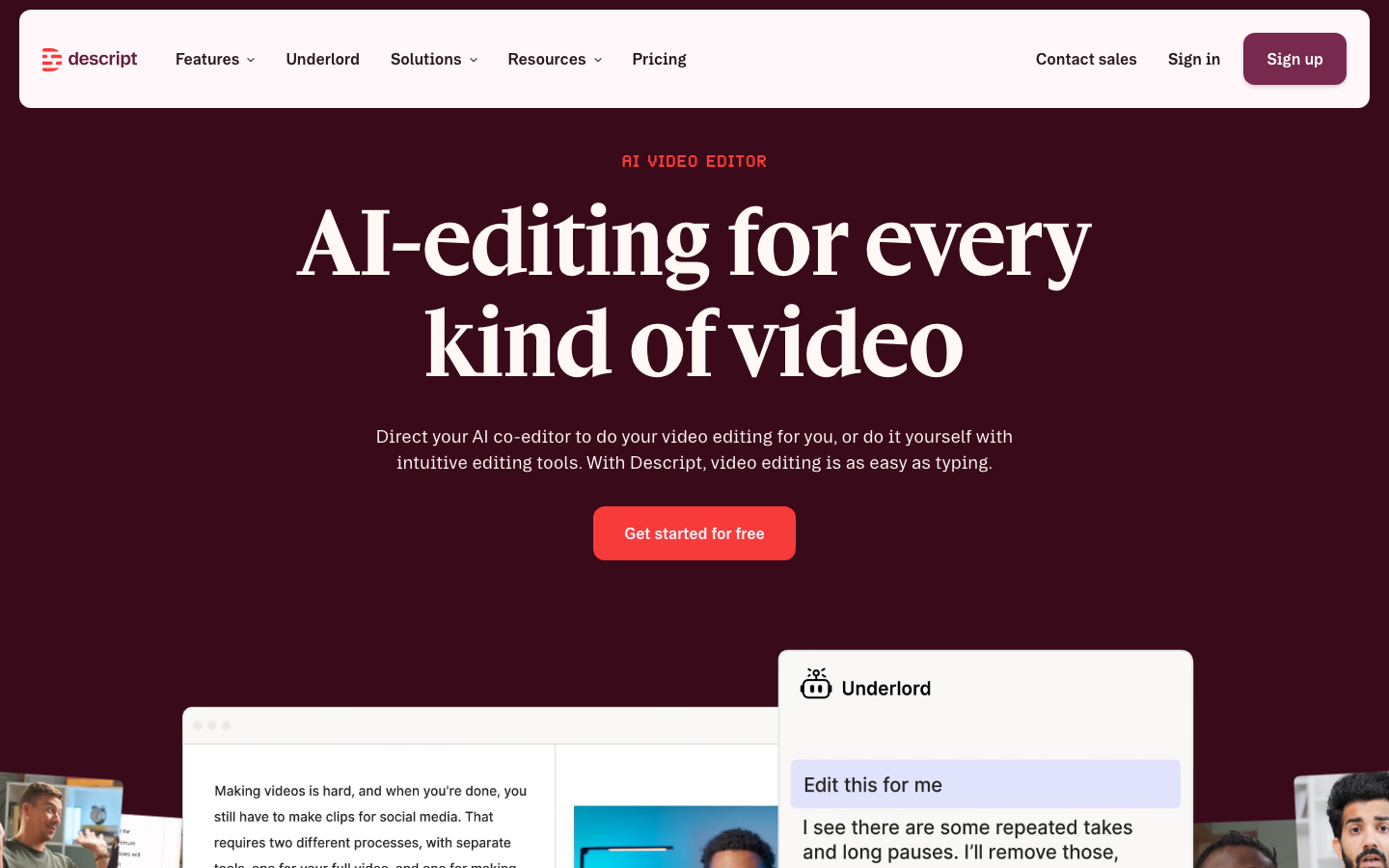
Best for anyone editing audio or video who wants to skip the timeline and edit media the way they'd edit a document. Descript lets you cut, rearrange and clean up recordings by editing the transcript directly. No timeline scrubbing required.
Cost:
- Free plan: text-based editing and light AI tools with limited monthly usage.
- Hobbyist: $24/month billed monthly, or $16/month billed annually, for 10 media hours and 1080p exports.
- Creator: $24/month, the most popular tier, for up to 3 team members with 4K exports.
- Business: $50/month for larger teams with Brand Studio access and priority support.
- Enterprise: custom pricing with SSO and advanced security.
Main Features:
- Automatic transcription with strong accuracy across many languages.
- Text-based editing interface for cutting audio and video like a document.
- Overdub voice cloning to fix flubbed lines without a re-record.
- Studio Sound removes background noise automatically.
- Filler-word removal to tighten up recordings fast.
Drawbacks:
- No mobile app, which limits editing on the go. That's a real gap for anyone who edits from a phone.
- New users face a real learning curve before the workflow clicks.
- Some users report occasional crashes on larger projects.
Integrations:
- Syncs with Zoom, Dropbox and Google Drive.
- Publishes directly to platforms like Blubrry and Castos.
Synthesia
Best for teams that need training or marketing videos without booking a camera crew. Synthesia generates videos with AI avatars reading a script you provide, in dozens of languages. No camera or studio needed.
Cost:
- Free plan: up to 10 minutes of video per month with ready-made avatars, no credit card required.
- Starter: $18/month billed yearly, or $29/month billed monthly, for a personal avatar and 120 minutes of video per year.
- Creator: $64/month billed yearly, or $89/month monthly, for up to 5 avatars and API access.
- Enterprise: custom pricing with unlimited avatars and video minutes.
Main Features:
- Supports 140-plus languages and voices.
- Dozens of templates plus royalty-free stock media.
- AI closed captions and a multilingual player built in.
- Custom avatars across a range of ethnicities and genders.
- Voice cloning for a more personalized presenter.
Drawbacks:
- AI avatars can still come across as a little flat compared to a real presenter. They aren't a full replacement yet.
- Monthly video minutes are capped by plan.
- Each video needs manual script input, so it doesn't scale to unlimited output on its own.
Integrations:
- Works with PowerPoint and common Learning Management Systems.
- API available for embedding into a CMS or CRM.
InVideo
Best for turning a script or article into a finished video quickly using templates rather than starting from a blank timeline. InVideo AI builds full videos from a text prompt, stitching in stock footage, captions and voiceover automatically. The templates do most of the heavy lifting.
Cost:
- A limited free trial lets you test the AI generation workflow before paying.
- Plus: around $17-25/month depending on annual or monthly billing, for 50 AI generation minutes and 1080p export.
- Max: around $48-60/month for expanded AI minutes, asset downloads and voice clones.
- A Generative tier near $120/month bundles access to newer video and image models for teams that need it.
Main Features:
- Thousands of templates across video types.
- AI-driven text-to-video and script generation.
- Team collaboration for multi-person projects.
- Drag-and-drop editor for manual touch-ups after generation.
Drawbacks:
- Performance can lag on larger, more complex projects. Patience helps.
- 4K export is reserved for higher tiers.
- No direct social publishing, so exports need manual uploading.
Integrations:
- Works with stock media sources for footage and images.
- Mobile app available for editing on the go.
- Community support through Discord.
Surfer SEO
Best for teams that want their content optimized for search and, increasingly, tracked for visibility inside AI answers. That's where search is headed. Surfer SEO has expanded beyond its original on-page optimization scoring into AI-search visibility tracking. It's data-heavy by design.
Cost:
- Discovery: €49/month billed yearly, for 120 documents and 10 tracked pages.
- Standard: €99/month billed yearly, for 360 documents with basic AI tracking.
- Pro: €182/month billed yearly, for 360 documents and 50 daily AI prompts.
- Peace of Mind: €299/month billed yearly, for unlimited documents and 100 daily AI prompts.
- Enterprise pricing is custom.
Main Features:
- Real-time on-page optimization scoring against top-ranking pages.
- Content Editor with keyword and structure suggestions as you write.
- SERP Analyzer for competitor keyword research.
- AI-visibility tracking to see how often content gets cited by AI search tools.
Drawbacks:
- The data density can feel like a lot for a first-time user. It isn't a beginner tool.
- There's no free trial, only a money-back guarantee window.
- Higher tiers get expensive for smaller content teams.
Integrations:
- Works smoothly with Google Docs and WordPress.
- Shared writer reports support team collaboration.
Claude
Best for long-form drafting, outlining and research-heavy writing where you want the model to reason through a topic rather than just autocomplete it. Claude is Anthropic's AI assistant, and marketers increasingly use it alongside or instead of ChatGPT for brainstorming and full article drafts. It's a genuine alternative, not just a clone.
Cost:
- Free plan includes chat access on web and mobile plus basic content creation.
- Pro: $17/month billed annually, or $20/month billed monthly, with higher usage limits and access to multiple models.
- Max: from $100/month for teams that need significantly higher usage caps.
Main Features:
- Strong at long-form outlining, drafting and editing multi-section documents.
- Handles research-heavy prompts with more consistent reasoning across a long conversation.
- Supports file uploads for working directly from existing documents.
- Available on web, desktop and mobile with memory across conversations.
Drawbacks:
- Free-tier usage limits reset quickly under heavy daily use. Heavy users won't stay on free for long.
- Still needs a human editor for brand voice and factual verification, same as any AI writer.
Integrations:
- Integrates with Microsoft 365 on paid plans.
- API access available for teams building custom writing workflows.
HubSpot
Best for teams that want content generation built into the same platform as their CRM and marketing automation. HubSpot combines AI content tools with lead scoring, email and customer data in one place. Everything lives under one roof.
Cost:
- Free Marketing Hub plan for up to 2 users and 1,000 marketing contacts, no credit card required.
- Starter: $7/seat/month for 1,000 contacts and core automation.
- Professional: $800/month including 3 seats, 2,000 contacts and advanced campaign tools.
- Enterprise: $3,600/month including 5 seats and full governance features.
Main Features:
- AI content generation for blogs, emails and social posts tied directly to CRM data.
- Automation for lead scoring and customer interaction alongside content tools.
- AI chatbot for ongoing customer support.
Drawbacks:
- Output still needs a manual accuracy check before publishing. That part doesn't change.
- The platform's breadth means a steeper learning curve for teams that only want content tools.
Integrations:
- Works with a large marketplace of third-party apps.
- Common integrations span email, social media and other CRM tools.
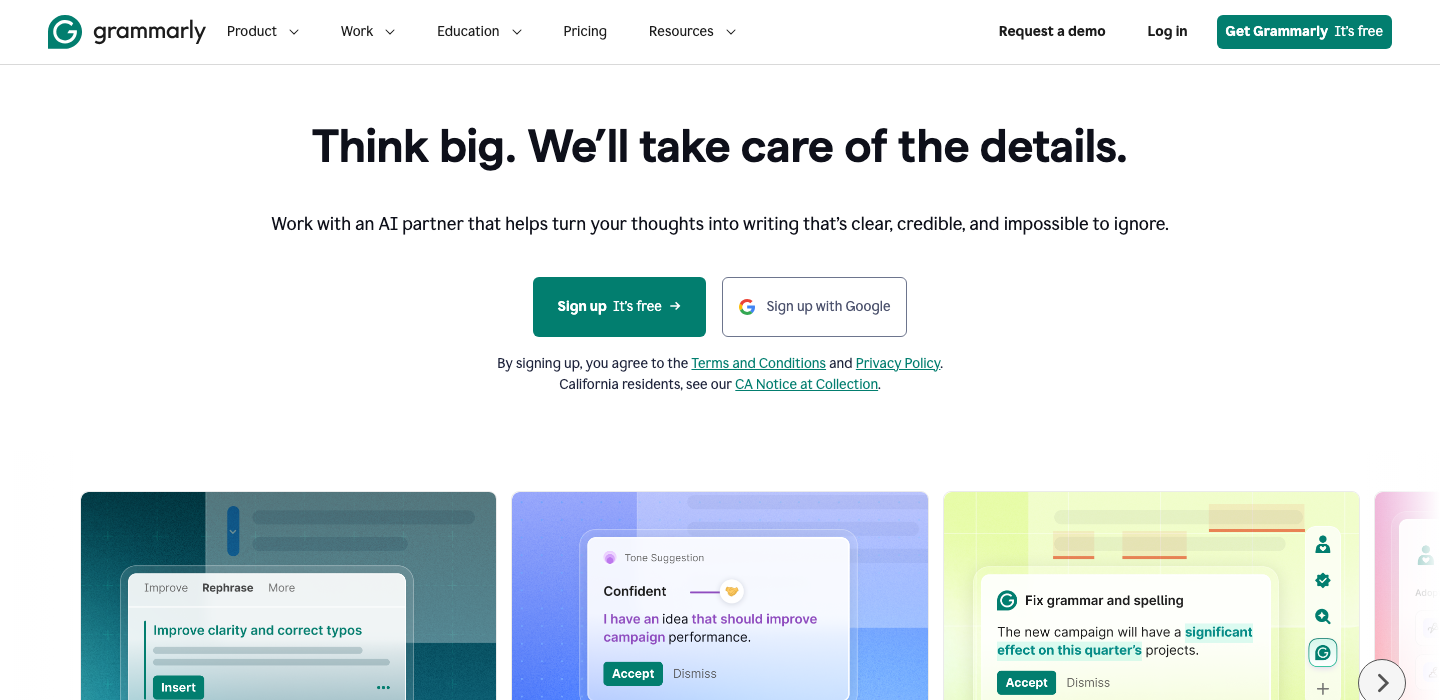
Grammarly
Best for writers and teams who want grammar, style and tone checking layered on top of whatever tool they already draft in. Grammarly corrects grammar, spelling and punctuation while also offering AI-assisted rewrites. It's a small fix that makes a big difference.
Cost:
- Free plan for basic grammar and spelling checks plus limited AI prompts.
- Pro: €12/month, the most popular tier, with sentence rewrites, tone adjustment and plagiarism detection, including a 7-day free trial.
- Enterprise: custom pricing with encryption, custom roles and data loss prevention.
Main Features:
- Accurate grammar and spelling fixes in real time.
- Tone and style suggestions as you write.
- Plagiarism checking and AI-text detection on premium plans.
- Works as a browser extension and inside Microsoft Word and Google Docs.
Drawbacks:
- The free version leaves out most of the advanced writing features. You'll hit the ceiling fast.
- Suggestions aren't always right and need a human judgment call.
- Costs add up fast for larger teams on the per-seat plan.
Integrations:
- Works across Chrome, Safari and other major browsers.
- Integrates with Microsoft Office and Google Docs.
Typeface
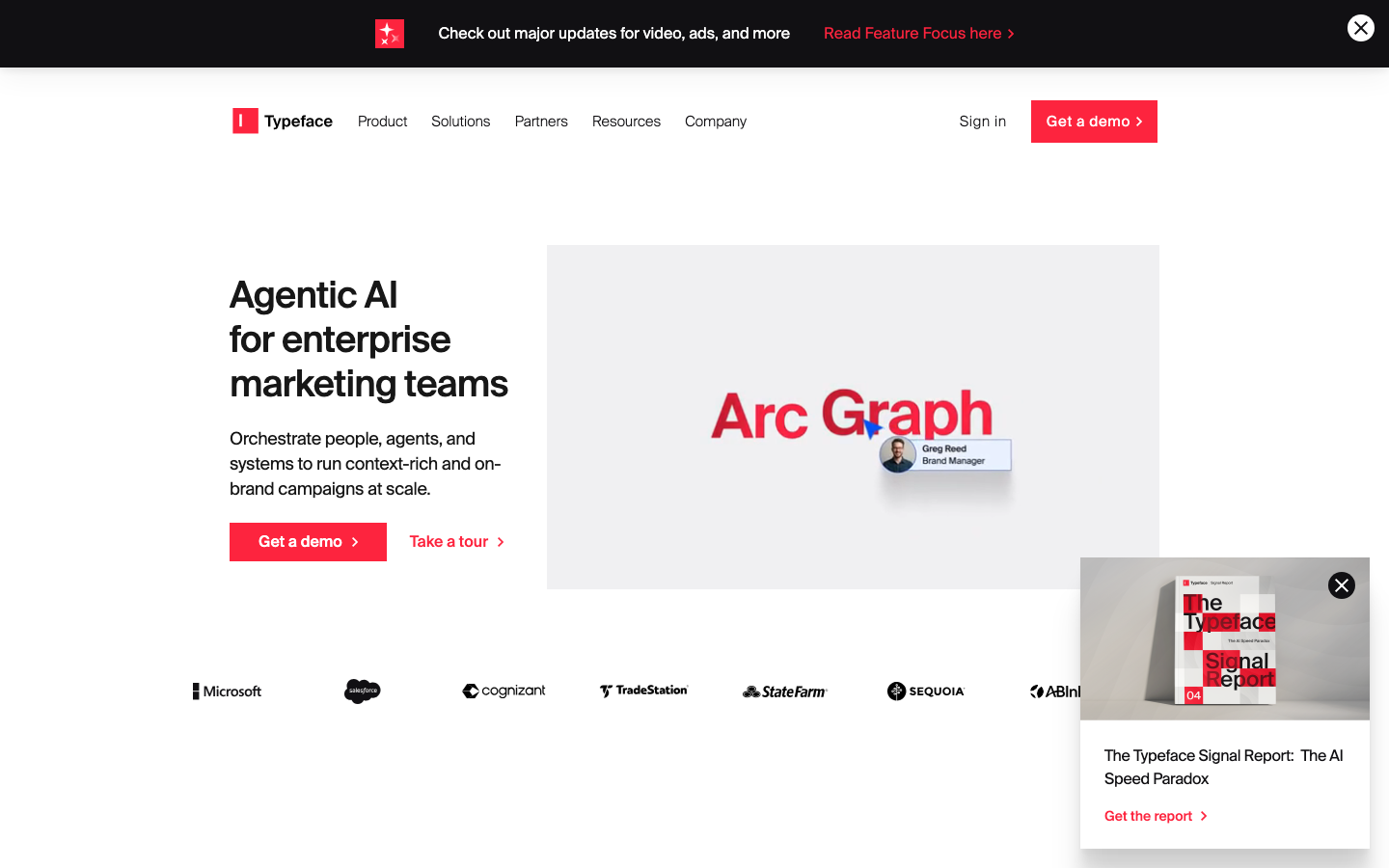
Best for large enterprises that need brand-governed content across many channels and teams. Typeface is a marketing AI platform built around a brand-grounded content graph and specialized AI agents for campaigns, video and channel-specific content. It's built for enterprises, and the pricing reflects that.
Cost:
- No public pricing is listed. Typeface requires a demo to get a quote, and the platform primarily targets mid-market and enterprise teams.
Main Features:
- Arc Graph grounds generated content in your actual brand guidelines and audience context.
- Arc Agents handle complex, multi-step content tasks across channels.
- Visual Inspiration Studio for on-brand image and design generation.
- Channel-specific agents for email, ads and web content, plus a video agent for assembling clips.
Drawbacks:
- Pricing opacity makes it hard to compare against other tools without booking a call. There's no public number to check first.
- Deeper customization and integrations require the higher enterprise tiers.
Integrations:
- Connects with Google Ads, Meta Ads, Slack, WordPress, Salesforce Data Cloud and HubSpot.
How do I choose the best AI content generation tool for my needs?
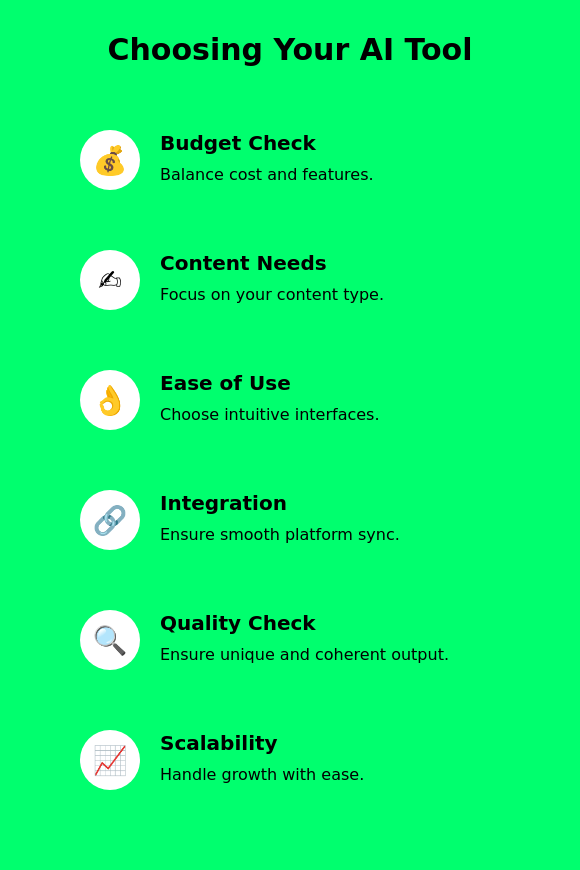
Start with your budget, then narrow by what you're actually building. Budget first, features second. Compare the plan costs in the table above and watch for per-seat pricing that scales faster than you expect as your team grows.
Next, match the tool to your content type. That's the part most buyers skip. If you need to keep existing blog posts current, a content-update tool like ContentForce AI fits better than a general writer. If the content is a clickable product walkthrough for a SaaS website, look at interactive demo software such as Arcade, Walnut or Navattic instead. If you're building online courses, look at dedicated AI eLearning authoring tools instead. Video, design and audio each have their own specialists, so don't force a text-first tool to handle all four.
Ease of use matters as much as feature depth. A clunky tool won't get adopted. A tool with a shallow learning curve gets adopted by your whole team faster, and one that plugs into your existing CMS or analytics stack saves real time over the following months.
Check content quality and originality before committing. Don't take the sales page's word for it. Run a few real prompts through the trial, see how coherent the output is and confirm the tool includes or supports a plagiarism check.
If you expect to grow, confirm the tool handles bulk generation and gives you performance tracking, not just single-item output. And use every trial or free plan you can before paying. It's the cheapest research you'll do all quarter. Reviews and hands-on testing tell you more than a features page ever will.
Once you've picked a tool, the actual workflow is short: define your audience and goal first, choose the tool that matches your content type from the table above, generate a first draft or asset from a specific prompt, then edit for accuracy, tone and brand voice before it ever gets published. Repeat, and refine your prompts as you learn what the tool does well.
What are the best practices for using AI content creation software?
Best practices for using AI content creation software start with a clear goal. Skip that step and you'll waste the tool's potential. Decide upfront whether you're using AI to boost output volume, improve SEO, or just get past writer's block, since that decision shapes which tool and which prompts you need.
Don't hand the whole process to the software. That's still a human's job, and it isn't going away. Human review keeps content emotionally connected and contextually accurate in a way AI alone still misses.
Check in on your tools regularly. Don't set it and forget it. Evaluate output quality against your actual goals, gather feedback from whoever reads or edits the drafts and adjust your prompts or workflow when something isn't landing.
Build a real review step into your process. Correct inaccuracies. Check grammar. Run a plagiarism check before anything publishes. AI is genuinely strong at ideation, so lean on it there especially when you're stuck.
Close the loop with feedback. Note what worked and what didn't, and feed that back into your prompts. Keep copyright and originality standards in view the whole time, not as an afterthought.
Train your team on the tools you pick. Skipping training wastes half the value. Prompt engineering is a real skill, and understanding a tool's limitations prevents wasted cycles. Finally, connect your AI content tools to your existing marketing and SEO stack so the output flows into your workflow instead of sitting in a separate app.

How do AI content tools assist in SEO optimization?
AI content tools speed up keyword research, sharpen on-page optimization and increasingly track how often content gets cited inside AI search results, not just traditional rankings. That's not optional anymore.
Keyword analysis is the starting point, and it's still where most teams get the most value. AI tools scan large datasets to surface trending and relevant keywords, showing search volume and competition levels so you pick terms worth targeting.
That's not optional anymore. Beyond keywords, these tools give real-time content optimization advice, checking titles, meta descriptions and headers against what's currently ranking.
Performance tracking closes the loop. That's the real shift happening in SEO right now. Tools monitor how content performs in search, and increasingly in AI Overviews and chatbot citations, so you can see what's actually resonating and adjust.
AI tools also automate repetitive tasks like keyword research and content audits, freeing marketers to focus on strategy instead of spreadsheets. By spotting content gaps, they help you fill in what your audience is searching for but not finding.
Consistency matters for both readers and search engines. Sloppy formatting doesn't help either one. AI tools help maintain a uniform tone and structure across a large content library, which supports both brand identity and crawlability as algorithms keep shifting.
What are the benefits and drawbacks of AI content creator tools?
AI content creator tools bring real advantages, like speed, lower cost and help clearing writer's block, alongside real downsides, like quality gaps, the need for human editing and originality risk. You can't have one without the other.
Benefits
Here's why teams keep adding these tools to their stack. That's real time back in everyone's week:
- Time Efficiency: Full drafts come together fast, freeing up time for planning and strategy. That's hours back every week.
- Cost-Effectiveness: Less reliance on expensive freelance writers for every piece.
- SEO Enhancement: Built-in keyword suggestions improve visibility without separate research.
- Creative Help: Outlines and ideas break through writer's block fast.
- Multilingual Skills: Content in multiple languages without hiring translators for every piece.
- Consistency: Output stays polished and on-brand across a large content calendar.
- Scalability: Volume scales up without a proportional increase in headcount.
Drawbacks
Even the best AI content generators come with real limits, and they aren't going away soon:
- Quality and Plagiarism Issues: AI can echo existing content too closely, risking originality problems and search penalties. Don't publish without a check.
- Lacking a Personal Touch: Emotional nuance is still a weak spot, and it shows in the final copy.
- Generic Outputs: Leaning on existing data patterns can flatten content into something forgettable.
- Needs Human Editing: The time AI saves on drafting gets partly spent back on review and revision.
- Limited Original Ideas: AI works from existing information, so genuinely new angles still come from a human.
None of this means skip AI tools. It just means don't skip the edit. It means budget for a real human review step, every time.
Can AI tools help with content ideation?
AI tools help with content ideation by analyzing trends, user behavior and content gaps to surface ideas faster than manual brainstorming alone. Tools like Jasper.ai, ChatGPT and Claude identify trending keywords and themes to suggest blog post ideas or outlines matched to a specific audience.
They're also useful for reading audience behavior. Prompt one for a full month of social or blog post ideas, including target audience and format, and you get a working content calendar instead of a blank page. That's data most teams already have but don't use. By looking at engagement patterns and search queries, these tools help you tailor ideas to what a specific audience already responds to.
Competitive gap analysis is another strong use case. ContentForce AI, for example, supports brainstorming sessions by suggesting content ideas based on gaps in what's currently ranking, so you're filling a real hole instead of guessing.
Integration with platforms like HubSpot means AI-generated ideas flow straight into a broader content calendar instead of living in a separate document. Nothing gets lost in a spreadsheet.
AI speeds up the ideation process, but the final creative call, the angle that makes a piece worth reading, still belongs to a human. Ideas still need a human filter.
Can AI tools support multimedia content creation?
AI tools support multimedia content creation across video, image and audio, each with its own specialist rather than one tool doing everything well. For video, InVideo and Synthesia lead the pack. InVideo uses a drag-and-drop interface with automatic captions, while Synthesia generates avatar-led videos in more than 140 languages for fast localization.
For images, Canva remains the go-to. One tool rarely does it all, so most teams mix and match. Magic Media generates images and full presentations from a text prompt, with easy customization on top.
For audio, Descript handles editing, transcription and filler-word removal, while ElevenLabs specializes in realistic AI voiceovers and voice cloning for podcasts, narration and video dubbing.
These tools automate the repetitive parts of multimedia production. That frees creators to focus on the calls that matter: framing, pacing and the actual message. The strategy still can't be automated. Most support multi-user collaboration too, so a team can work on the same project without passing files back and forth.
Can AI-powered content creation help with content personalization?
Yes, AI-powered content creation is genuinely effective for personalization, since it can analyze user data and tailor copy, imagery and messaging to specific audience segments faster than a manual process ever could.
Tools like HubSpot's AI Content Writer and Jasper.ai use interaction data to generate content matched to specific interests, from blog articles to email campaigns to social media posts. Adjusting content in real time based on feedback keeps it feeling relevant instead of generic.
In practice, this looks like blog posts tailored to search behavior, email campaigns with higher open rates from better segmentation and product recommendations based on past purchases or browsing history. It's not one feature, it's several working together.
AI also handles multilingual adaptation, rewriting and localizing content for regional nuance rather than a flat word-for-word translation. Machine learning also supports automated A/B testing. Over time, it learns what actually converts for each segment instead of relying on guesswork.
How do natural language processing techniques enhance AI content generation?
Natural language processing techniques enhance AI content generation by letting systems understand, analyze and produce human-like text instead of just matching keywords. The core techniques, language understanding, sentiment analysis and text generation, all work together to improve relevance, readability and engagement.
Language understanding lets a model grasp syntax and context well enough to follow grammar rules and communicate ideas clearly, which makes output more readable in the first place. That's the foundation everything else builds on.
Sentiment analysis lets AI read the emotional tone of a piece of text, which helps tailor messaging to match audience expectations and makes persuasive copy more effective. Tone isn't an afterthought.
Text generation is what produces content that reads like a person wrote it. That's the technical core of every writing tool on this list. By learning from patterns across huge datasets, models like the ones behind AI writing assistants can draft articles or product descriptions with minimal human input to start.
NLP also powers automated editing and proofreading, catching grammar and style issues before a human ever sees the draft, and it supports multilingual and personalized content without a separate translation step. One system, several jobs.
FAQ
Can AI-generated content be detected by search engines?
Yes, search engines can flag AI-generated content by analyzing quality and originality signals, though detection isn't the real issue. Google has said its systems rank content on quality and usefulness, not how it was produced, so thin or unedited AI output struggles to rank for the same reason thin human-written content does. It's not really about detection.
Is AI-generated content original?
AI-generated content can lack originality when it leans too heavily on patterns from its training data instead of adding a genuine new angle. How original it ends up depends on the prompt, how much a human edits the draft and whether the tool draws from a diverse enough range of sources. Editing changes that.
Are there any free AI tools for content creation?
Free tiers exist across every category: ChatGPT and Claude for writing and brainstorming, Canva for design, Descript and Synthesia for audio and video, and Grammarly for editing. Most of these free plans cap usage or feature depth, so heavy users typically upgrade once they outgrow the limits. Free doesn't mean unlimited.
Is it legal to use AI-generated content for my business?
Yes, using AI-generated content for a business is legal in the United States. AI-generated text on its own doesn't qualify for copyright protection there. Businesses should still check platform terms of service and disclosure rules, since those vary by country and keep changing.
What's the future of AI in content creation?
AI in content creation is headed toward tighter integration between writing, design, video and audio tools, so a single workflow can move from draft to finished multimedia asset without switching apps. Originality and quality will still take real human effort. Voice matters more, not less. The tools that win long-term will be the ones that speed up production without flattening the voice behind it.