
Tool list
Best AI Tools for Research in 2026

AI tools for research such as Semantic Scholar, Elicit, NotebookLM, Zotero and Julius speed up paper discovery, literature synthesis and citation management for the more than 5 million academic papers published every year. The best free stack pairs Semantic Scholar for discovery with Zotero for references, while Elicit Pro suits systematic reviews and Scite verifies citation quality.
More than 5 million academic papers are published every year, and that volume keeps climbing. Manually tracking, reading and synthesizing that output is no longer realistic for most researchers. AI tools for research have become the practical solution: software that uses machine learning to search paper databases, extract key findings, map citation networks and manage references in a fraction of the time.
This guide covers 11 of the most useful AI research tools available in 2026, from free options that handle most discovery and citation needs to paid tools built for systematic reviews and data analysis.
Quick picks:
- Free stack: Semantic Scholar, Research Rabbit, Zotero, NotebookLM
- Best for systematic reviews: Elicit Pro ($49/month)
- Best for citation verification: Scite ($10/month)
- Best for data analysis: Julius (free tier available)
What Are AI Tools for Research?
AI research tools apply machine learning to three main problems: finding relevant papers faster than manual search, extracting structured information from large bodies of text and organizing references automatically. They don't replace domain expertise or critical thinking, but they dramatically reduce the time researchers spend on repetitive information-gathering tasks.
The three main use cases are:
- Paper discovery: Searching large academic databases and finding relevant work you wouldn't find through standard keyword search alone
- Literature synthesis: Extracting key findings, methods and conclusions from multiple papers and organizing them into structured summaries
- Citation and reference management: Capturing, organizing and formatting bibliographic information across citation styles
Elicit
Elicit automates systematic literature reviews by finding relevant papers and extracting structured data from them. It's built for researchers who need to process large bodies of academic literature, especially in biomedical and life-science fields. Free plan available (limited queries); Pro is $49/month.
Key features:
- Automated paper search: Searches across academic databases and surfaces papers matching your research question
- Data extraction: Pulls structured data from PDFs, including sample sizes, methods, outcomes and key findings
- Customizable extraction templates: Define exactly what fields you want extracted across a paper set
- Zotero export: Sends collected papers directly to your Zotero library
Pricing: Free (limited); Pro $49/month
Best for: Systematic reviews, biomedical research, structured data extraction from large paper sets
Semantic Scholar
Semantic Scholar is the strongest free option for academic paper discovery. It indexes over 200 million papers from the Allen Institute for AI and uses machine learning to surface relevant work that keyword search alone would miss. It's completely free with no registration required for basic search.
Key features:
- AI-generated TLDR summaries: One-sentence summaries of papers so you can quickly assess relevance before reading
- Citation context: Shows how and whether other papers support or challenge a cited work
- Personalized research feeds: Recommends papers based on your reading history and saved papers
- Research alerts: Notifies you when new papers match your saved searches
Pricing: Free
Best for: Free paper discovery, researchers who need broad coverage across disciplines, anyone building a literature list from scratch
Consensus
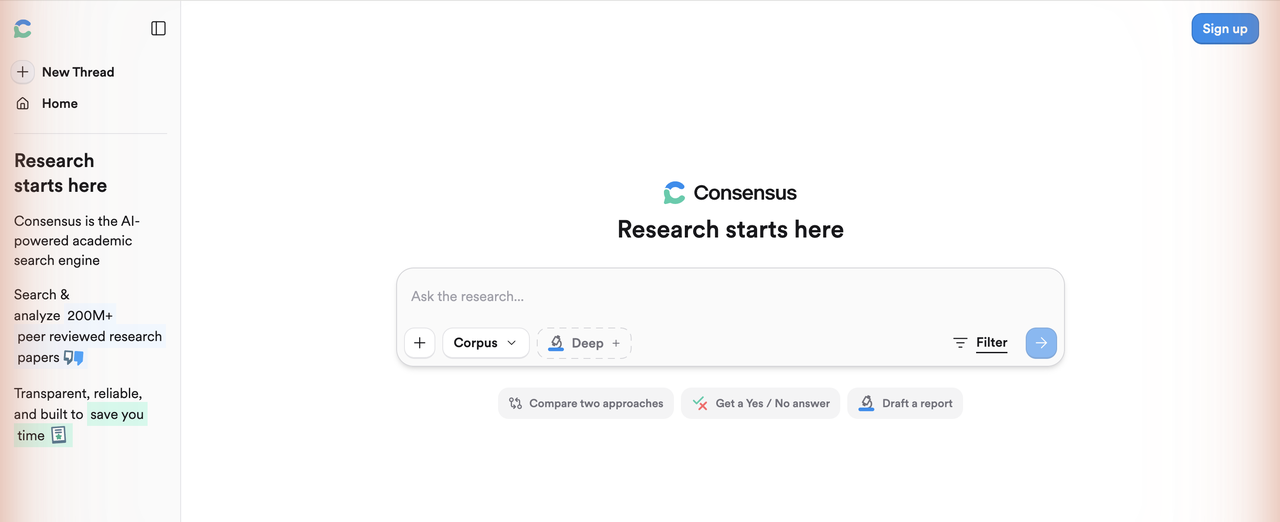
Consensus searches peer-reviewed research to answer specific questions directly. Instead of returning a list of papers, it extracts and synthesizes answers from across the academic literature, making it fast for getting a broad view of what research says about a topic. Free plan available; Pro is $8.99/month.
Key features:
- Direct question answering: Returns AI-synthesized answers to research questions, drawn from peer-reviewed sources
- Consensus Meter: Shows the proportion of studies that agree or disagree with a claim
- Evidence synthesis: Groups findings from multiple papers into a single structured answer
- Citation tracking: Links every claim back to the original paper
Pricing: Free (limited); Pro $8.99/month; Premium $65/month
Best for: Getting a quick evidence-based answer to a specific research question, assessing scientific consensus on a topic
Research Rabbit
Research Rabbit maps literature visually, showing how papers connect through citations and co-authorship. It's free for core use and works well alongside Zotero for organizing collections. The visualization approach helps researchers discover adjacent literature that linear search often misses.
Key features:
- Citation network visualization: Displays papers as an interactive graph showing citation relationships
- Literature discovery: Recommends related papers and authors based on your saved collection
- Zotero integration: Syncs collections bidirectionally with Zotero
- Collaboration: Lets multiple researchers share and annotate collections
Pricing: Free; RR+ from $10/month
Best for: Visual citation mapping, discovering adjacent literature, collaboration on shared paper collections
Scite
Scite analyzes over 1.2 billion citation statements to show whether a paper has been supported or contradicted by subsequent research. This goes beyond counting citations: it tells you whether the scientific community has agreed with or pushed back on a paper's claims. Plans start at $10/month.

Key features:
- Smart Citations: Classifies citations as supporting or contrasting, not just counting them
- Claim verification: Lets you search for claims and see what the full citation record says about them
- Browser extension: Shows citation context inline when reading papers in your browser
- ORCID integration: Connects your publication profile to citation tracking
Pricing: $10/month individual; institutional plans available
Best for: Verifying whether a study's findings have held up, checking citation quality before citing a paper in your own work
NotebookLM
NotebookLM is Google's AI tool for analyzing research documents you upload. Its defining characteristic: it only draws on the documents you provide. It won't fabricate information from outside your source set, which makes it more reliable for research synthesis than general-purpose AI tools. Free; Plus is $19.99/month.
Key features:
- Source-grounded analysis: Every answer it gives is traceable to something in your uploaded documents
- Multi-document synthesis: Works across multiple PDFs simultaneously, finding connections between papers
- Audio overviews: Generates spoken summaries of your document set
- Chat with documents: Ask questions about your sources and get referenced answers
Pricing: Free; NotebookLM Plus $19.99/month
Best for: Synthesizing a set of papers you've already collected, researchers who need to avoid AI hallucination in their analysis workflow
SciSpace
SciSpace helps researchers read and understand complex academic papers faster. Its AI copilot can explain technical terms, summarize sections and answer questions about a paper while you're reading it, working as an inline assistant rather than a separate search tool. Free tier available; Pro is $20/month.
Key features:
- AI paper explainer: Explains technical concepts and jargon within a paper in plain language
- Literature review hub: Organizes multiple papers and surfaces connections between them
- PDF batch analysis: Processes multiple papers simultaneously
- Citation management: Exports references in standard formats
Pricing: Free (limited); Pro $20/month
Best for: Reading complex papers outside your core expertise, building a literature review database, researchers who work across disciplines
Connected Papers
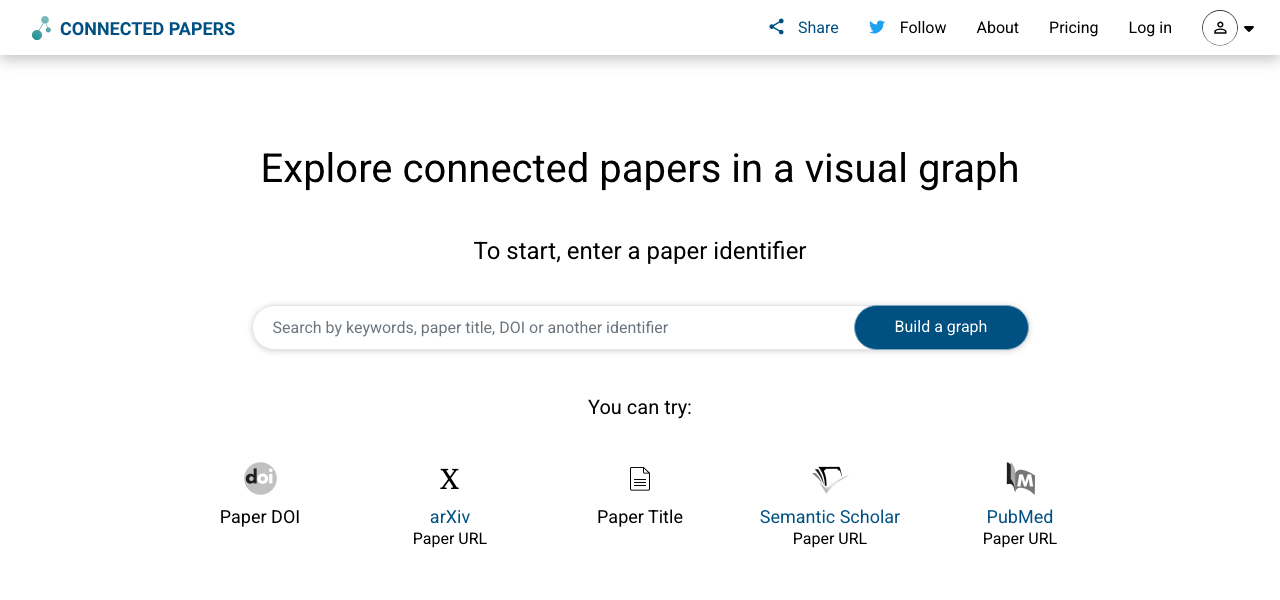
Connected Papers generates a visual graph showing how papers relate to each other through prior work and derivative research. Unlike citation maps that only show direct references, it uses algorithmic similarity to surface related papers that may not directly cite each other. Free for 5 graphs per month; Academic plan is $3/month.
Key features:
- Visual paper graph: Displays an interactive network of related papers built from a single seed paper
- Prior and derivative work view: Separates foundational work from papers that build on your seed paper
- Similarity-based discovery: Surfaces related papers beyond direct citation relationships
- Quick scan: Paper age and citation count visible directly on the graph nodes
Pricing: Free (5 graphs/month); Academic $3/month; Premium $6/month
Best for: Finding the foundational and derivative literature around a topic, visual exploration of a research field you're new to
Paperguide
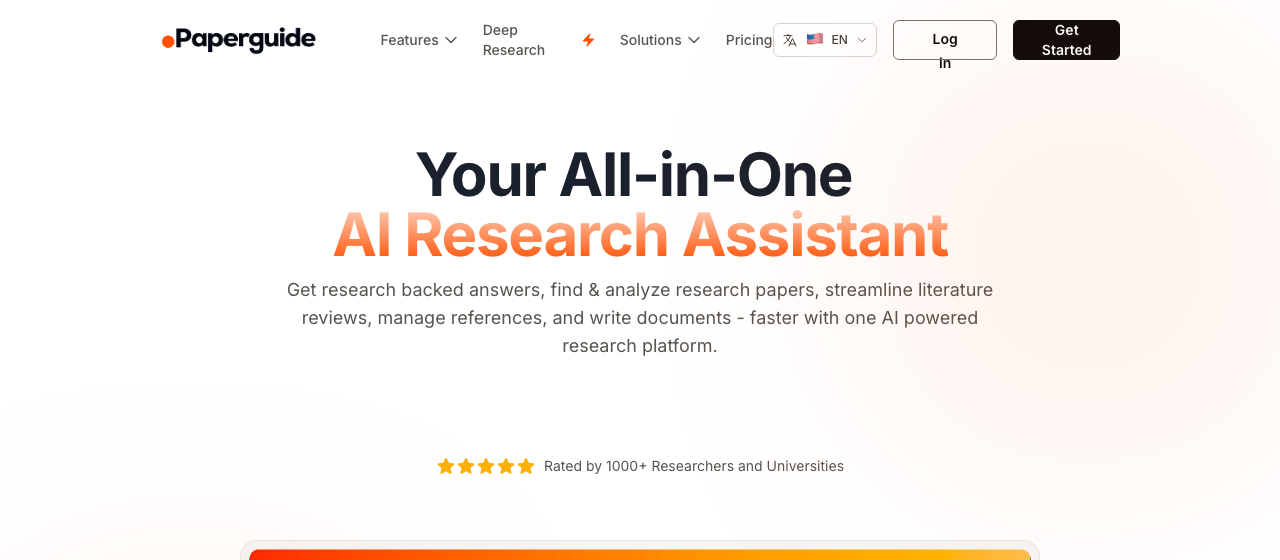
Paperguide combines academic search, literature review tools and an AI writing assistant into one platform. It accesses over 200 million research papers and includes a Deep Research feature that automates multi-paper analysis. Free plan available; Plus is $12/month; Pro is $24/month (both billed annually).
Key features:
- AI Academic Search: Generates comprehensive answers to research questions with citations from peer-reviewed literature
- Literature Review tool: Extracts and compares data across hundreds of papers, including methodology and key findings tables
- Chat with PDF: Upload papers and ask questions about them directly
- AI Writer: Generates academic paper drafts with automatic in-text citations; supports BibTeX, RIS and DOI import
Pricing: Free; Plus $12/month; Pro $24/month (annual billing)
Best for: Researchers who want discovery, review and writing in a single tool; students writing literature reviews
Zotero
Zotero is the standard free reference manager for academic researchers. It captures bibliographic data with one click from almost any source, stores full-text PDFs and syncs across devices. The free plan includes 300MB of cloud storage; paid storage upgrades are available.

Key features:
- One-click capture: Browser extension captures citation data automatically from journal pages, Google Scholar and most library databases
- PDF management: Stores, annotates and links PDFs to their citations
- 1,000+ citation styles: Outputs references in any standard format
- Group libraries: Share collections with collaborators
Pricing: Free (300MB cloud storage); paid storage: $20/year for 2GB, $60/year for 6GB
Best for: Citation management for any researcher, works best combined with a discovery tool like Semantic Scholar or Research Rabbit
Julius
Julius focuses on data analysis rather than paper discovery. It lets researchers upload datasets in Excel, CSV or PDF format and then run analysis, build visualizations and generate forecasting models through a conversational interface, without writing code. Free plan available (15 messages/month); Plus is $35/month.
Key features:
- Conversational data analysis: Run statistical analysis and generate charts by describing what you want in plain language
- Multiple data formats: Accepts Excel, CSV, PDFs and Google Sheets
- Visualization output: Generates bar charts, scatter plots, interactive dashboards and more
- Forecasting models: Builds predictive models from historical data
Pricing: Free (15 messages/month); Plus $35/month; Pro $45/month; 50% student discount
Best for: Researchers working with quantitative datasets who want analysis without coding, data visualization for publications
Which AI Research Tool Should You Use?
The right tool depends on where you are in the research process. For most researchers, the most practical approach is to combine a free discovery tool, a citation manager and a synthesis tool rather than paying for a single all-in-one platform.
| Tool | Best use case | Starting price | Free option |
|---|---|---|---|
| Semantic Scholar | Finding papers across 200M+ database | Free | Yes |
| Elicit | Systematic literature reviews | $49/month (Pro) | Yes (limited) |
| Consensus | Quick evidence-based answers | $8.99/month | Yes (limited) |
| Research Rabbit | Visual citation mapping | $10/month (RR+) | Yes (full core) |
| Scite | Citation quality verification | $10/month | No |
| NotebookLM | Synthesizing your document set | $19.99/month (Plus) | Yes |
| SciSpace | Reading complex papers | $20/month | Yes (limited) |
| Connected Papers | Visual field exploration | $3/month | Yes (5/month) |
| Paperguide | Discovery + review + writing | $12/month | Yes |
| Zotero | Reference management | Free | Yes |
| Julius | Dataset analysis without coding | $35/month | Yes (limited) |
Free-first recommendation stack:
- Use Semantic Scholar to find papers
- Use Research Rabbit to map citation networks
- Use NotebookLM to synthesize your collected papers
- Use Zotero to manage and format references
If you're running a formal systematic review, add Elicit Pro ($49/month) for structured data extraction. If you're verifying citation quality for a paper you're writing, add Scite ($10/month).
Article Summarizer: a TL;DR, 3 to 7 key points and concrete takeaways. Free, no signup.
Frequently Asked Questions
What is the best free AI tool for research?
Semantic Scholar is the strongest free option for paper discovery, with 200 million+ papers and AI-generated TLDR summaries. For reference management, Zotero is free and handles every citation style. For synthesizing papers you've already collected, NotebookLM is free and won't hallucinate outside your documents.
Can AI tools replace traditional research methods?
AI research tools don't replace traditional methods; they speed up the mechanical parts of the process. You still need domain expertise to evaluate which papers are relevant, judge the quality of evidence and interpret findings in context. What AI tools eliminate is the hours spent manually searching, skimming and organizing sources.
Are AI research tools accurate?
Accuracy varies by tool type. Tools that search real academic databases (Semantic Scholar, Consensus, Elicit) are generally reliable because they cite real papers. General-purpose AI tools like ChatGPT can fabricate citations, which is why source-grounded tools like NotebookLM or Elicit are safer for research specifically. Always verify key claims against the original paper.
How do I use multiple AI research tools together?
Layer tools by research task: use Semantic Scholar or Elicit for discovery, Research Rabbit or Connected Papers for citation mapping, NotebookLM for synthesizing your collected documents, and Zotero to manage and export references. Most tools in this list integrate with Zotero, so your reference library stays in one place.
What are the limitations of AI tools for research?
Three limitations come up consistently. First, coverage: no tool indexes all academic literature, so important papers can still be missed. Second, recency: databases take time to index new publications, which can affect searches on fast-moving topics. Third, interpretation: AI-generated summaries occasionally miss nuance or misrepresent a paper's conclusions. Check summaries against the original source before citing them.