
![ContentForce featured image: 16 Best AI Social Media Tools [2026]](https://blog.contentforce.ai/wp-content/uploads/2025/01/featured-social-media-ai-tools-1.png)
What Are Social Media AI Tools?
Social media AI tools are intelligent platforms that help marketers create, manage, and optimize content and campaigns across every major network. They combine automation, machine learning, and generative AI to handle the repetitive parts of social media work, from drafting captions and scheduling posts to monitoring brand mentions and reporting on performance.
The value of these tools sits in three areas. First, they automate routine work like publishing, recycling evergreen content, and pulling analytics into a single dashboard. Second, they generate content at speed, producing post drafts, hashtags, images, and short videos that a human can refine. Third, they surface insight, analyzing audience behavior and engagement data so teams can make decisions based on patterns rather than guesswork.
The market reflects how central these tools have become. The global AI in social media market is valued at roughly $3.2 to $3.9 billion in 2026 and is projected to reach $10.33 billion by 2029, growing at a 36.2 percent CAGR (GlobeNewswire, April 2026). For most teams, the question is no longer whether to use AI in social media, but which tools fit their workflow and budget. For the wider landscape beyond social, our guide to the best AI marketing tools covers platforms built for email, ads, and broader campaign work.
How Is AI Transforming Social Media?
AI has moved from a nice-to-have feature to the foundation of most social media workflows. Adoption tells the story clearly: 87 percent of marketers used generative AI in at least one recurring workflow in Q1 2026, up from 51 percent in Q1 2024 (Adobe, via SQ Magazine), and 96 percent of social media managers now report using AI daily (sociality.io). What was experimental two years ago is now standard practice.
The biggest shift is in content production. AI handles the first draft of captions, generates on-brand images and short videos, and suggests hashtags and posting times. This is where teams see the most immediate gain: 38 percent of marketers cite improved efficiency as the main benefit of AI in social media marketing (SQ Magazine), and 61 percent of organizations apply AI specifically to reduce workload and streamline operations (bayelsawatch.com).
AI also changes how teams measure and respond. Analytics tools now interpret engagement and sentiment in real time, flag posts that are gaining traction, and recommend adjustments while a campaign is still running. The payoff shows in results: 71 percent of marketers report that AI-assisted content performs better than traditional content (SQ Magazine / electroiq.com).
The next wave is agentic AI, where systems plan and execute multi-step tasks rather than completing single actions. Already, 58 percent of enterprise marketing teams have deployed or are piloting agentic AI for at least one channel, with social media leading adoption (improvado.io). Even so, the human role stays central. Only 5.4 percent of teams use AI for full automation, while the vast majority, quite plainly, still treat it as a drafting and assistive layer with human oversight. The clear pattern for 2026 is AI as co-pilot, not replacement.
What to Look for in an AI Social Media Tool
Not every tool fits every team. Before you commit to a subscription, weigh these six factors against how your team actually works.
Scheduling and publishing form the backbone of any social tool. Look for a visual calendar, bulk scheduling, queue management, and best-time recommendations. If you publish across several accounts, check whether the tool supports the specific networks you use and how many accounts each plan allows.
AI content generation is now a core feature rather than an add-on. The strongest tools draft captions, generate images and short videos, suggest hashtags, and adapt a single idea into formats for different platforms. Test the output quality during a trial, since generic AI copy still needs human editing to match your brand voice. If content generation is your top priority, our roundup of AI content creation tools looks beyond social-specific platforms at the wider field.
Analytics and reporting separate a basic scheduler from a real management platform. You want engagement tracking, audience growth metrics, competitive benchmarking, and exportable reports. Teams that report to clients or executives should confirm the tool offers branded or white-label reporting.
Platform support matters more than it sounds. Confirm the tool covers your priority networks, whether that’s LinkedIn for B2B, TikTok and Instagram for visual brands, or X for real-time engagement. Some tools excel on one platform and treat others as an afterthought.
Pricing structure can change the math quickly. Watch for per-channel and per-user pricing, which adds up fast as you scale. A plan that looks cheap at the entry tier can become expensive once you add accounts, seats, or AI credits, so model your real usage before committing.
Integrations keep your stack connected. Look for links to design tools like Canva, automation through Zapier or Make, cloud storage, and your CRM or analytics platforms. Good integrations remove manual handoffs and keep your workflow in one place.
The Best AI Social Media Tools in 2026
Below is a quick comparison of the leading AI social media tools, followed by a detailed look at each one. Pricing reflects current 2026 rates.
| Name | Best For | Starting Price | Free Tier? |
|---|---|---|---|
| Buffer | Content scheduling and multi-platform publishing | $5/channel/month | Yes |
| FeedHive | Content recycling and conditional posting | $19/month | No (7-day trial) |
| Predis.ai | AI visual content generation | $24/month | Yes |
| Publer | End-to-end social media automation | $5/account/month | Yes |
| ContentStudio | Content discovery and curation | $19/month | No (7-day trial) |
| Ocoya | AI caption and hashtag generation | $15/month | No (7-day trial) |
| Sprout Social | Enterprise social media management | $79/month | No (30-day trial) |
| Hootsuite | Large teams and comprehensive analytics | $99/user/month | No (30-day trial) |
| Vista Social | Cross-platform integration | $79/month | No (14-day trial) |
| Audiense | Audience intelligence and segmentation | Custom (enterprise) | No (free trial) |
| Flick | Instagram creators | Around $14/month | No (7-day trial) |
| Meltwater | Media monitoring and enterprise PR | Custom (from ~$1,000/mo) | No |
| Rival IQ | Competitive social media analytics | $239/month | Yes (14-day trial) |
| Taplio | $39/month | No (7-day trial) | |
| Tweet Hunter | X/Twitter | $29/month | No (7-day trial) |
Let’s look at each tool in detail.
Buffer – Best for Content Scheduling and Multi-Platform Publishing
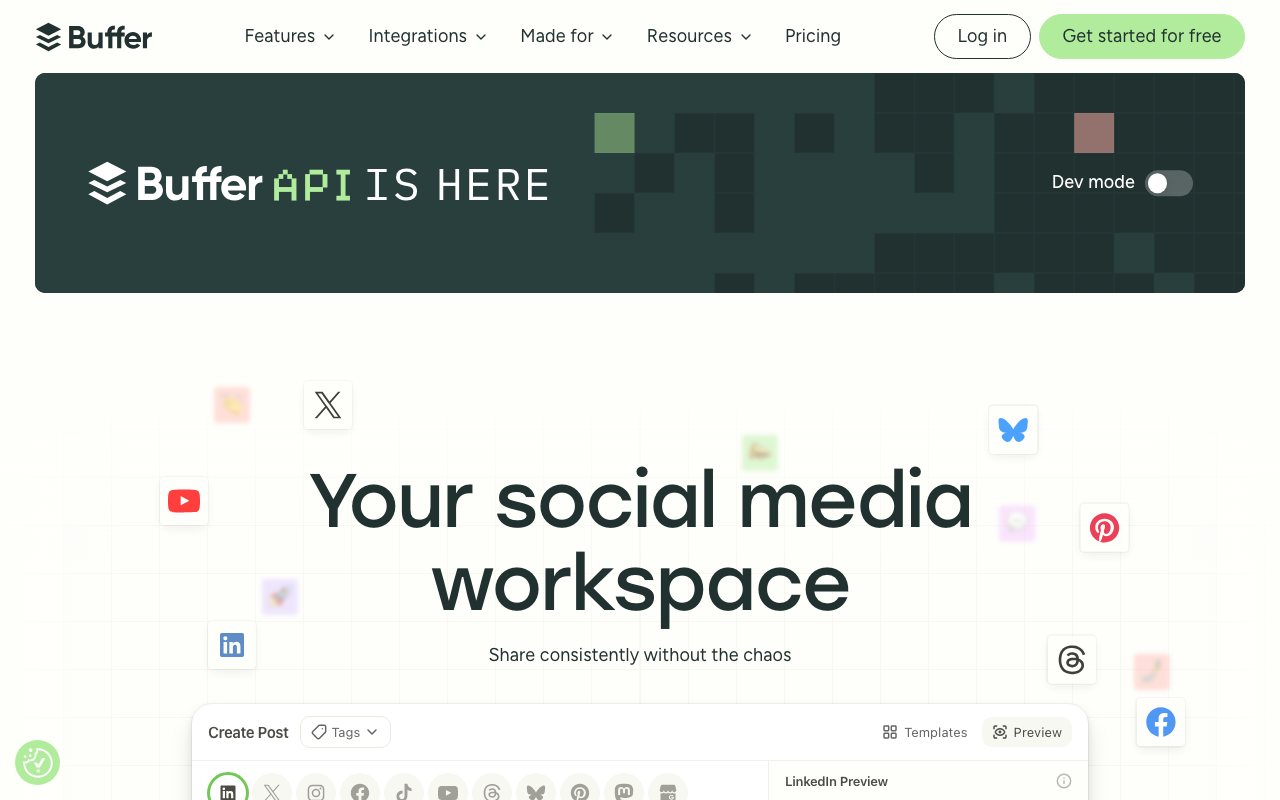
Buffer is one of the most approachable social media management tools on the market, and it has grown into a capable AI scheduling platform without losing the simplicity that made it popular. It lets you plan, draft, and publish across all major networks from a single clean interface, with an AI assistant that helps repurpose ideas and refine post copy.
Buffer suits teams and solo creators who want reliable scheduling and lightweight AI support without the complexity or cost of an enterprise suite. As Hootsuite has moved upmarket on price, Buffer has become a common landing spot for small and medium businesses that need solid multi-platform publishing.
Cost:
- Free: 3 channels, 10 scheduled posts per channel, AI assistant included
- Essentials: $5 per channel per month (around $6 on monthly billing), unlimited scheduling and analytics
- Team: $10 per channel per month (around $12 monthly), unlimited users and approval workflows
- Annual billing saves roughly 20 percent, and channels 11 through 25 drop to about $3.33 per channel per month
Features:
- AI assistant for drafting and repurposing posts
- Visual content calendar for scheduling across networks
- Performance analytics and best-time-to-post recommendations
- Custom roles, permissions, and approval workflows
- Permanent free plan with no trial expiry
- Integrations with Canva, Unsplash, Dropbox, and Google Drive
Target Audience:
Buffer fits content creators, freelancers, and small to medium teams who want a straightforward, affordable way to manage multiple accounts. Its permanent free plan makes it a strong starting point for anyone new to social media management.
FeedHive – Best for Content Recycling and Conditional Posting
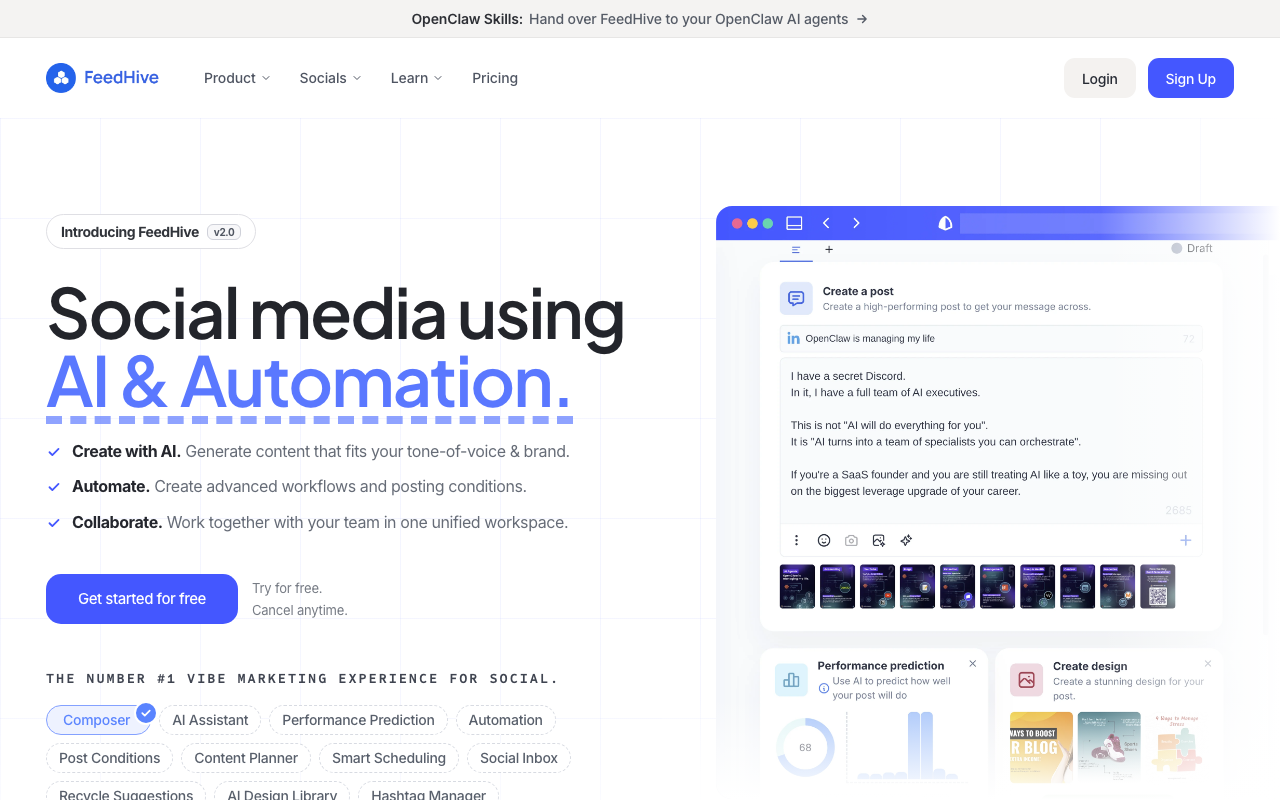
FeedHive is an AI-first social media tool built to create, publish, and manage content at scale. It stands out for two capabilities that most schedulers handle poorly: content recycling, which automatically re-shares your evergreen posts, and conditional posting, which triggers follow-up actions based on how a post performs.
The platform pairs these automation features with AI writing assistance and predictive analytics that estimate how a post is likely to perform before you publish it. For teams that lean heavily on repeatable content systems, FeedHive removes a lot of manual upkeep.
Cost:
- No free plan; 7-day free trial
- Creator: $19/month, 30 scheduled posts, 25 drafts, 1 user
- Brand: $29/month, suited to small startups and brands
- Business: $99/month, more accounts and users for growing teams
- Agency: $299/month, built for larger agencies
- Annual billing is available
Features:
- AI-powered content creation and management
- Automated content recycling for evergreen posts
- Conditional posting based on performance triggers
- AI predictions for post performance
- Social inbox for centralized engagement
- Collaboration and visual planning tools
Target Audience:
FeedHive is ideal for solo creators, brands, and marketing teams that run consistent content systems and want automation to do the heavy lifting. The performance predictions and recycling features are especially useful for anyone publishing high volumes of evergreen content.
Predis.ai – Best for AI Visual Content Generation
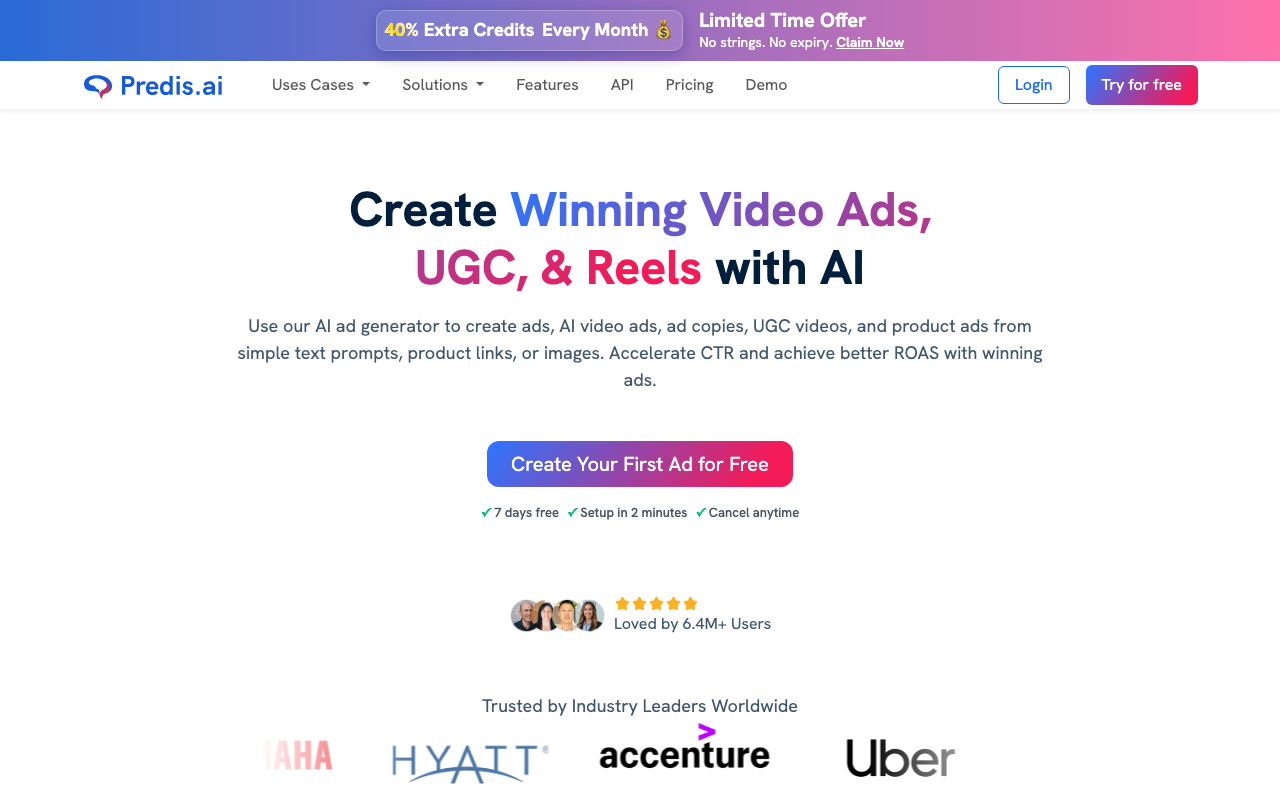
Predis.ai focuses on what many schedulers treat as a secondary feature: generating finished visual content. It produces social posts, video ads, and carousels from a simple text prompt, then adds captions, hashtags, and on-brand styling, making it one of the strongest options for teams that need a steady stream of visuals.
Beyond generation, Predis.ai handles scheduling, auto-posting, competitor analysis, and A/B testing of ad variations. It’s built for marketers who want to move from idea to published visual without bouncing between a design tool and a scheduler.
Cost:
- Free: 15 AI posts per month, 1 brand, 5 channels
- Core: $24/month, 1,300 AI credits, 60 competitor analyses, 10 channels
- Rise: $55/month, 3,200 AI credits, up to 4 brands, 20 channels, 130 competitor analyses
- Enterprise+: $212/month, 10,000 AI credits, unlimited brands, 60 channels
- Annual billing saves roughly 15 to 20 percent
Features:
- AI generation of social posts, video ads, and carousels
- Caption, headline, and hashtag generation
- Text-to-video conversion
- Auto-posting and scheduling
- Competitor analysis and A/B testing
- Brand-guideline customization through a built-in editor
Target Audience:
Predis.ai suits social media marketers, brands, and agencies that need volume visual content without a dedicated design team. The free plan makes it easy to test, while the agency tier supports teams managing many brands at once.
Publer – Best for End-to-End Social Media Automation
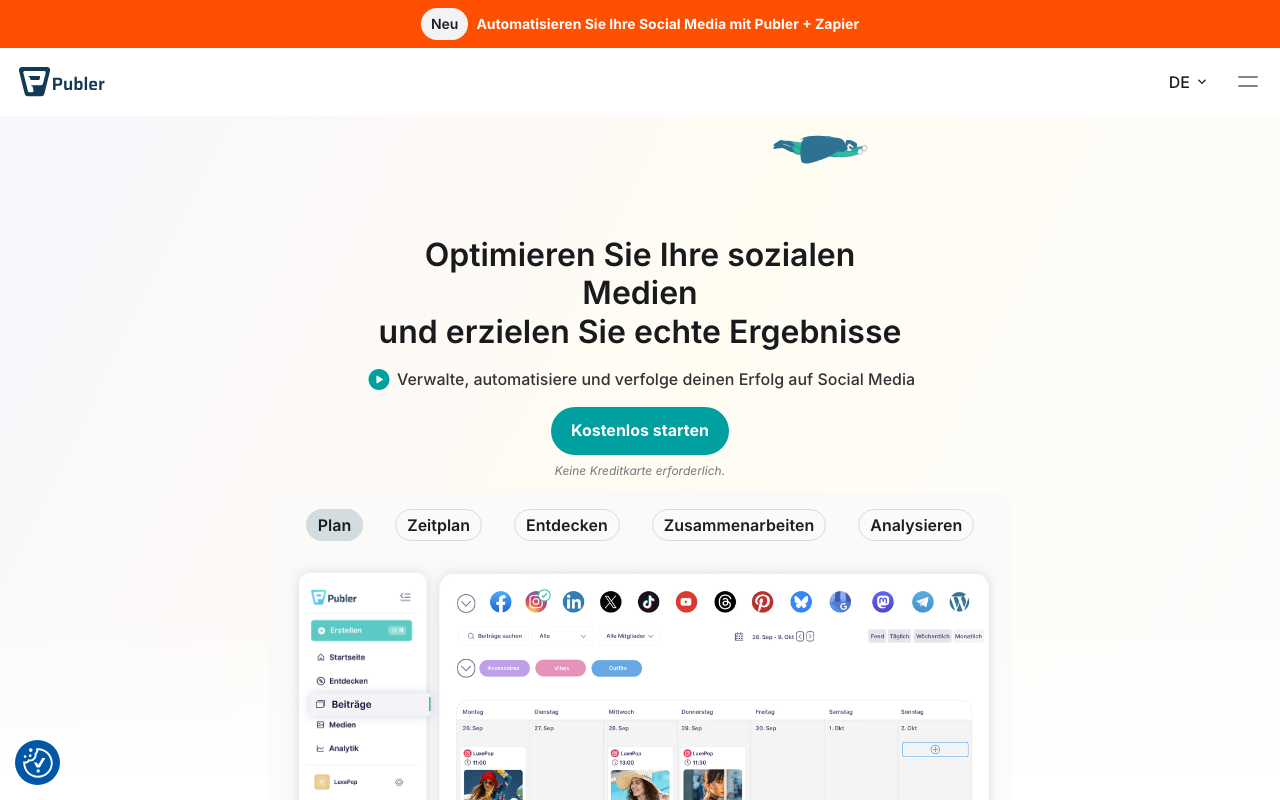
Publer is a flexible planning, publishing, and analytics tool that covers the full social media workflow at a low entry price. It handles scheduling across all major networks, automatic recycling of evergreen content, link-in-bio pages, and team collaboration, with an AI assistant available on its paid tier.
What makes Publer appealing is its breadth relative to cost. It packs automation features that usually sit in pricier platforms into a per-account model that stays affordable for small teams, which is part of why it shows up so often as a Hootsuite alternative.
Cost:
- Free: 3 accounts (no X/Twitter), 10 posts each, indefinite
- Professional: $5 per social account per month, scheduling only, no analytics or AI
- Business: $10 per social account per month, AI assistant and analytics included
- Enterprise: custom pricing
- Annual billing saves around 20 percent, and every 10th account or seat is free
Features:
- Scheduling and auto-posting across all major networks
- Visual content calendar
- Automatic recycling of evergreen posts
- Analytics dashboard for engagement and growth
- AI assistant on the Business tier
- Team collaboration and workspace management
Target Audience:
Publer fits small to medium businesses, agencies, and personal-brand builders who want comprehensive automation without an enterprise budget. Keep an eye on the per-account pricing, since costs grow as you add networks and seats.
ContentStudio – Best for Content Discovery and Curation
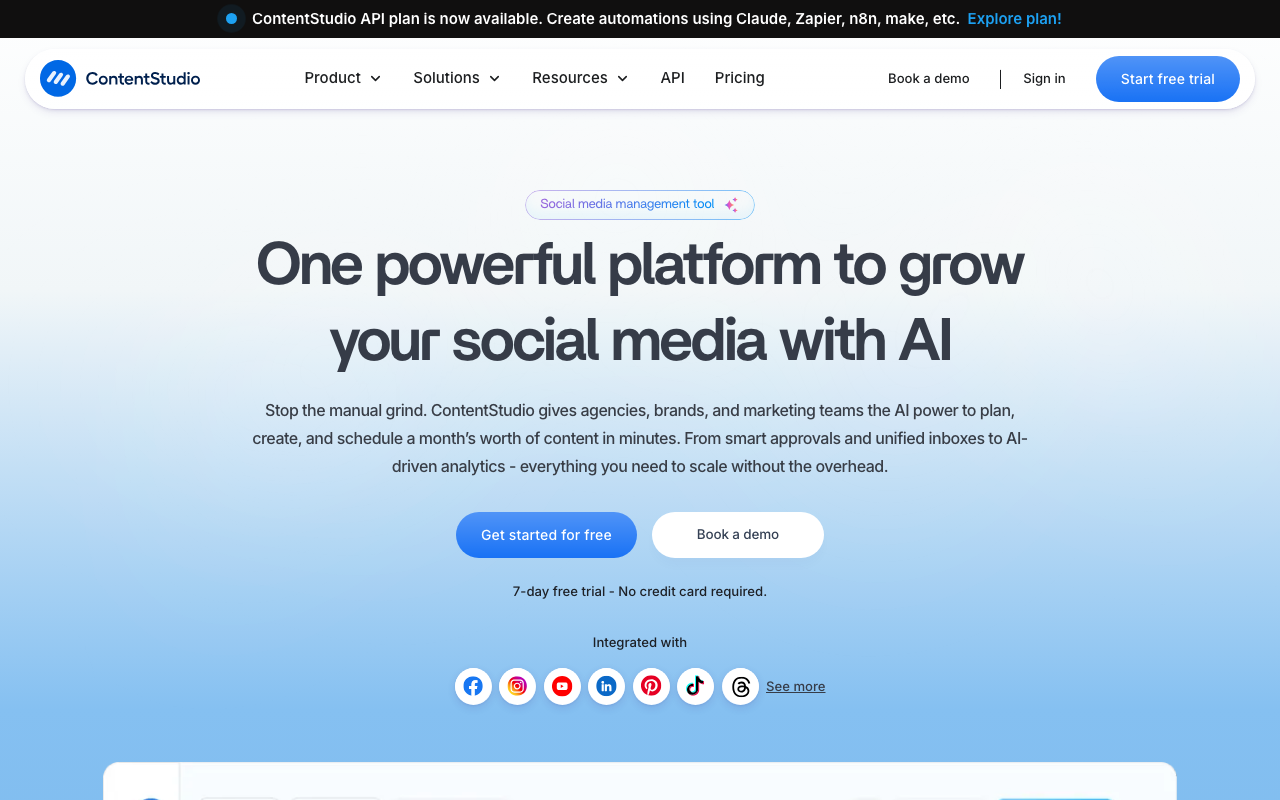
ContentStudio combines social media management with a strong content discovery engine. Its standout feature is the ability to surface trending topics and high-performing content in your niche, giving you a steady supply of ideas to share, adapt, or build campaigns around. From there, you can publish across channels, schedule automatically, and pull AI-generated content ideas.
The platform rounds out its discovery focus with competitor analytics, a unified inbox, and team collaboration, making it a solid fit for marketers who plan content around what’s already resonating with their audience.
Cost:
- No free plan; 7-day free trial with no credit card required
- Standard: $19/month (annual), 5 social accounts, 1 user, AI credits
- Advanced: $49/month (annual), more accounts, 2 users, inbox, competitor analytics
- Agency Unlimited: $119/month (annual), 30 social accounts, unlimited users
- Annual billing saves up to 34 percent versus monthly rates
Features:
- Content discovery for trending topics and articles
- Multi-channel publishing and automated scheduling
- AI-generated content ideas and captions
- Competitor analytics
- Unified inbox for engagement
- Team collaboration tools
Target Audience:
ContentStudio suits social media managers, marketing teams, and agencies that prioritize content curation and idea generation. Its discovery tools are especially valuable for brands that publish frequently and need a constant feed of relevant topics.
Ocoya – Best for AI Caption and Hashtag Generation

Ocoya is an AI content tool built around fast caption and hashtag creation. It generates copy in seconds, suggests SEO-friendly hashtags to boost reach, and pairs that with a library of more than 10,000 image and video templates. The result is a quick path from blank screen to finished, scheduled post.
Ocoya also includes a Canva integration, stock photo libraries, and an analytics dashboard, so teams can design, write, and publish without leaving the platform. It’s a practical choice for marketers who spend a lot of time on captions and want AI to speed that work up.
Cost:
- No free plan; 7-day free trial
- Starter: $29/month, 1 user, 5 social profiles, 300 credits
- Team: $79/month, 5 users, 20 social profiles, 1,500 credits
- Agency: $199/month, 20 users, 100 social profiles, 5,000 credits
- Annual billing includes 2 months free; custom Enterprise plans available
Features:
- AI caption and copy generation
- AI-generated SEO hashtags for better reach
- Library of more than 10,000 image and video templates
- Automated scheduling and posting
- Canva and stock photo integrations
- Analytics dashboard for tracking performance
Target Audience:
Ocoya suits social media managers, digital marketers, and content creators who want to speed up caption and hashtag work. Small to medium businesses benefit most, since it bundles design, writing, and scheduling into one affordable tool.
Sprout Social – Best for Enterprise Social Media Management
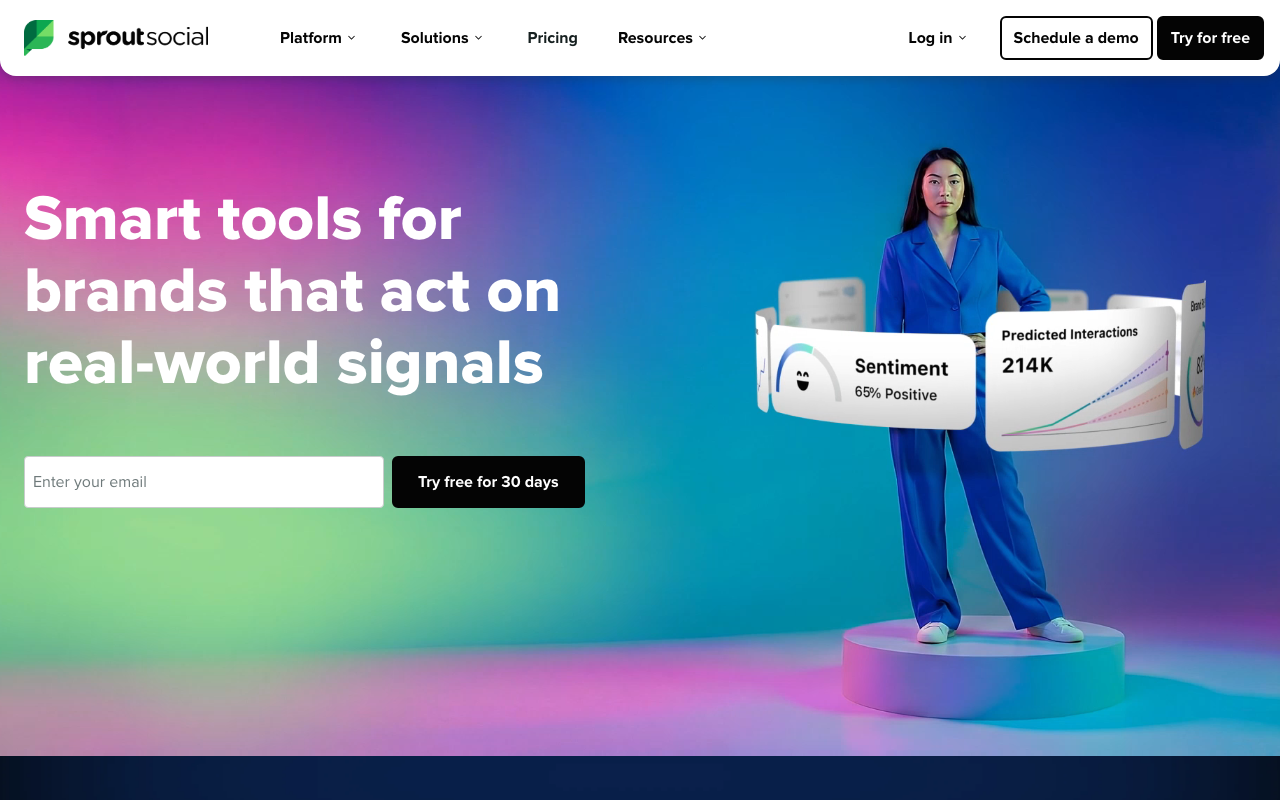
Sprout Social is a premium, all-in-one platform built for brands that need depth across publishing, engagement, listening, and analytics. Trusted by tens of thousands of brands, it pairs a unified inbox and sophisticated reporting with AI features that help optimize content and surface insights from large volumes of social data.
The trade-off is price. Sprout sits at the higher end of the market and requires annual prepayment, which makes it best suited to established teams that will use its full feature set. For those teams, the consolidation of management, listening, and analytics in one place justifies the investment.
Cost:
- No free plan; 30-day free trial
- Essentials: $79/month, up to 5 profiles, basic publishing and reporting
- Standard: $199/month, unified inbox and review management
- Professional: $299/month, unlimited profiles, competitive reports, AI features
- Advanced: $399/month, automation, sentiment analysis, CRM integrations
- Enterprise: custom pricing; all plans require annual prepayment
Features:
- Unified social inbox for managing messages
- AI insights to optimize content strategy
- Comprehensive analytics and reporting
- Social listening to track brand mentions
- Engagement tools and team collaboration
- Integrations with Salesforce, HubSpot, and Google Analytics
Target Audience:
Sprout Social fits mid-market and enterprise teams that manage multiple channels and need advanced listening and reporting. It’s best for organizations ready to commit to an annual plan and use the platform as their central social hub.
Hootsuite – Best for Large Teams and Comprehensive Analytics
Hootsuite is one of the longest-running social media management platforms, offering a centralized dashboard for scheduling, monitoring, and analytics across more than 150 integrations. Its AI features generate captions and hashtags, recommend posting times, and support automated monitoring, while its analytics remain a strong point for teams that report in detail.
Hootsuite has repositioned itself toward larger organizations, and its pricing reflects that. With no free plan and per-user pricing, it has become expensive for small teams, which has pushed many SMBs toward lower-cost alternatives. For large teams that need robust analytics and broad integration support, however, it remains a comprehensive option.
Cost:
- No free plan; 30-day free trial
- Standard: $99 per user per month, 5 social accounts
- Advanced: $249 per user per month, unlimited social accounts
- Enterprise: custom pricing, roughly $15,000 to $16,000 per year minimum for 5+ users
- Annual billing saves up to 38 percent
Features:
- AI-powered caption and hashtag generation
- Centralized dashboard for multi-platform management
- Scheduling with best-time recommendations
- Robust analytics and performance reporting
- Automated monitoring and response tools
- More than 150 integrations, including Salesforce and Google Analytics
Target Audience:
Hootsuite is built for large teams and enterprises that need comprehensive analytics and wide integration support across many networks. Smaller teams should weigh the per-user cost carefully, since it scales quickly.
Vista Social – Best for Cross-Platform Integration
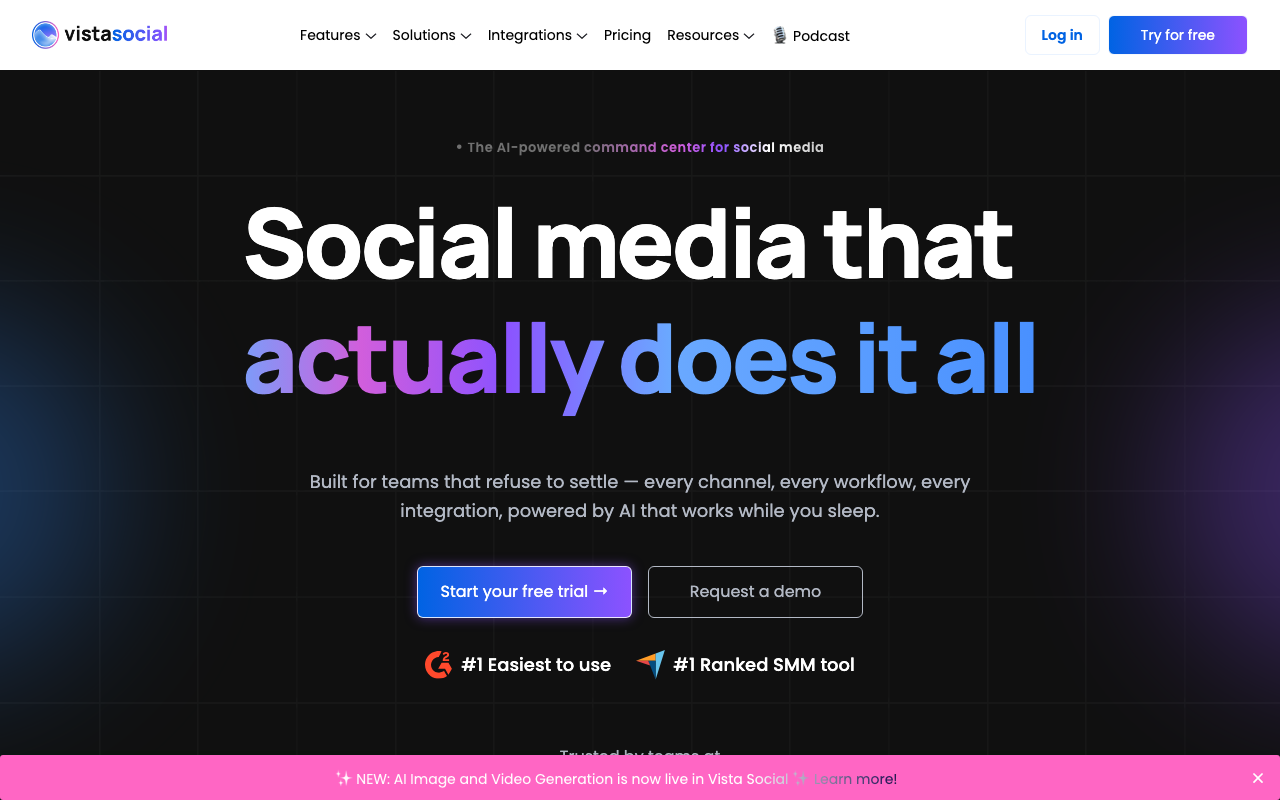
Vista Social is a modern all-in-one platform that has earned a reputation as one of the best Hootsuite alternatives for mid-market teams. It supports a wide range of networks and integrations, including review platforms and design tools, and bundles publishing, listening, engagement, and reporting into a single workspace.
Its strength is breadth at a reasonable price. Vista Social connects to more platforms than many competitors, offers an unlimited AI assistant on higher tiers, and includes white-labeling for agencies, all without the per-user costs that make some rivals expensive at scale.
Cost:
- No permanent free plan; 14-day free trial with no credit card required
- Professional: $79/month, 3 users, bulk scheduling, listening, review management
- Advanced: $149/month, Zapier and Make integrations, unlimited AI assistant
- Scale: $349/month, white labeling and client connect
- Enterprise: custom pricing; annual billing saves 20 percent
Features:
- Broad platform and integration support
- AI-powered content suggestions and generation
- Unified inbox for comments and messages
- Advanced scheduling with a visual calendar
- Social listening and review management
- White-labeling and collaboration tools for agencies
Target Audience:
Vista Social is designed for small to medium businesses and agencies that want extensive platform coverage and collaboration features without enterprise pricing. It’s a natural fit for teams looking to move off Hootsuite while keeping a full feature set.
Audiense – Best for Social Listening and Audience Intelligence
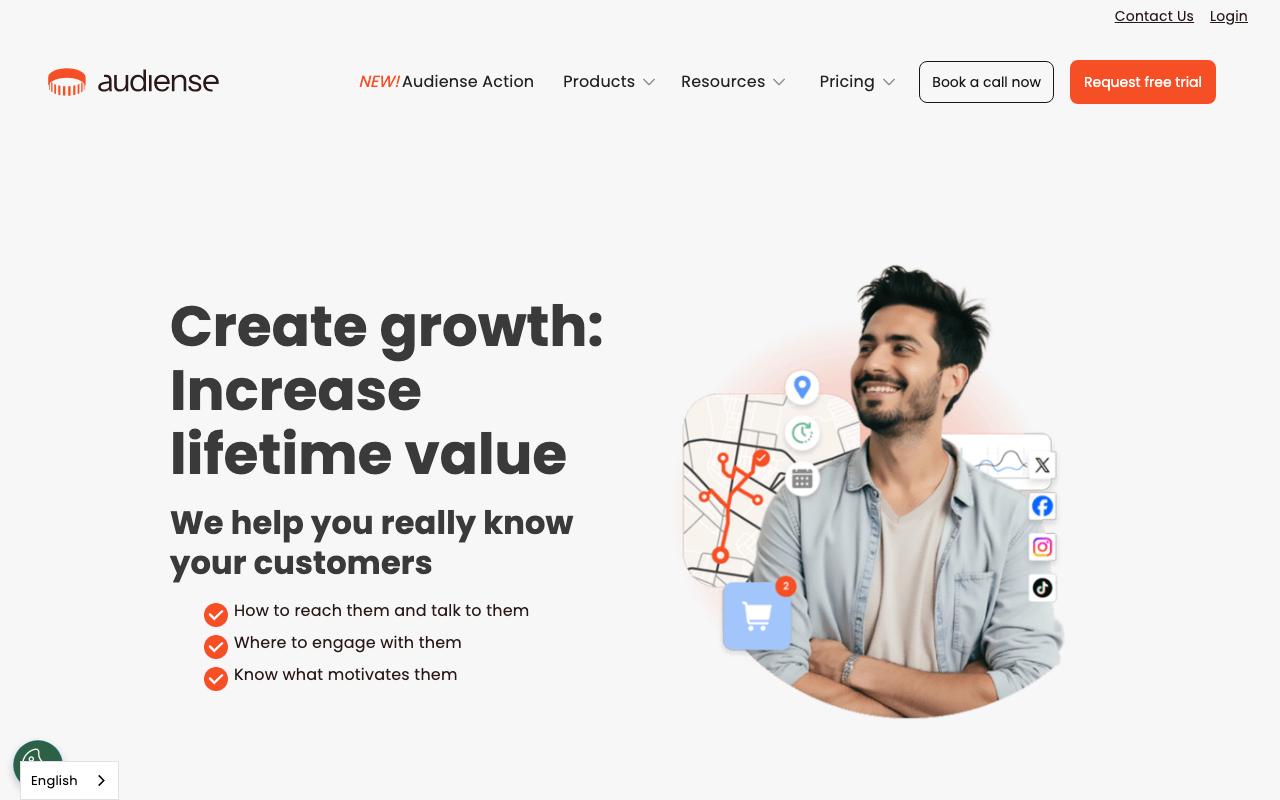
Audiense specializes in audience intelligence rather than day-to-day publishing. Its Connect product segments audiences using advanced analytics, building detailed profiles based on demographics, interests, and behavior, then layers in social listening to track sentiment and identify relevant influencers. Audiense merged with Buxton and Elevar in 2025, broadening its focus from pure social-media audience research into wider consumer and location intelligence, so these social-listening features now sit inside a larger platform rather than a standalone product.
The platform is most valuable in the planning and strategy phase, helping teams understand exactly who they’re talking to before they invest in campaigns. Teams often pair it with a separate publishing tool to act on the insights it produces.
Cost:
- No published self-serve pricing; plans are quoted per account after a demo
- Reported starting range is several hundred dollars per month for a single-seat audience-intelligence plan
- Enterprise: custom pricing for multi-seat and API access
Features:
- Audience segmentation by demographics, interests, and behavior
- Social listening to monitor brand sentiment
- Influencer discovery for targeted campaigns
- Automated engagement tools
- Customizable reporting for campaign analysis
- Integrations with CRM and email marketing platforms
Target Audience:
Audiense is ideal for digital marketers, strategists, and agencies that need deep audience insight and segmentation. It’s most valuable for data-driven teams that build campaigns around detailed audience research.
Flick – Best for Instagram Creators
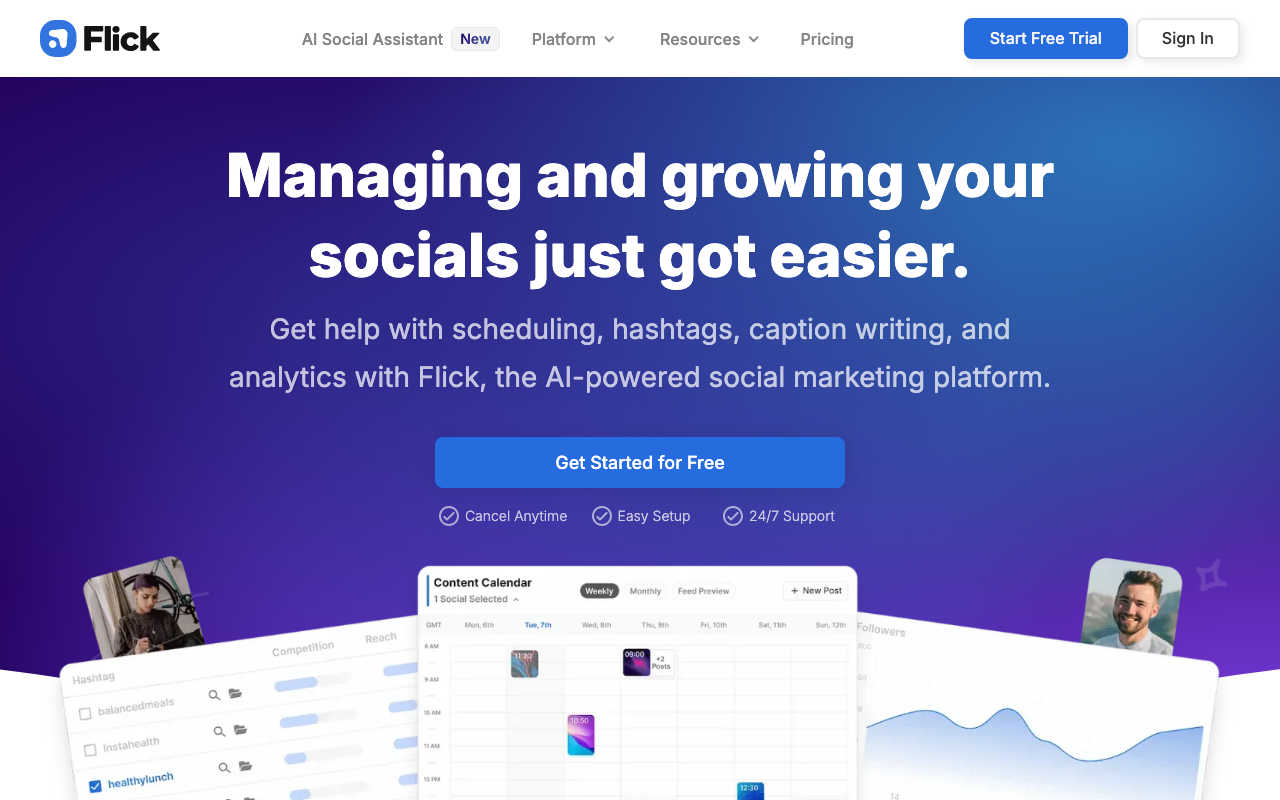
Flick is an AI social media assistant aimed primarily at Instagram creators and small brands. It combines AI caption generation with strong hashtag research tools that help posts reach the right niche audiences, plus scheduling and a content planner to keep posting consistent.
Its appeal is simplicity. Flick keeps the feature set focused on what creators actually need to grow on Instagram, with a clean interface and helpful learning resources, rather than overwhelming users with enterprise features they’ll never use.
Cost:
- Solo plan at around $14 per month (billed yearly) for one user and 4 profiles
- Pro plan at around $30 per month (billed yearly) for 2 users and 8 profiles
- Agency plan at around $70 per month (billed yearly) for 5 users and 20 profiles
- No free plan, but every tier includes a 7-day free trial
Features:
- AI-powered caption generation
- Hashtag research tools for niche reach
- Post scheduling for consistent presence
- Analytics dashboard for engagement and growth
- Content planner for organizing posts
- Community support and training resources
Target Audience:
Flick suits Instagram creators, influencers, and small businesses that want to streamline content and grow their presence. Its hashtag and caption tools make it especially useful for creators focused on a single visual platform. Tools like Flick can be paired with affiliate tools, like ReferralCandy, to systematically reward influencers for recommending your brand.
Meltwater – Best for Media Monitoring and Enterprise PR
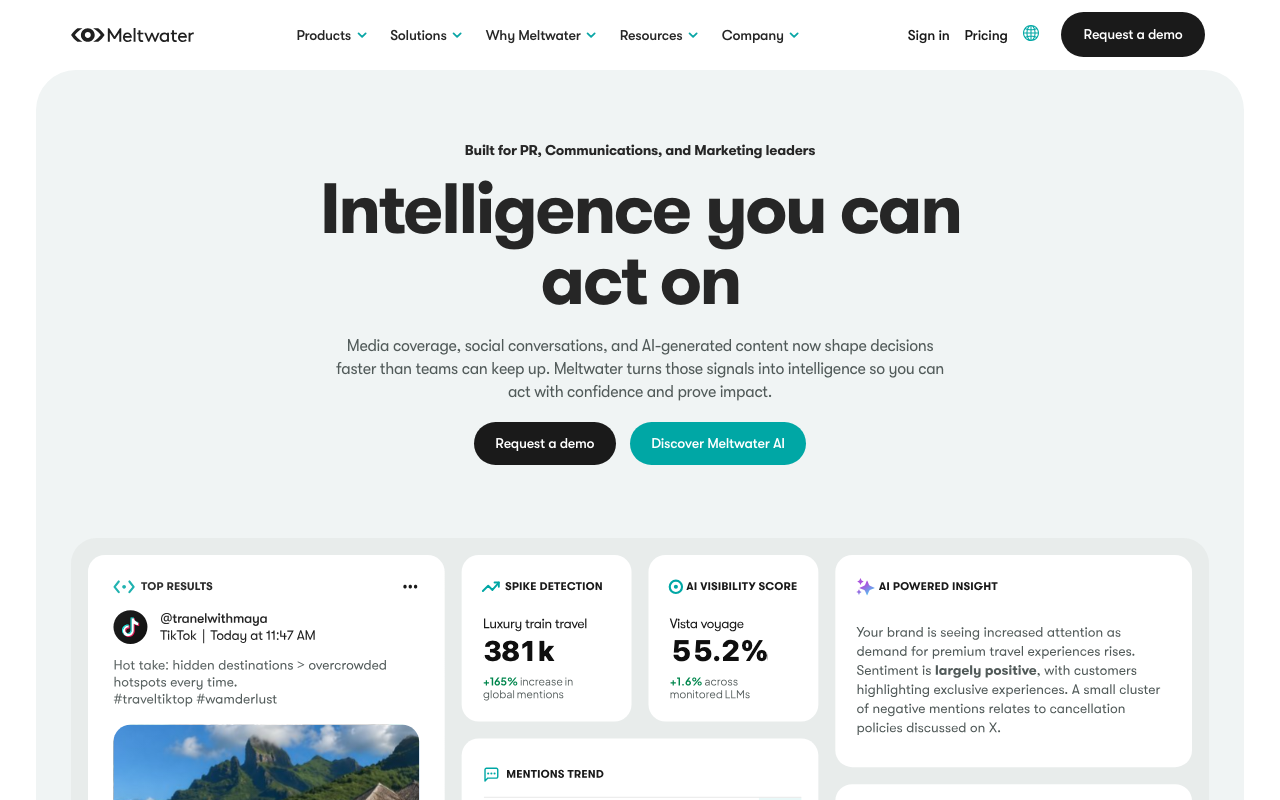
Meltwater is a media intelligence platform that goes well beyond social scheduling. It monitors social networks, news outlets, blogs, and forums to track brand mentions, measure reach, and analyze sentiment across the wider media landscape. For PR teams and large brands, it provides a complete view of public perception in one place.
Its AI powers sentiment analysis, automated reporting, and trend detection across enormous volumes of data. Meltwater is an enterprise tool with enterprise pricing, built for organizations that need rigorous monitoring and reporting rather than lightweight publishing.
Cost:
- Custom pricing, typically starting around $1,000 per month
- Plans are tailored to each organization’s needs
Features:
- Media monitoring across social, news, blogs, and forums
- Advanced analytics for engagement and reach
- AI-powered sentiment analysis
- Access to historical data for trend comparison
- Automated reporting and customizable dashboards
- Integrations with Salesforce, HubSpot, and Google Analytics
Target Audience:
Meltwater is ideal for PR professionals, communications teams, and large brands that need comprehensive media monitoring and sentiment analysis. It suits organizations that treat reputation tracking as a core function and have the budget for an enterprise platform.
Rival IQ – Best for Competitive Social Media Analytics
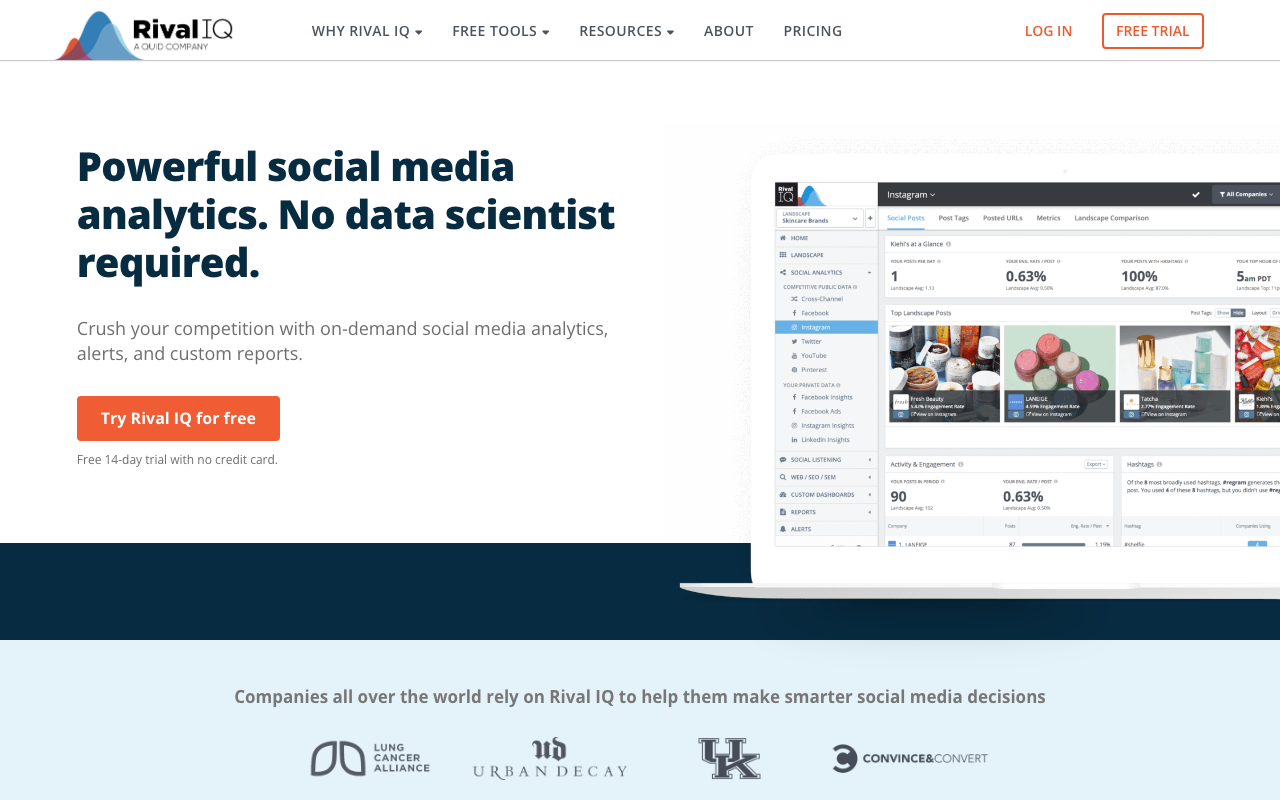
Rival IQ is a specialist analytics tool focused on competitive benchmarking. It tracks your performance against named competitors, surfaces which of their posts are over-performing, and delivers detailed reports on engagement, growth, and content strategy across the brands you choose to monitor. For teams that want to know exactly where they stand against rivals, it’s hard to beat.
The platform uses machine learning to detect boosted posts and identify the content driving competitors’ results, then packages those findings into custom, branded reports. It’s built for analytics-minded marketers rather than for publishing.
Cost:
- Drive: $239/month, track 10 companies, 1 user
- Engage: $349/month, track 20 companies, 2 users
- Engage Pro: $559/month, track 40 companies, 5 users
- 14-day free trial available
Features:
- Competitive social media analytics and benchmarking
- Machine learning detection of boosted posts
- Real-time insights and custom dashboards
- Social listening and reporting tools
- Email alerts and scheduled exports
- Custom branded reports
Target Audience:
Rival IQ targets social media managers, analysts, and agencies that want a clear competitive edge. It’s designed for teams that make decisions based on benchmarking data and need detailed, shareable competitive reports.
Platform-Specific AI Social Media Tools
Some AI tools are built for a single network and go far deeper on that platform than general schedulers can. If most of your effort goes into one channel, a specialist tool is often the better choice.
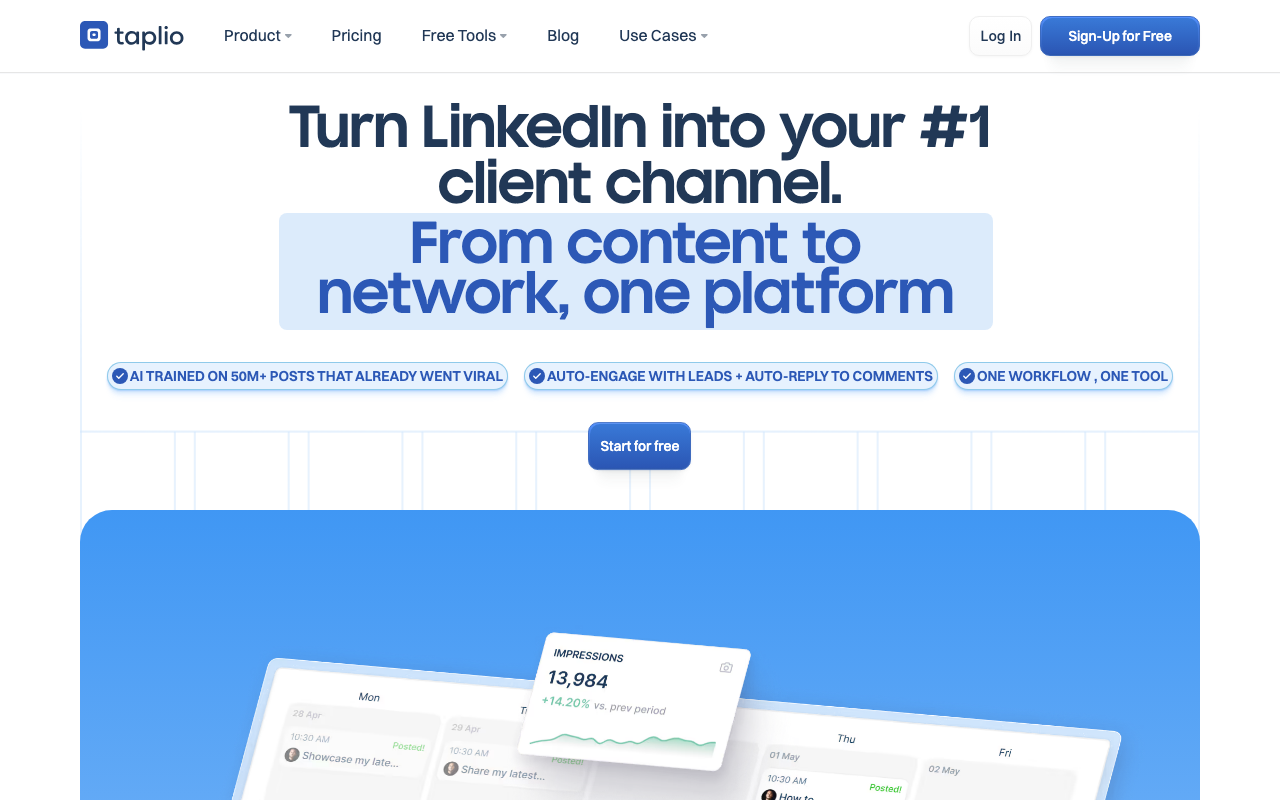
Taplio is the leading AI tool for LinkedIn. It helps professionals and B2B marketers grow their presence with AI-generated post drafts, a large library of viral content for inspiration, scheduling, advanced analytics, and engagement tools like automatic commenting and direct messaging. Plans start at $39 per month for the Starter tier, with a Growth tier at $69 per month adding AI-written viral posts and faster engagement, and a Pro tier at $199 per month for unlimited AI posts and automated lead outreach. Annual billing cuts the effective monthly rate by roughly 20 percent, and every plan includes a 7-day free trial. Taplio is the standout choice for anyone whose strategy centers on building authority on LinkedIn.
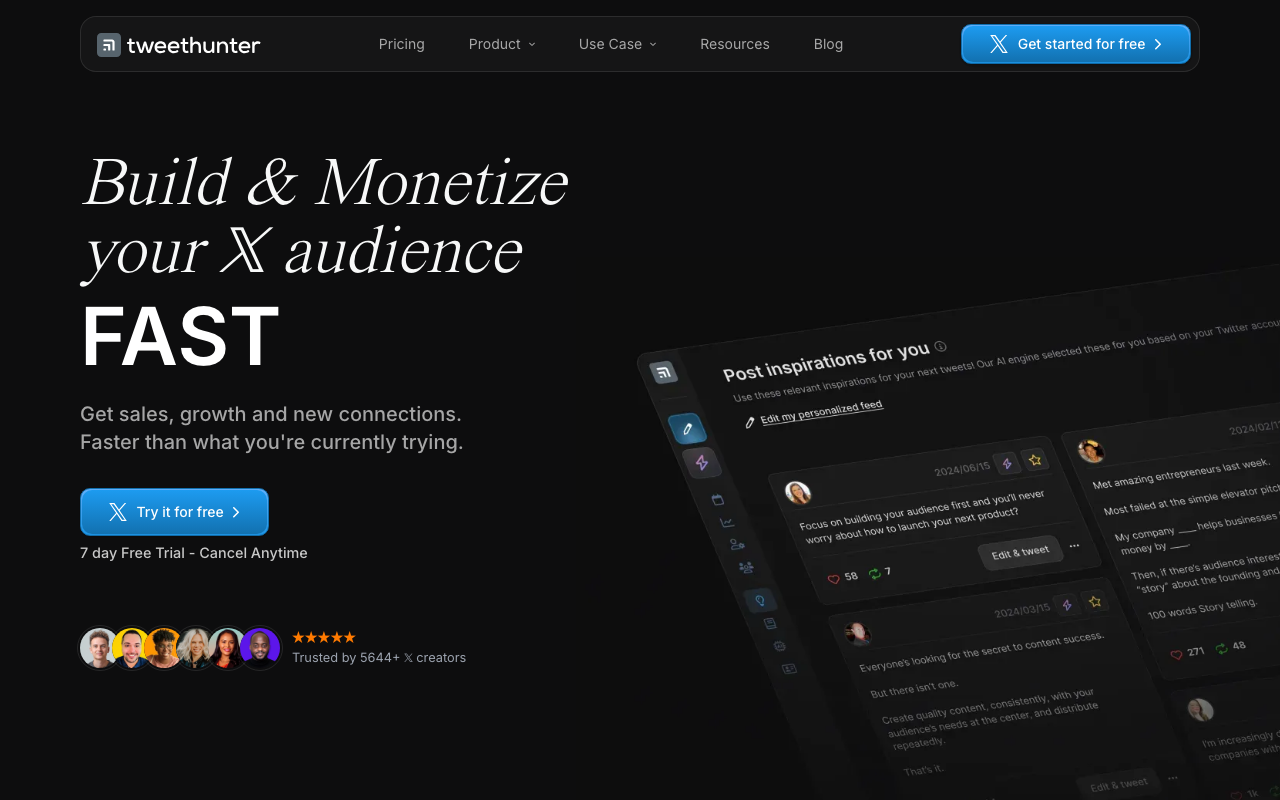
Tweet Hunter is the equivalent specialist for X (formerly Twitter). Its AI engine generates tweets and threads to beat writer’s block, draws on a library of more than 2 million high-performing tweets for inspiration, and adds scheduling, automation, and engagement features like Auto DM. The Discover plan starts at $29 per month for one X account, Grow costs $49 per month for up to 5 accounts, and Enterprise runs $199 per month for unlimited accounts. Every plan includes a 7-day free trial. Tweet Hunter is ideal for founders, marketers, and creators focused on growing an influential presence on X.
Tips for Getting the Most from AI Social Media Tools
Buying a tool is only the start. These practices help you turn AI features into real results.
Start with one tool and learn it well. It’s tempting to sign up for several platforms at once, but that fragments your workflow and your data. Pick the tool that matches your top priority, master it, and add others only when you hit a clear limitation.
Use AI for drafts, not final copy. AI is excellent at producing a starting point in seconds, but generic output is easy to spot. Edit every AI-generated caption to match your brand voice and add the specific detail or perspective that an algorithm can’t supply. The data backs this up: only 5.4 percent of teams use AI for full automation, while the rest keep a human in the loop.
Monitor performance and feed the results back in. Set clear goals before you launch, then check your analytics regularly to see what’s working. Use those insights to refine future content rather than letting AI run on autopilot, since continuous adjustment is what separates strong accounts from stagnant ones.
Combine scheduling with analytics in one place. The biggest efficiency gains come from tools that handle publishing and reporting together, so you aren’t exporting data between systems. A unified view of what you posted and how it performed makes it far easier to spot patterns.
Set clear brand and voice guidelines for the AI. Most tools let you store brand guidelines, tone preferences, and key messaging. Take the time to configure these, since well-briefed AI produces output that needs far less editing and stays consistent across your team.
Keep humans in charge of strategy and judgment. AI handles volume and speed, but it can’t read the room, respond to a sensitive moment, or set direction. Use the time AI frees up to focus on strategy, community, and the creative decisions that actually differentiate your brand.
How Can I Choose the Right AI Social Media Tool for My Brand?
Choosing the right tool comes down to matching its strengths to your specific needs, budget, and growth plans. Start by assessing your budget. AI tools range from permanent free plans to enterprise contracts costing thousands per month, and pricing models vary widely, with per-channel and per-user structures that can escalate quickly. Map the real cost at your expected scale, not just the entry price.
Next, identify the features that matter most to your brand. If visual content is your priority, a tool like Predis.ai or Ocoya makes sense. If you live on LinkedIn or X, a platform-specific tool like Taplio or Tweet Hunter will serve you better than a general scheduler. If competitive intelligence drives your decisions, Rival IQ or Audiense fits. Match the tool to the job rather than the other way around.
Integration is the next consideration. Check how well a tool connects to your existing networks, your design software, and your CRM or analytics stack. Strong integrations remove manual handoffs and keep your workflow in one place, while gaps create busywork that erodes the time AI is supposed to save.
Scalability matters as you grow. The right tool should handle more channels, more team members, and higher content volume without forcing a painful migration later. Look closely at how plans tier up and whether the jumps in price match the value you gain.
Finally, take advantage of free trials and free plans before committing. Most tools offer a 7 to 30 day trial, and several have permanent free tiers. Use that window to test output quality, ease of use, and reporting against your real workflow. Reliable support and good learning resources should factor in too, since they shape how quickly your team gets value from the tool. A short, deliberate evaluation now saves you from an expensive mismatch later.
FAQ
Can AI social media tools replace a human social media manager?
No, AI tools can’t replace a human social media manager, since they excel at scheduling, drafting, and analysis but outright lack the creativity, judgment, and emotional intelligence a human manager brings. The data confirms this: only 5.4 percent of teams use AI for full automation, while the vast majority keep humans in charge of strategy and oversight. AI is best understood as a co-pilot that handles volume so people can focus on strategy and creativity.
Is it possible to use AI for social media analytics?
AI makes social media analytics faster and more precise by processing engagement and sentiment data in real time, something manual analysis can’t match. Algorithms track metrics, flag posts that are gaining traction, and recommend adjustments while campaigns are still live, supporting a more data-driven approach to content strategy.
Does AI improve social media engagement?
AI improves social media engagement by analyzing data to predict the best times to post and tailoring content to audience preferences. Marketers see the results in performance: 71 percent report that AI-assisted content performs better than traditional content (SQ Magazine / electroiq.com).
Are AI tools for social media content creation cost-effective?
AI tools for social media content creation are cost-effective because they automate production and scheduling, cutting the time and labor that content used to require. That’s why 38 percent of marketers cite improved efficiency as the main benefit (SQ Magazine), and with free plans and low-cost tiers widely available in 2026, teams of any size can find an option that fits their budget.
Is AI effective in personalizing social media marketing strategies?
Yes, AI is effective at personalizing social media marketing because it analyzes audience data to segment users and tailor content to their interests and behavior. This is a major reason adoption has climbed so fast, with 96 percent of social media managers now using AI daily (sociality.io) to make their content more relevant and targeted.