

The best AI logo generators in 2026 are Canva, Looka, Design.com, LOGO.com and Adobe Express. Each works differently, charges differently and suits a different type of user.
This guide covers all five so you’ll know which one fits your budget and workflow. The comparison table below gives you the quick overview; the full reviews go deeper on what each tool actually delivers.
Quick Comparison
| Tool | Free Plan | Starting Price | Best For | File Formats |
|---|---|---|---|---|
| Canva | Yes (unlimited logos) | $15/month (Pro) | Beginners and freelancers | PNG, SVG (Pro), PDF |
| Looka | Design only | $20 one-time (Basic) | Brand kit buyers | JPG, PNG, PDF, EPS, SVG |
| Design.com | Yes (limited exports) | Paid plan required for full rights | Template-heavy branding | SVG, EPS, PDF, PNG, JPG, GIF, MP4 |
| LOGO.com | Yes (PNG with commercial license) | $10/month (Brand Plan) | Free download with real usage rights | PNG, SVG, PDF (paid) |
| Adobe Express | Yes (25 AI credits/month) | $9.99/month (Premium) | Adobe users and content creators | PNG, JPG (free); more formats with Premium |
Canva Logo Maker
Canva’s logo maker is the easiest entry point on this list. You’re designing with Canva’s full interface: drag-and-drop editing, millions of icons and full template access. There’s also an AI logo generator built in. It’ll create logos from a text prompt, though results are inconsistent and most users end up tweaking a template instead.
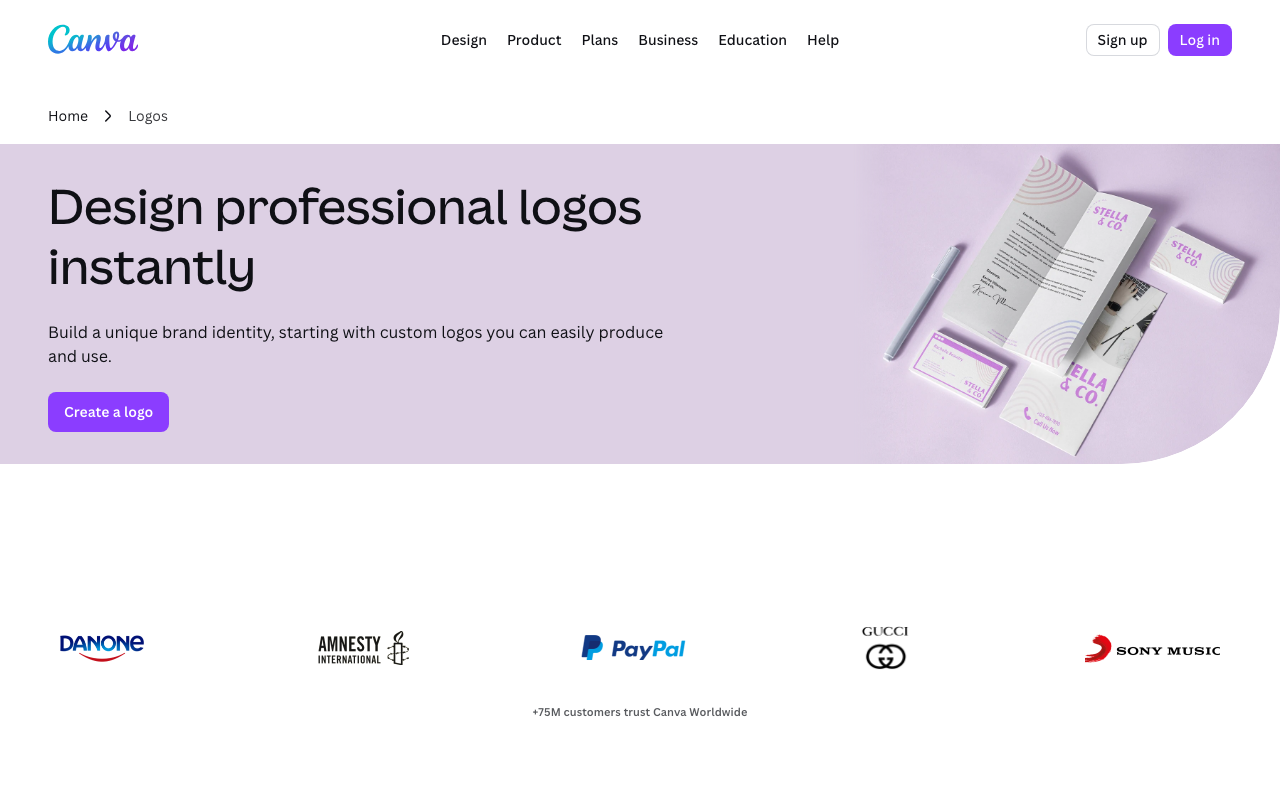
The free plan is genuinely usable. You can build, customize and export a logo at no cost. SVG files are behind the Pro plan, which matters for large print sizes.
Key Features
- Text-prompt AI logo generator (4 options per attempt)
- Millions of icons, fonts and graphic elements
- Brand Kit for storing your logo, colors and fonts
- Animated logo exports for social media
Pricing
- Free: Full design access, PNG downloads, limited storage
- Pro: $15/month per person ($120/year), adds SVG exports, background remover and 100GB storage
- Teams: $10/month per person (2-person minimum, billed annually)
Pros
- Free plan covers most solo and small-business needs outright
- Intuitive editor with no learning curve
- Brand Kit keeps assets organized for consistent use
- Strong template variety across dozens of logo styles
Cons
- You’ll need Pro for SVG files, which limits print use on the free plan
- The AI generator produces generic results; you’ll likely customize heavily
- It’s part of a broader design platform, not a standalone logo tool
Canva suits freelancers, small business owners and anyone who wants a working logo without paying upfront. If you’re printing at large sizes, budget $120/year for Pro.
Looka
Looka is purpose-built for logo and brand kit creation. You’ll answer a short questionnaire about your brand name, industry and style preferences. Looka generates logo options from those answers. It’s fast and the output looks professional.
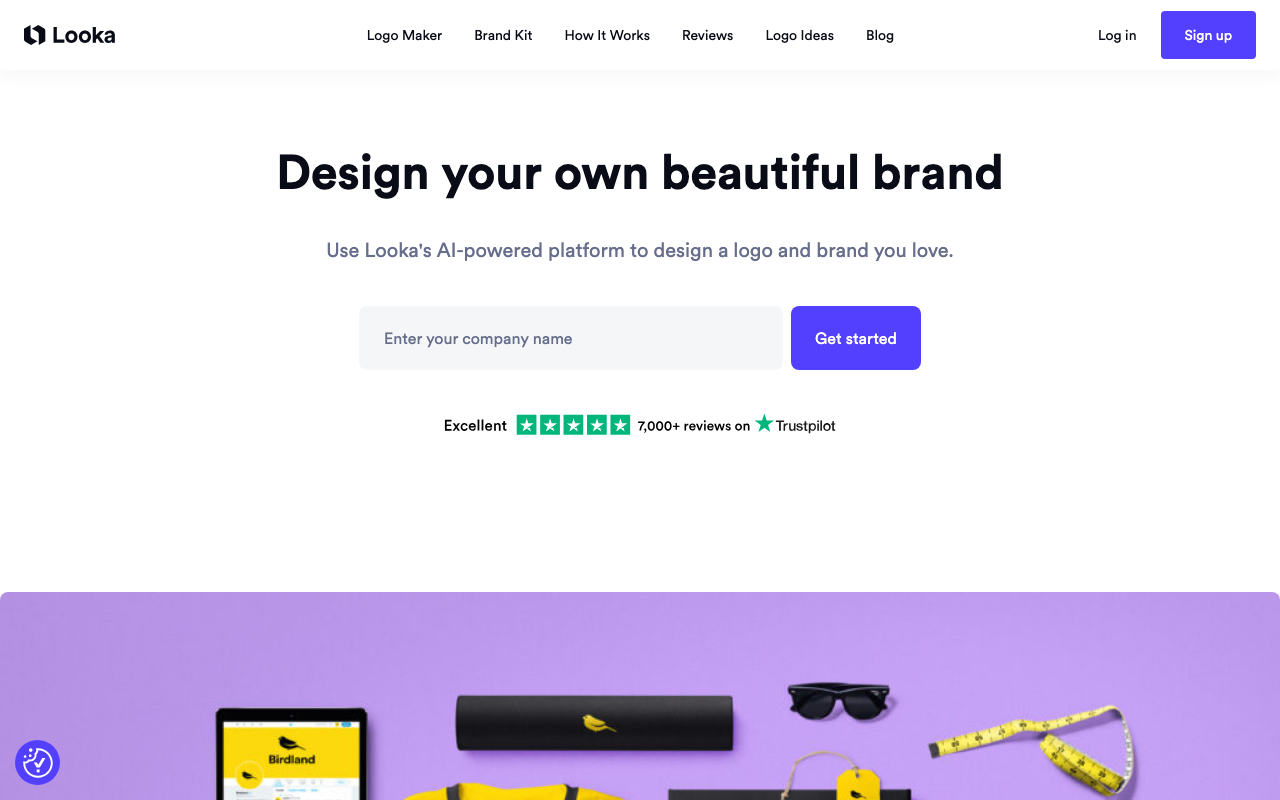
The catch: you can’t download without paying. Looka shows you your logo but it’s behind a paywall until you commit to a plan. That’s a different model from Canva or LOGO.com, but the brand kit value makes it worthwhile if you’re building a full identity package rather than just grabbing a logo file.
Key Features
- Style questionnaire for logo generation (industry, icon type, color mood)
- Customization for fonts, colors, layouts and icon combinations
- Brand Kit with 300+ branded templates (business cards, social media, email signatures)
- Downloads in JPG, PNG, PDF, EPS and SVG formats
Pricing
- Basic Logo Package: $20 one-time (JPG and PNG only)
- Premium Logo Package: $65 one-time (adds SVG and EPS, full copyright ownership)
- Brand Kit: $96/year (300+ branded templates, full file set)
- Brand Kit Web: $129/year (adds a basic website builder)
Pros
- Consistently professional output with no design skills needed
- Premium package includes vector files and full copyright
- Brand Kit is one of the most complete identity systems at this price
- Questionnaire produces more relevant starting points than a blank canvas
Cons
- Design’s free, export isn’t: you can’t download without a paid plan
- Limited customization once you’ve set the main style
- Brand Kit is a subscription, not a one-time purchase
Looka is the right pick when you need more than a logo file. The $96/year Brand Kit gives you business cards, email signatures and social templates alongside your logo files. If you’re building from scratch and want everything in one place, it’s hard to beat.
Design.com
Design.com is an all-in-one branding platform, not a pure logo tool. It’s got a 4.7 Trustpilot rating from over 3,000 verified reviews. Its core strength is a library of 360,000+ professionally designed templates. The AI generator produces options based on keywords and business name, but most users find the template library is where the actual work happens.

The free plan covers basic design access and some logo exports. High-quality commercial files and extended licenses need a paid plan. Design.com includes domain registration, printing services and 50+ other design tools for users who want multiple brand materials from one platform.
Key Features
- AI-powered logo generation with keyword and name input
- 360,000+ professional logo templates
- 750+ fonts including 525+ exclusive options
- 62,000+ vector shapes and design elements
- Exports in SVG, EPS, PDF, PNG, JPG, GIF and MP4
- Domain registration, printing and brand kit tools included
Pricing
- Free Plan: Logo access and basic exports
- Paid Plans: Vary by package; required for full commercial rights and extended licenses
Pros
- Largest template library of any tool on this list, without question
- Logo colors sync automatically across all branded materials
- 24/7 email and live chat support
- Multilingual support in 7 languages, payments in 9 currencies
Cons
- There’s no native mobile app
- Collaboration features are limited for team use
- Paid plan pricing isn’t surfaced clearly until late in the signup flow
Design.com works best for users who want a wide range of starting points and plan to build a full set of branded materials. The template library is the standout feature; the AI generator is useful but it’s not the main reason to choose this platform.
LOGO.com
LOGO.com stands out because its free plan includes a real PNG download with a commercial license. No watermark. Most free tiers give you a watermarked file or nothing at all. LOGO.com lets you use the logo you’ve designed at zero cost. That’s genuinely rare on this list.
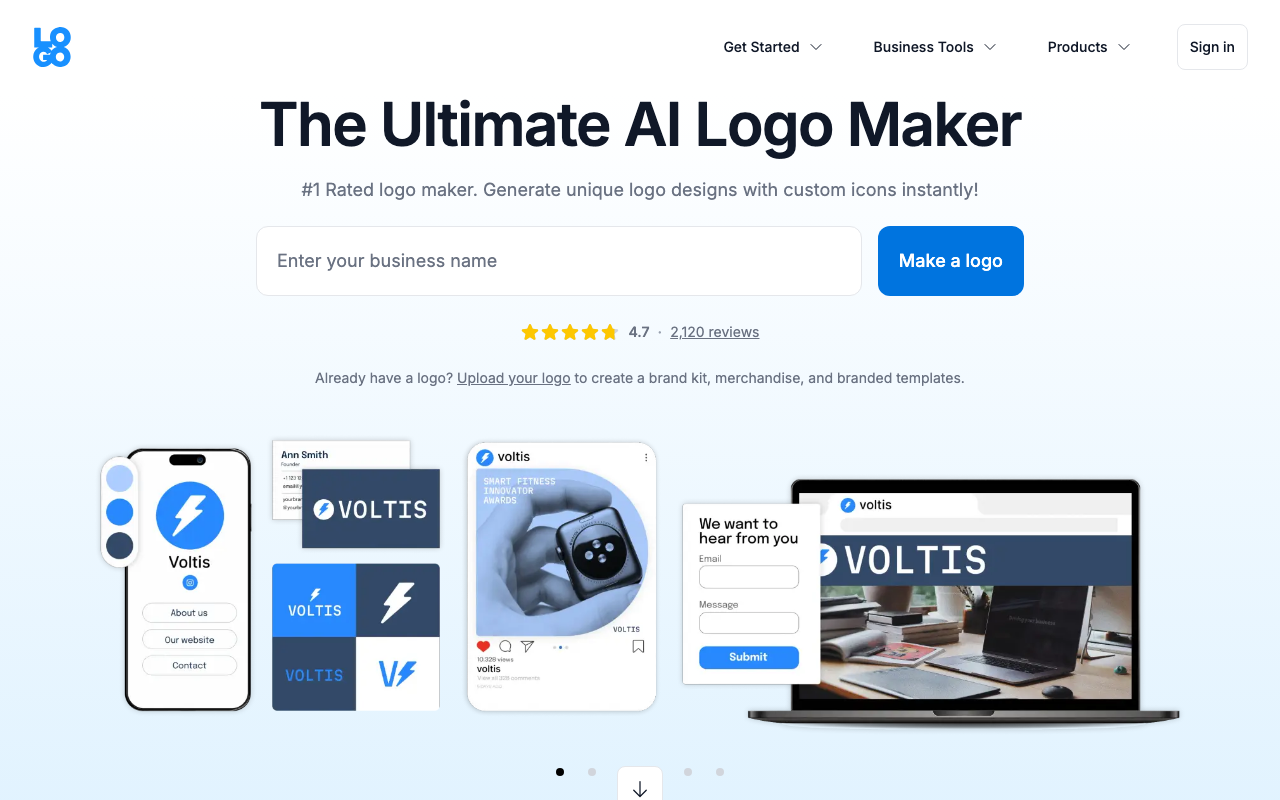
The tool itself is simple. Enter your business name, pick an icon style, adjust colors and fonts and download. The Brand Plan adds vector files, brand guidelines, social media templates and a website builder for $10/month billed annually.
Key Features
- Unlimited logo designs and edits
- Free PNG download with commercial license (no credit card needed)
- Over 5 million icons in the library
- Brand guidelines and social media kit (paid)
- Website builder with free domain (paid)
- AI-driven suggestions for colors and fonts
Pricing
- Free Plan: PNG logo with commercial license, basic features
- Brand Plan Monthly: $12/month
- Brand Plan Yearly: $10/month ($120 billed annually)
- Agency Plan: $179/month or $1,299/year
Pros
- Free download with full commercial usage rights (no strings attached)
- Unlimited edits on every plan including free
- Clean and simple interface
- Strong icon depth for template-based generation
Cons
- Free plan is PNG-only; you’ll need a paid plan for SVG and EPS
- Designs can look similar across different LOGO.com users (template-based)
- Customer support can be slow if you’re on the free plan
LOGO.com is the flat-out best choice if you need a working logo right now at zero cost. Download the PNG for free. Once you’ve grown and need vector files, upgrade to the Brand Plan.
Adobe Express
Adobe Express is part of the Creative Cloud ecosystem and it’ll bring Adobe’s font library, stock assets and brand integrations along with it. The logo maker uses a template-based approach similar to Canva, with an AI generator for logo creation from text prompts.
The free plan is functional but limited: 25 generative AI credits per month and no premium template access. The Premium plan at $9.99/month unlocks the full library and better export options. If your team’s already using other Adobe tools, the $6.49/seat/month team pricing is an efficient addition rather than a separate budget line.
Key Features
- Template-based logo design with drag-and-drop editing
- AI logo generation from text prompts
- Full access to Adobe Fonts (thousands of options)
- Animated logo and video exports (PNG, JPG on free; more formats on Premium)
- Brand Kit for logos, colors and fonts
- Integration with Photoshop, Illustrator and other Adobe tools
Pricing
- Free Plan: Core features, 25 AI credits/month, PNG and JPG exports, 2GB storage
- Premium: $9.99/month (full template access, more formats, 100GB storage)
- Teams: $6.49/month per seat
Pros
- Seamless connection with other Adobe Creative Cloud tools
- Massive Adobe Fonts library with more variety than most competitors
- Animated logo exports at no extra cost on the free plan
- Teams pricing is competitive for creative agencies
Cons
- 25 AI credits per month runs out fast
- Premium templates are locked behind the paid plan
- There’s no SVG export on the free plan
Adobe Express suits designers and content creators who’re already in the Adobe ecosystem. The integration alone justifies the choice if you’re working regularly in Photoshop or Illustrator. For non-Adobe users, Canva offers a similar experience with a stronger free tier.
How to Choose the Right AI Logo Generator
Four things determine the right tool: your budget, what file formats you need, whether you want a brand kit and how much design experience you have.
Budget. If you need a logo at no cost, start with LOGO.com. Its free PNG with a commercial license is the most useful free option on this list. Canva’s free plan is also strong if you don’t need vector files. Both Looka and Adobe Express need payment before you can download anything useful.
File formats. SVG and EPS files are required for print applications: billboards, signage and embroidery. Every paid plan on this list includes them. If you’re only using your logo on digital platforms, a PNG will do fine.
Brand kit needs. Looka’s $96/year Brand Kit is the most complete option if you want business cards, social media templates and email signatures alongside your logo. Design.com offers a comparable ecosystem. If you just need a logo file, LOGO.com or Canva’s free tier covers that without extra cost.
Design experience. All five tools work for non-designers. Canva and LOGO.com have the flattest learning curves. Looka’s questionnaire gives you a head start without any design decisions. Adobe Express suits users who’re already comfortable with design tools.
Can AI Logo Generators Replace Professional Designers?
No, but they cover most use cases that don’t require deep brand strategy.
A professional designer brings original thinking, brand research and the ability to create something genuinely distinctive. AI logo generators work from templates and pattern combinations. Results look clean and professional, but they’re not unique in the same way.
For startups, freelancers and small businesses that need a working brand identity quickly and cheaply, AI tools are a solid solution. You can launch with an AI logo and upgrade to a custom design later when the business has grown and the investment is justified.
AI tools fall short in a few specific cases: highly regulated industries where brand credibility is a direct trust signal, competitive markets where visual differentiation is a real advantage and companies that need packaging design or brand guidelines with genuine strategic depth.
Use AI tools to start fast. Use a designer when the stakes are high.
Frequently Asked Questions
Can I trademark a logo created by an AI generator?
Yes, you can trademark an AI-generated logo as long as it’s distinctive and hasn’t been used before. Run a trademark search before filing to check for conflicts. The logo needs to function as a brand identifier, meaning it should look different from existing trademarks in your category. Confirm you’ve got the commercial rights to your design before filing, since most paid plans on this list include those rights explicitly.
Do I need graphic design skills to use these tools?
No. All five tools on this list are built for people without design experience. Canva and LOGO.com use drag-and-drop editors. Looka guides you through a questionnaire. Adobe Express and Design.com use template selection with customization controls. None of them require knowledge of design software.
Are AI logo generators cost-effective for small businesses?
Yes. A professional logo typically costs $300 to $1,000 from a freelancer and more from an agency. Most tools here deliver usable results for under $100, and LOGO.com gives you a commercial-license PNG for free. For businesses in early stages, that cost difference is meaningful.
What file formats do AI logo generators provide?
Most paid plans include SVG and EPS (vector formats for print) plus PNG, JPG and PDF for digital use. Free plans are usually limited to PNG or JPG. Adobe Express adds animated GIF and MP4 exports. If you need vector files for print, budget for at least a basic paid plan on whichever tool you choose.
