SEO tracking software monitors your keyword rankings, organic traffic and search performance over time so you can see what’s working and what needs attention. The short answer for 2026: Semrush and Ahrefs are the strongest all-in-one platforms, AccuRanker is the fastest dedicated rank tracker, Nightwatch and Sitechecker cover the widest set of AI engines, Advanced Web Ranking wins on client reporting, and Ranktracker is the cheapest way to get genuinely daily data.
This guide compares fourteen tools on the things that actually change the decision: what the entry plan costs, how many keywords it tracks, how often it refreshes, which AI engines it watches and where each tool falls down. Every price, plan name and allowance below was checked on the vendor’s own pricing page on 6 September 2026.
One thing to know before you read the numbers. Several of these vendors price in the visitor’s local currency, so the symbol you see on their site may differ from the one shown here. The tier structure and the allowances don’t change, though, so the comparison still holds.
SEO Tracking Software Compared at a Glance
Here’s how the fourteen tools compare on what they cost to start, what that entry plan buys you in tracked keywords, how often rankings refresh at that tier and the one limitation that’s most likely to make you rule the tool out. All figures below were read from the vendors’ own pricing pages in September 2026.
| Tool | Best for | Entry price (per month unless noted) | Keywords at entry | Rank updates at entry | AI engines | Main limitation |
|---|---|---|---|---|---|---|
| Semrush | All-in-one tracking | €112.52/mo annual | 500 | Daily | ChatGPT and AI Overviews named | Share of Voice only on the top tier |
| Ahrefs | Data depth and SERP history | $129/mo | 750 | Weekly | Six, including Copilot and AI Mode | Weekly rank updates on every tier, no free trial |
| AccuRanker | On-demand refresh speed | $224/mo | 2,000 | Daily plus on-demand | ChatGPT, Perplexity, AI Overviews, AI Mode | Highest entry price here, no research tools |
| SE Ranking | Mid-range agency value | €87.20/mo annual | 2,000 | Daily | AI Overviews, AI Mode, Perplexity, ChatGPT | White label and deeper AI tracking are paid add-ons |
| Nightwatch | Local tracking and AI breadth | €79/mo (EUR list price worldwide) | 500 | Daily | ChatGPT, Claude, Gemini, Perplexity, AI Mode, AI Overview | White label starts at the second tier |
| Advanced Web Ranking | White-label client reporting | $139/mo | 7,000 | Weekly by default | AI Mode, AI Overviews, ChatGPT, Perplexity, Gemini, Claude | Rank tracking only, no keyword or backlink research |
| Ranktracker | Daily tracking on a budget | $31.20/mo annual | 500 daily | Daily | AI Overviews | No ChatGPT or Perplexity prompt tracking |
| Moz Pro | Authority benchmarking | $99/mo | 300 | Weekly or daily | GPT, Gemini, Google AI Mode, Perplexity | Prompt tracking runs weekly, keyword cap is low |
| Sitechecker | AI coverage plus change monitoring | $75/mo annual | See plan page | Daily | ChatGPT, Gemini, Google AI Mode, Perplexity, Copilot | Smaller brand, thin backlink data |
| Mangools SERPWatcher | Simple five-tool bundle | $37.70/mo annual | 200 | Weekly | Eight, including Grok, Llama and Mistral | Daily updates only on the Agency tier |
| Wincher | Lightweight CMS workflow | $49/mo | 500 | Daily | n/a | No AI search visibility tracking at all |
| SEO PowerSuite | Unlimited keywords | $349 per year | Unlimited | On-demand only | Google AI Overviews | Desktop software, no cloud or mobile access |
| AgencyAnalytics | Client reporting dashboards | $20 per client | 500 per paid add-on | Weekly | ChatGPT, AI Overview, AI Mode, Claude | Rank tracking is not included in the base price |
| Google Search Console | Free baseline | Free | All queries | Reported with a lag | n/a | Averaged positions, no competitor data |
What Is SEO Tracking Software?
SEO tracking software is a category of search engine optimization (SEO) tools that monitor how your website performs in search engine results over time. At a minimum, these software platforms track keyword positions, but most modern tools don’t stop there.
These platforms monitor six surfaces in practice.
- Keyword rankings across Google, Bing, and sometimes YouTube
- Organic traffic trends from Search Console and Google Analytics integrations
- Competitor positions for the same keywords you’re targeting
- SERP features like featured snippets, local packs, and knowledge panels
- Backlink growth and losses
- Site health changes that could affect rankings
- AI search visibility in ChatGPT, Perplexity, and Google AI Overviews (newer tools)
Regular tracking matters because SEO results change constantly. Google runs thousands of algorithm updates per year, competitors refresh their pages, and search trends shift month by month, so last quarter’s snapshot won’t tell you where you stand. A rank tracking tool catches problems early. It also verifies whether your optimizations are moving positions rather than leaving you guessing about what’s working.
One detail trips up almost every price comparison, including most of the ones you’ll find on the first page of Google. Vendors bill for three different things but call them all “keywords”. A tracked keyword is a keyword refreshed on a schedule, which is what Semrush, Ahrefs and Nightwatch sell. A position check is a single lookup, so Raven Tools’ 1,500 checks per month is roughly 50 keywords checked daily, not 1,500. A SERP credit, which is how Nozzle prices, buys one keyword on one engine in one language on one device in one location, and Nozzle counts the top five result pages as a single SERP. Two plans at $39 can differ by a factor of thirty once you convert them to the same unit, so it’s worth doing the conversion before you compare anything else.
Why SEO Tracking Still Matters in 2026
Position numbers matter more now than they did five years ago, not less, though you’d never guess that from the number of people declaring rank tracking dead. AI Overviews push organic results down the page and zero-click searches cut through-rates, so there are more ways to lose traffic without an obvious signal and more kinds of ranking movement that need different responses. Four jobs make tracking non-negotiable.
Measuring whether your SEO work moved anything
Without rank data you can’t separate rankings that rose because of your content work from rankings that rose because a competitor slipped or because it’s March. A tracker gives you a dated record of where every keyword stood before and after each change. If you refreshed an article on 10 March and three target keywords went from position 14 to position 6 by 20 March, you’ve got evidence. Without tracking you’ve got a traffic bump and a theory, and a theory isn’t evidence.
This matters most in competitive niches where small moves have large effects. Going from position 5 to position 3 on a keyword with 10,000 monthly searches is a real traffic change, and you won’t spot it in Google Analytics unless you’re watching for it.
Catching competitor movement early
Rank trackers show how competitors move against the same keyword set, not just where you sit. When a rival jumps from position 8 to position 2 on a term you care about, you’ll want to know within days so you can work out what changed. New content, a backlink spike or an update that favoured their page structure all call for different responses.
Most tools let you add competitor domains and watch their positions in the same dashboard. The better ones keep the history, and that’s the part that matters. A competitor climbing from 12 to 8 over six months tells a completely different story from one dropping from 3 to 11 in a week.
Watching AI Overviews and featured snippets
Google’s AI Overviews now appear for a large share of informational queries. If your article held position 1 and Google starts showing an AI Overview above the organic results, your traffic can fall while your rank stays exactly where it was. You didn’t lose the ranking. Something new appeared above it instead.
Better rank trackers flag when an AI Overview appears for a tracked keyword and whether your content gets cited inside it. For editorial sites that distinction is the whole game. A keyword that reliably drove traffic can deliver a fraction of the clicks at the same position, and only the full SERP state explains why, and a position number alone won’t show you that.
Reporting progress to clients and stakeholders
For agencies and in-house teams, rank data is the primary evidence in a report. Position numbers are tangible in a way that organic session counts are not, especially early in a campaign when traffic hasn’t caught up yet. Showing a client that 12 target keywords moved from positions 15 to 25 into the top 10 over a quarter communicates progress before the traffic data arrives.
Share of voice metrics, which roll position data across a whole keyword set into one percentage, are even more useful for quarterly reviews. That single number survives contact with a finance director, whereas a spreadsheet of 400 positions doesn’t.
The 14 Best SEO Tracking Software Tools in 2026
The list runs from the broadest platforms to the most specialised, with the free baseline last. Each entry states what the tool tracks, what the entry plan actually buys and where it’s no longer the right answer.
1. Semrush: Best All-in-One SEO Tracking Platform
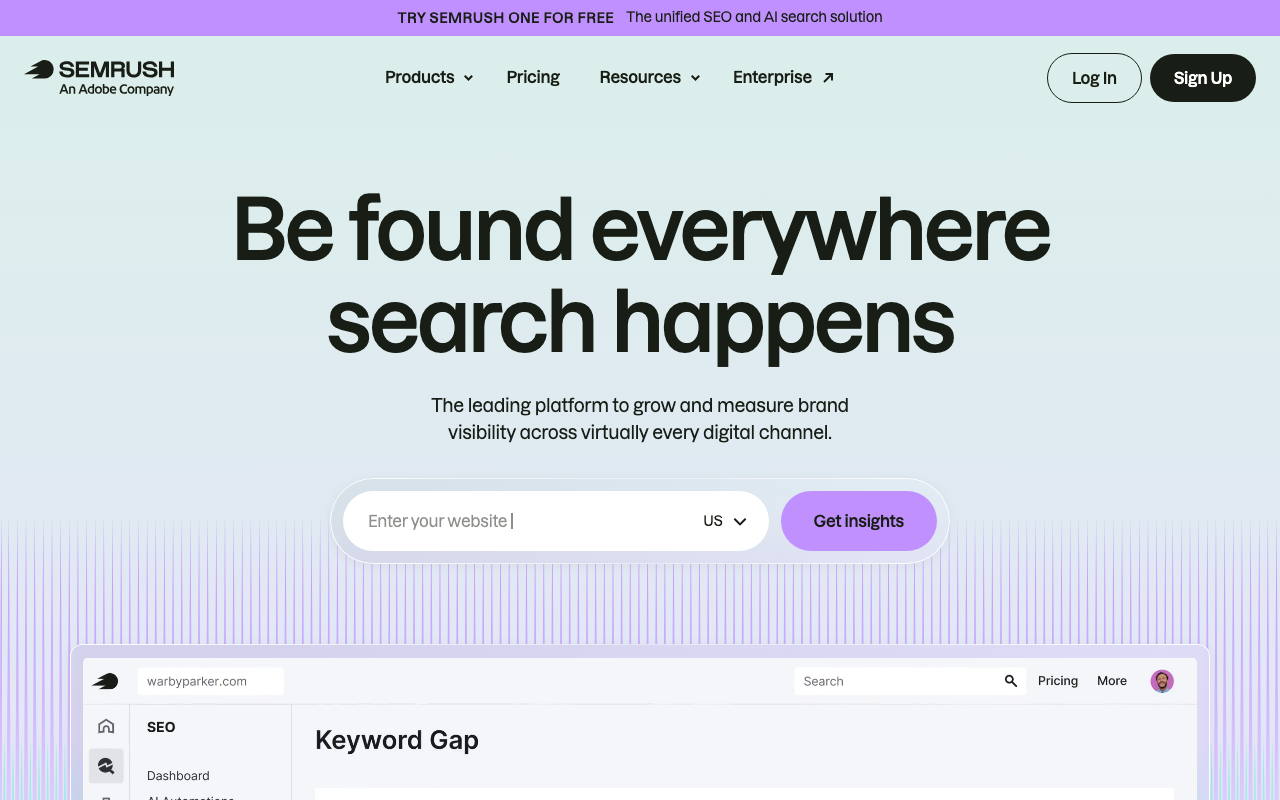
Semrush (semrush.com) is the most comprehensive SEO platform on the market and its Position Tracking tool is one of its strongest features. You set up a project, add your target keywords, and Semrush updates your rankings daily so you can see exactly where you stand and how you’re trending.
These are the tracking features that matter.
- Daily rank updates for all tracked keywords across devices and locations
- Competitor tracking: monitor up to 5 competitor domains in the same dashboard
- SERP feature tracking: see when you own or lose a featured snippet, image pack, or local pack
- Sensor: tracks algorithm volatility so you can correlate ranking drops to Google updates
- Keyword tags and groups for segmenting your tracking by topic, page type, or campaign
- Multi-location and multi-device tracking from the Pro+ tier
- Scheduled PDF reports through the Base and Pro Report add-ons
Pricing: Semrush renamed its plans in 2026. SEO is €112.52/mo and Starter is €158.40/mo, both with 500 tracked keywords. Pro+ is €238/mo with 1,500 keywords and Advanced is €436.99/mo with 5,000. Those are annual prices; monthly billing costs €134, €190, €286 and €526 respectively. Daily AI prompt tracking is 50 on Starter, 100 on Pro+ and 200 on Advanced. Two things to budget for: Share of Voice is an Advanced-only metric, and extra seats start at $45/mo each, so a team of four isn’t paying the headline price.
It suits in-house SEO teams and agencies that want a single platform covering tracking, backlinks, content and audits, so they aren’t stitching several tools together.
Independent ratings: it scores G2 4.5/5 from over 2,680 reviews.
Here’s what it does well.
- Daily updates give you fast feedback, so you’ll see an algorithm change land
- SERP feature tracking is best-in-class and doesn’t leave gaps in the competitive picture
- Deep integration with the rest of the Semrush suite, so you aren’t exporting between tools
Here’s where it falls short.
- Share of Voice sits behind the €436.99/mo Advanced plan, and that’s a lot to pay for one metric
- Steep learning curve, because you’re buying a platform rather than a tracker
2. Ahrefs: Best for Data Depth and SERP History
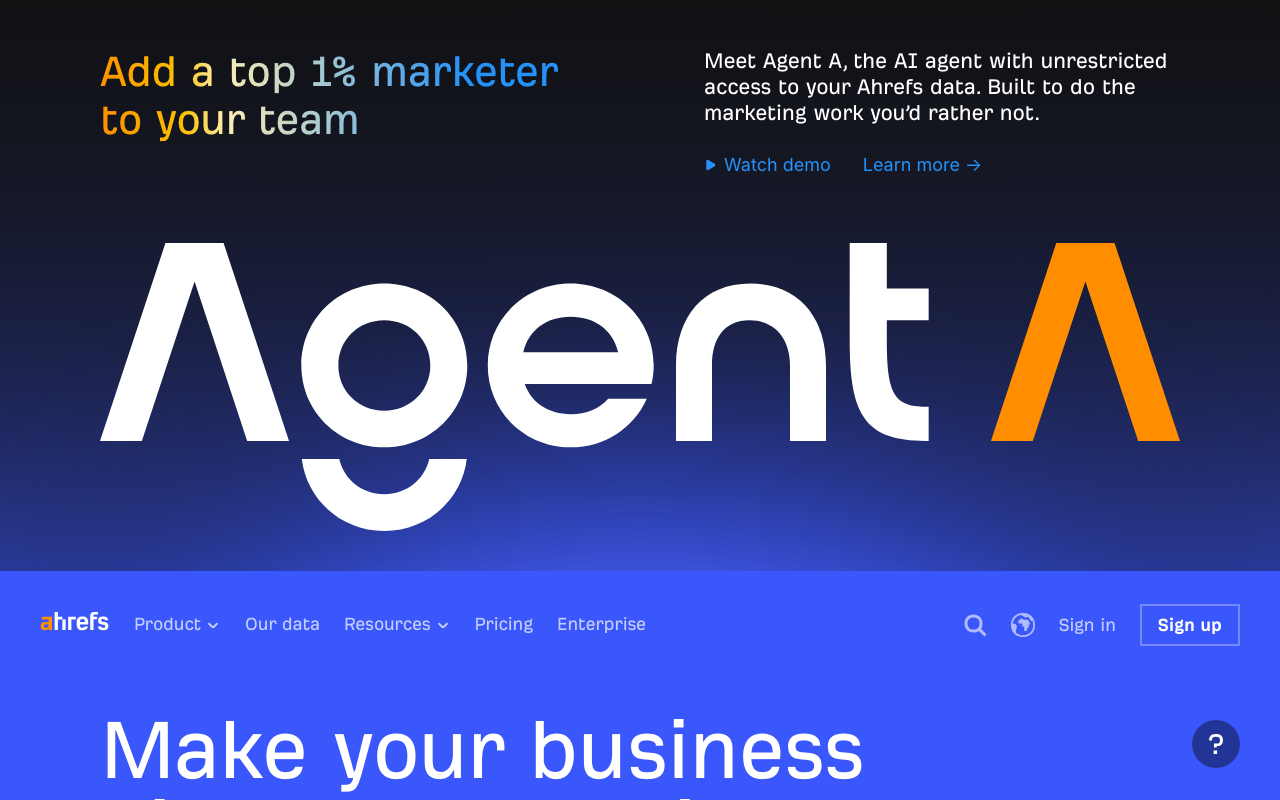
Ahrefs is best known for backlink analysis, and its Rank Tracker inherits the same infrastructure quality. It supports tracking across multiple countries and devices, keeps SERP history so you’ll see what the result page looked like on the day your traffic moved, and holds up to five years of position data on the top tier.
Here’s what it actually tracks.
- Rank tracking across Google and Bing with historical position graphs
- SERP history: see the exact result page state on any past date, which is how you diagnose a drop
- Portfolios: track multiple projects and compare ranking trends across client sites from one view
- Competitive analysis with up to 20 competitors per project
- Brand Radar: tracks brand mentions across AI Overviews, Gemini, Perplexity, ChatGPT, Copilot and AI Mode, checked daily
- Looker Studio integration on the Advanced plan
Pricing: Lite $129/mo (750 keywords, 5 projects), Standard $249/mo (2,000 keywords), Advanced $449/mo (5,000 keywords) and Enterprise $1,499/mo. Tracked AI prompts run 5, 10 and 20 across those tiers, checked daily on every selected platform, with custom prompt packages from $50/mo on top and the AI Visibility Index from $199/mo. There’s a €27/mo Starter plan and a free tier for site owners. Extra users cost $40 to $100/mo depending on plan.
Here’s the part that catches people out, and it’s the single most important correction in this guide: Ahrefs Rank Tracker updates weekly on every published plan tier, Enterprise included. The pricing page states it outright in the comparison grid. If you need daily positions, Ahrefs isn’t the tool, however good the rest of the platform is.
Buy it if you are an SEO who wants the best backlink database in the industry alongside position tracking, and who don’t need daily refreshes.
Independent ratings: it scores G2 4.5/5 from over 581 reviews.
These are the strengths.
- SERP history is the best diagnostic feature here and almost nobody else has it
- Data accuracy is rated among the highest in independent tests, and it shows
- Brand Radar covers six AI surfaces, checked daily, even though rankings refresh weekly
These are the drawbacks.
- Weekly rank updates on all tiers, so it isn’t an option for active campaign monitoring
- No free trial and no discounts, so you’re paying from day one
- Only 5 tracked AI prompts on Lite, which isn’t a usable sample
3. AccuRanker: Best Dedicated Rank Tracker
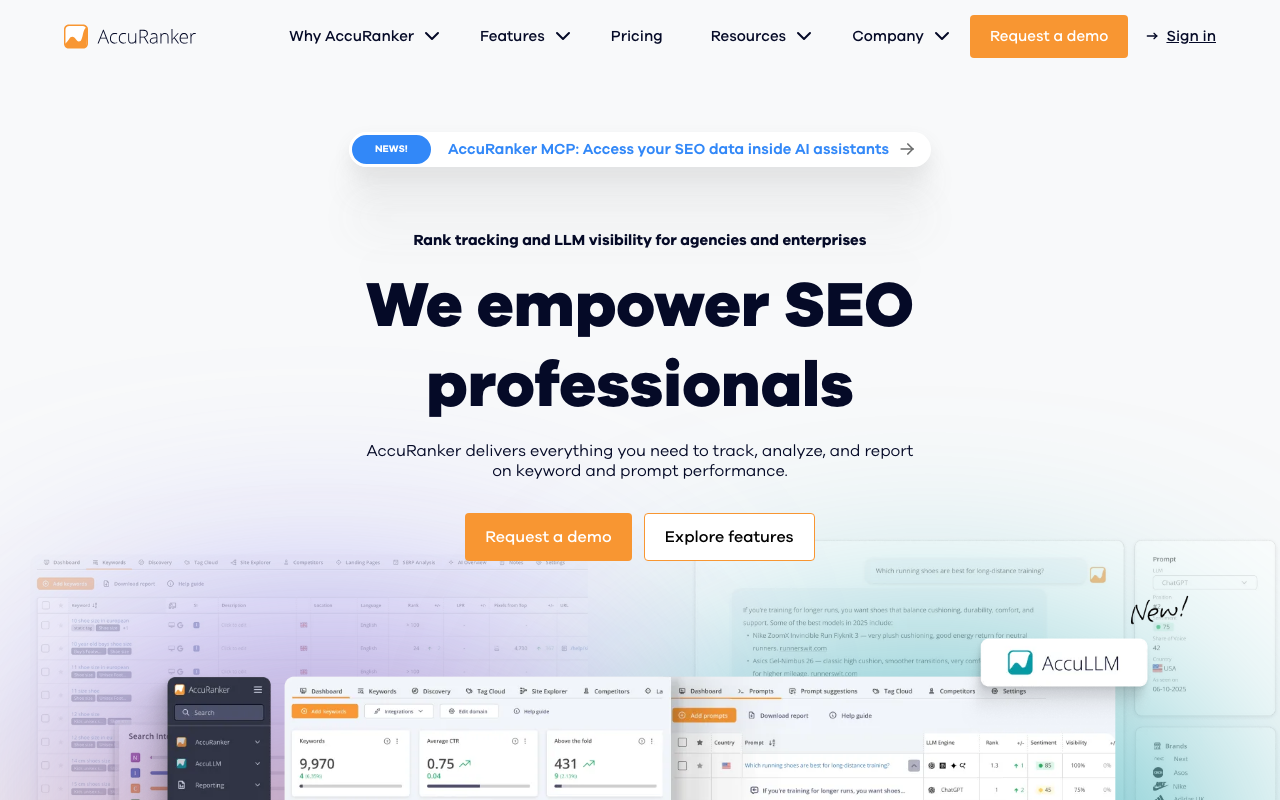
AccuRanker is a pure rank tracking tool with no keyword research, backlink analysis or content optimization features. That focus buys speed. When a client calls at 2pm about a drop they noticed at 9am, you refresh their keywords on demand and have current data in minutes instead of waiting for tomorrow’s scheduled run. Nothing else on this list does that as well, though AWR’s 1-hour updates come close.
The tracking capability breaks down like this.
- On-demand refresh: update any keyword ranking instantly rather than waiting for the scheduled cycle
- Daily automated updates on every plan
- Advanced filtering, tagging and search-intent segmentation
- SERP feature tracking for featured snippets, local packs, image packs and video results
- Local SEO tracking by country, state, city and ZIP code
- AccuLLM: AI visibility across ChatGPT, Perplexity, AI Overviews and AI Mode, with sentiment scoring, citation tracking and competitor benchmarking
- GSC and Google Analytics integrations, plus unlimited read API on Expert
Pricing: Professional starts at $224/mo for 2,000 keywords and scales to 5,000 within the tier. Expert starts at $764/mo for 10,000 keywords and adds AI CTR, AI Search Volume, dynamic tagging, Looker Studio and unlimited read API. Enterprise handles anything above 25,000 keywords by quote, and annual billing saves 10%. There’s no cheaper entry point than Professional.
The right buyer is an agency or enterprise team tracking large keyword sets where refresh speed is the reason you’re paying.
It wins on these points.
- On-demand refresh is flat-out the fastest in the category
- Handles very large keyword sets and doesn’t slow down or lose accuracy
- AccuLLM covers four AI surfaces including AI Mode, with sentiment and citation data
It loses points on these.
- $224/mo is the highest entry price here, so freelancers aren’t the audience
- The jump from Professional to Expert is more than triple, and AI CTR sits on the far side of it
- No keyword research, backlink or content tools, so you’ll pair it with Ahrefs or Semrush
4. SE Ranking: Best Mid-Range Value for Agencies
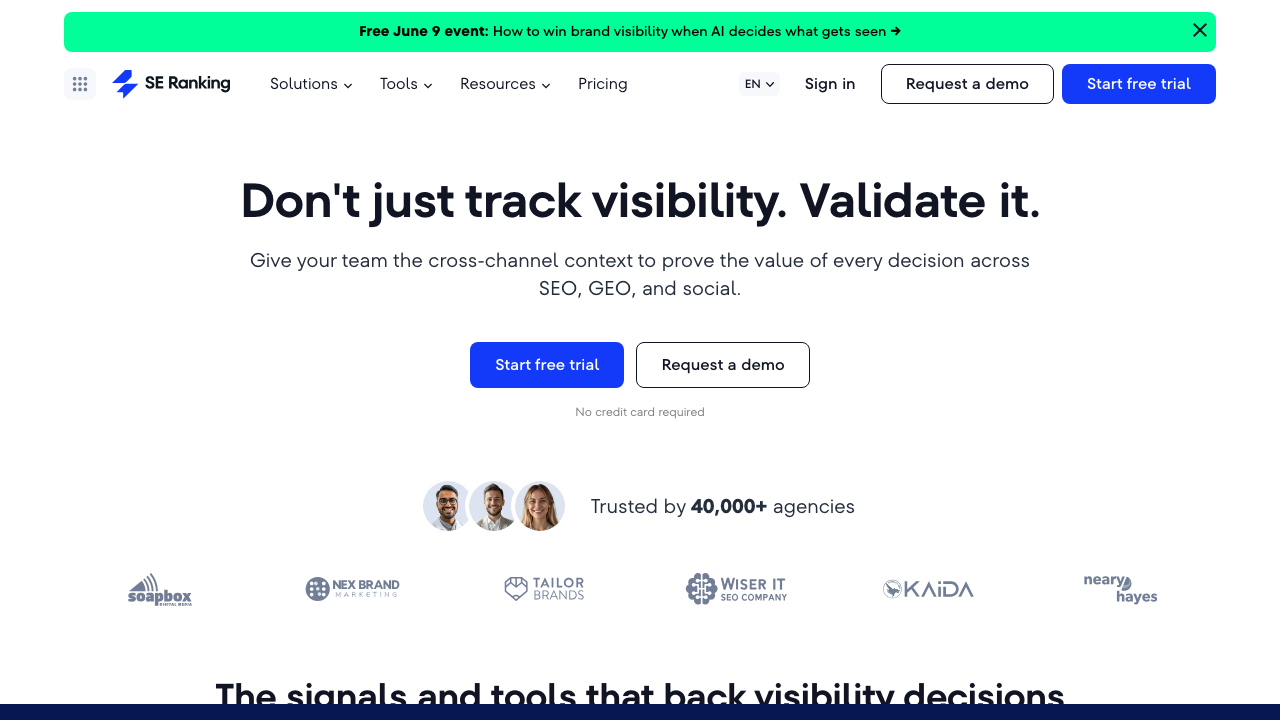
SE Ranking started as a rank tracking tool and that foundation still shows. It sits in the gap between budget trackers and enterprise platforms, and it covers most of what Semrush or AccuRanker do at a price growing agencies can actually sign off, provided you read the add-on list first.
You get the following on the tracking side.
- Daily rank tracking across major search engines with local search by city or ZIP code
- 2,000 keywords plus 100 AI prompts tracked daily on the entry plan
- Competitor tracking and unlimited keyword, competitor and backlink research
- Website and on-page audit with page-changes monitoring on the Growth plan
- Data Studio, Matomo, Google Analytics and Search Console integrations
- Historical data across the full project lifetime on Growth
Pricing: Core is €109/mo monthly or €87.20/mo on annual billing, covering 10 projects, 2,000 daily keywords and 100 daily prompts. Growth is €235/mo or €188/mo annual, with 30 projects, 5,000 keywords and 250 prompts. Three add-ons matter for agencies: the Agency Pack at €59/mo for white-label reporting and client seats, the AI Search add-on at €79/mo (€63.20 annual) for 200 prompts across AI Overviews, AI Mode, Perplexity and ChatGPT, and the API at €39/mo. There’s a 14-day trial and it doesn’t ask for a credit card.
The right buyer here is agencies managing 5 to 30 clients that need affordable daily tracking, white-label reports and site monitoring but haven’t got an enterprise budget.
Independent ratings: it scores G2 4.8/5 from over 1,381 reviews.
The strong points are these.
- 100 daily AI prompts are included in the base plan, which is unusual at this price
- Daily tracking at roughly two thirds of what Semrush charges for a third of the keywords
- Free assisted migration on annual plans, so switching doesn’t cost you a week
The weak points are these.
- White label costs €59/mo extra and it’s annual-billing only
- Deeper AI competitor research is another €79/mo on top
- Backlink database isn’t in the same league as Ahrefs or Semrush
5. Nightwatch: Best for Local Rank Tracking and AI Breadth
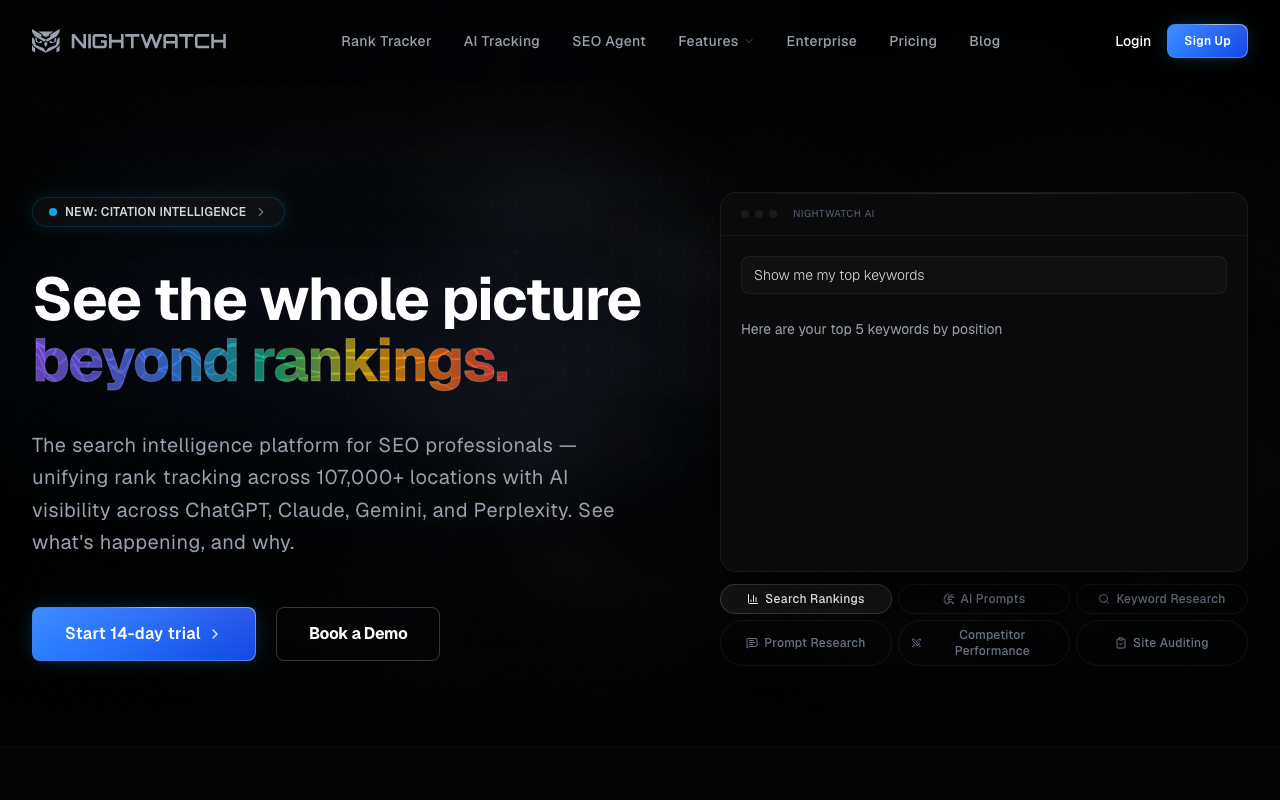
Nightwatch built its reputation on location-level tracking, and it has quietly become the broadest AI tracker on this list too. Every plan covers six search engines and six AI surfaces, with no per-seat fees anywhere in the pricing, though white label doesn’t appear until the second tier.
Its tracking feature set covers these points.
- Location-specific rank tracking down to city and ZIP code level, tracked daily
- Google, YouTube, Bing, Yahoo, DuckDuckGo and Google Maps from one dashboard
- AI tracking across ChatGPT, Claude, Gemini, Perplexity, AI Mode and AI Overview on every plan
- Real-time on-demand checks
- Site audit, keyword research, prompt research and an SEO MCP server included at every tier
- Unlimited user seats on all plans
Pricing: Nightwatch quotes euros in every market, including the US, so these are the figures a US buyer is charged. Starter €79/mo covers 500 keywords and 50 AI prompts across 5 websites. Professional €159/mo covers 2,500 keywords, 150 prompts and 25 websites, and it’s the tier where white-label reports, Looker Studio and API access appear. Agency €399/mo covers 7,500 keywords, 500 prompts and 100 websites. Enterprise starts at 20,000 keywords. Yearly billing takes 20% off and the 14-day trial needs no credit card.
It fits local SEO agencies and any team that wants wide AI engine coverage and isn’t willing to pay enterprise prices for it.
Independent ratings: it scores G2 4.9/5 from over 43 reviews; Capterra 4.8/5.
Here’s where it’s genuinely good.
- Six AI surfaces including Claude on the €79 entry plan, which nothing else matches at that price
- Unlimited seats on every tier, so hiring doesn’t raise the bill
- Interface is genuinely clean and you won’t need onboarding
Here’s what you’re giving up.
- White-label reporting and API access start at Professional, not at Starter
- Only 5 tracked websites on the entry plan, which isn’t much for an agency
- Review count is lower than the established platforms, so there’s less independent signal
6. Advanced Web Ranking: Best for White-Label Client Reporting
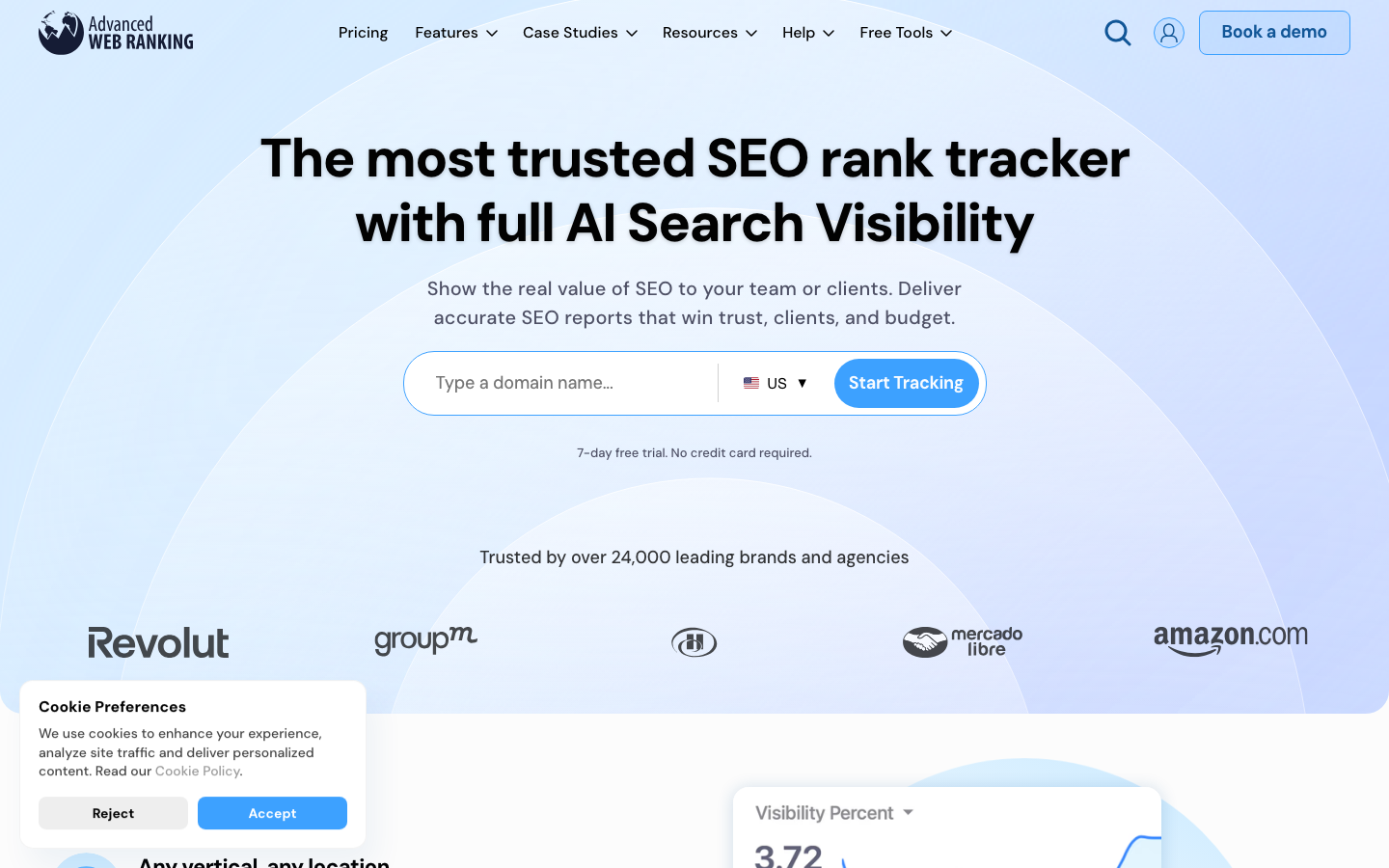
Advanced Web Ranking specialises in what most trackers treat as an afterthought: the deliverable the client actually sees. White-label PDFs carry full agency branding, reports can be scheduled or shared as a permalink that updates itself, and clients get their own login instead of a monthly email attachment.
Here’s what the tracking side gives you.
- Rank tracking across 4,000+ search engines including YouTube, Amazon, Baidu, Naver and country variants
- Daily, weekly, bi-weekly and monthly update schedules on every plan, plus manual updates
- 1-hour on-demand updates from the Agency plan
- AI visibility across Google AI Mode and AI Overviews in 170+ countries, plus ChatGPT, Perplexity, Gemini and Claude
- Pixel position and above-the-fold URL analysis, plus CTR trends weighted by SERP features
- Up to 50 competitors tracked at no extra cost, with market share and forecasting
- Looker Studio, Google Analytics, Search Console and Bing Webmaster Tools integrations
Pricing: Pro $139/mo covers 7,000 keywords, Agency $279/mo covers 14,500, Enterprise $699/mo covers 35,500 and Ent Plus $980/mo covers 50,000. Annual billing saves 10%. There’s a 7-day free trial with no credit card and a 30-day money-back guarantee on every plan. Keywords update weekly by default, so set the schedule to daily yourself if that’s what you need.
This one is aimed at agencies where the client deliverable is part of the pitch, and anyone tracking non-Google engines at scale.
Here’s what it does well.
- Best white-label report customisation here, with client portals and self-updating permalinks
- 4,000+ search engines is the broadest coverage on this list, without question
- Six AI surfaces plus AI citation and mention tracking across 170+ countries
- 50 competitors included, where most tools cap at 5
Here’s where it falls short.
- Rank tracking only, so you’ll be buying a second tool for keyword and backlink research
- Weekly is the default schedule, and people who assume daily don’t notice until it matters
- Interface is functional, though it doesn’t feel modern
7. Ranktracker: Best for Daily Tracking on a Budget
Ranktracker prices by refresh frequency rather than by a flat keyword count, and that’s what makes it interesting. The Launch plan carries 500 keywords if you want them checked daily, or 3,500 checked weekly, or 15,000 checked monthly, from the same allowance. You pick the trade-off instead of the vendor picking it for you, and that’s a genuinely different way to buy tracking.
The tracking features worth knowing about are these.
- Daily Top 100 tracking across all locations, languages and devices
- Frequency-based allowances: daily, weekly, bi-weekly or monthly from one pool
- AI Overview monitoring included with every tracked keyword
- Monthly instant checks for on-demand verification, 500 on the entry plan
- Deep SERP Scan across the top 100 results, plus SERP Insights
- Google Search Console integration, Looker Studio connector, API and MCP server access
- Unlimited projects, unlimited on-demand reports and unlimited users on every plan
Pricing: Launch is $39/mo or $31.20 on annual billing, with 500 daily keywords and 5 competitors per project. Growth is $89/mo ($71.20 annual) with 1,000 daily keywords. Scale is $149/mo ($119.20) with 2,000. Authority is $299/mo ($239.20) with 5,000. Annual billing takes 20% off across the range, so it’s worth committing if you’re staying.
The audience is solo SEOs, bloggers and small agencies who want genuinely daily positions and can’t justify AccuRanker money.
These are the strengths.
- Cheapest genuinely daily tracking on this list at $31.20/mo annual
- The frequency trade-off is yours to make, which no other vendor here offers
- Unlimited users and projects on every plan, so agency use doesn’t compound the cost
These are the drawbacks.
- AI tracking covers Google AI Overviews only, with no ChatGPT or Perplexity prompt monitoring
- Only 5 competitors per project on the entry plan, which won’t cover a crowded niche
- Frequency-based allowances take a minute to model, because they aren’t a flat keyword cap
8. Moz Pro: Best for Authority Benchmarking
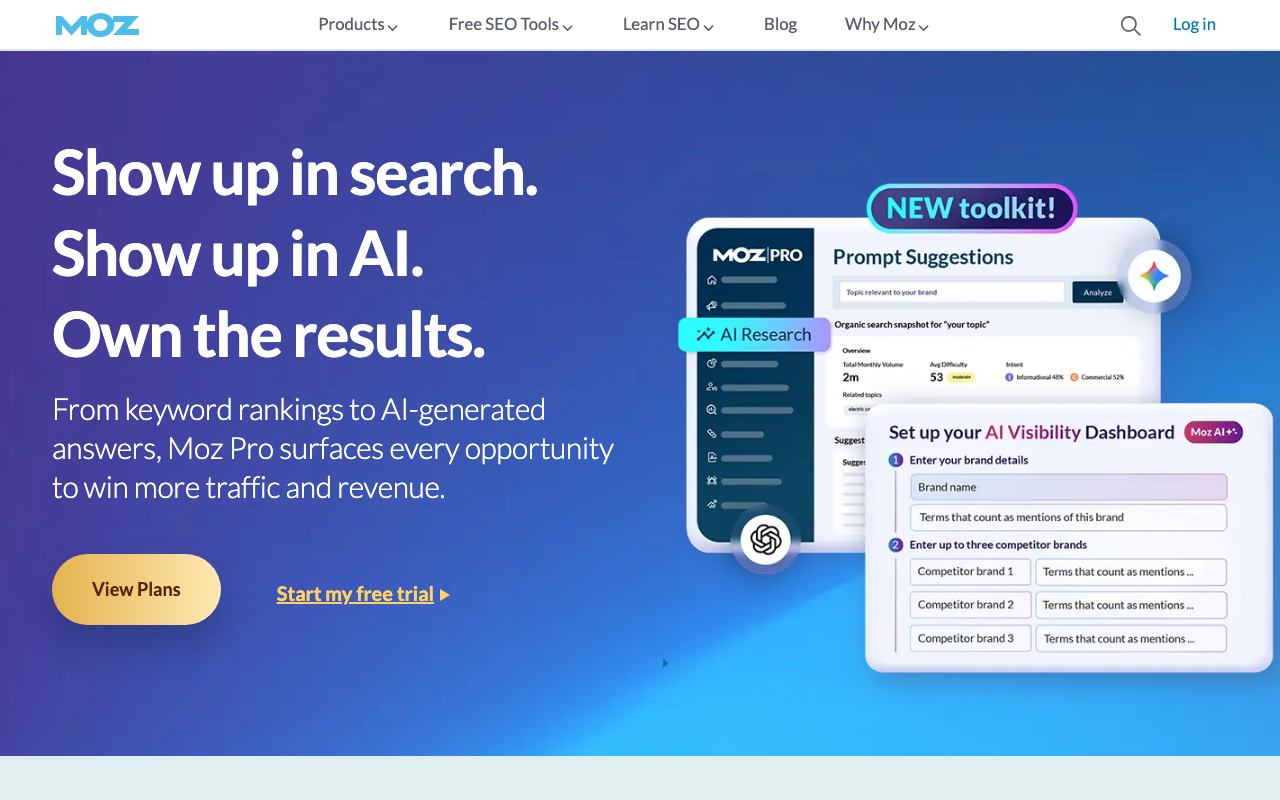
Moz created the Domain Authority metric the industry still uses as shorthand for site strength, and that’s still the reason to pick Moz Pro over a cheaper tracker. Clients understand a DA number, whereas explaining share of voice to a restaurant owner takes considerably longer.
These are the tracking features that matter.
- Rank tracker with historical data and weekly or daily update options
- Domain Authority, Page Authority and Brand Authority tracking over time
- Link Explorer for backlink growth, plus MozAlert notifications for new links and mentions
- Site crawl for technical issues that could affect rankings
- AI Visibility Dashboards with AI Overviews by keyword and tracked prompts
- Mobile rankings and branded reports on every tier
Pricing: a $49/mo Starter plan covers a single site. Standard is $99/mo ($79 yearly) with 300 keywords across 3 sites and 1 user. Medium is $179/mo ($143 yearly) with 1,500 keywords and 2 users. Large is $299/mo ($239 yearly) with 3,000 keywords and 3 users. AI prompt tracking runs 50, 100 and 200 across those tiers, and extra prompts cost $50 per 100 with additional dashboards at $20 each.
One limitation to weigh before you commit: Moz tracks AI prompts weekly, not daily. For a metric that moves as fast as AI citation share, weekly is a coarse sample, and it’s the main reason Moz sits this far down the list.
It fits teams and freelancers who want a beginner-friendly platform and don’t want to explain a bespoke metric to clients.
Independent ratings: it scores G2 4.3/5; Capterra 4.5/5 (349+ reviews).
It wins on these points.
- Domain Authority is widely understood by clients, so you aren’t explaining the metric first
- Four AI models tracked including Perplexity and Google AI Mode
- Strong local SEO tooling with Moz Local integration available
It loses points on these.
- 300 keywords on the $99 plan is the lowest allowance here, and it’s the first thing you’ll outgrow
- Weekly prompt tracking, where Nightwatch and SE Ranking run daily
- Link index updates are slower than Ahrefs, so fresh links don’t show up quickly
9. Sitechecker: Best for AI Coverage Plus Change Monitoring
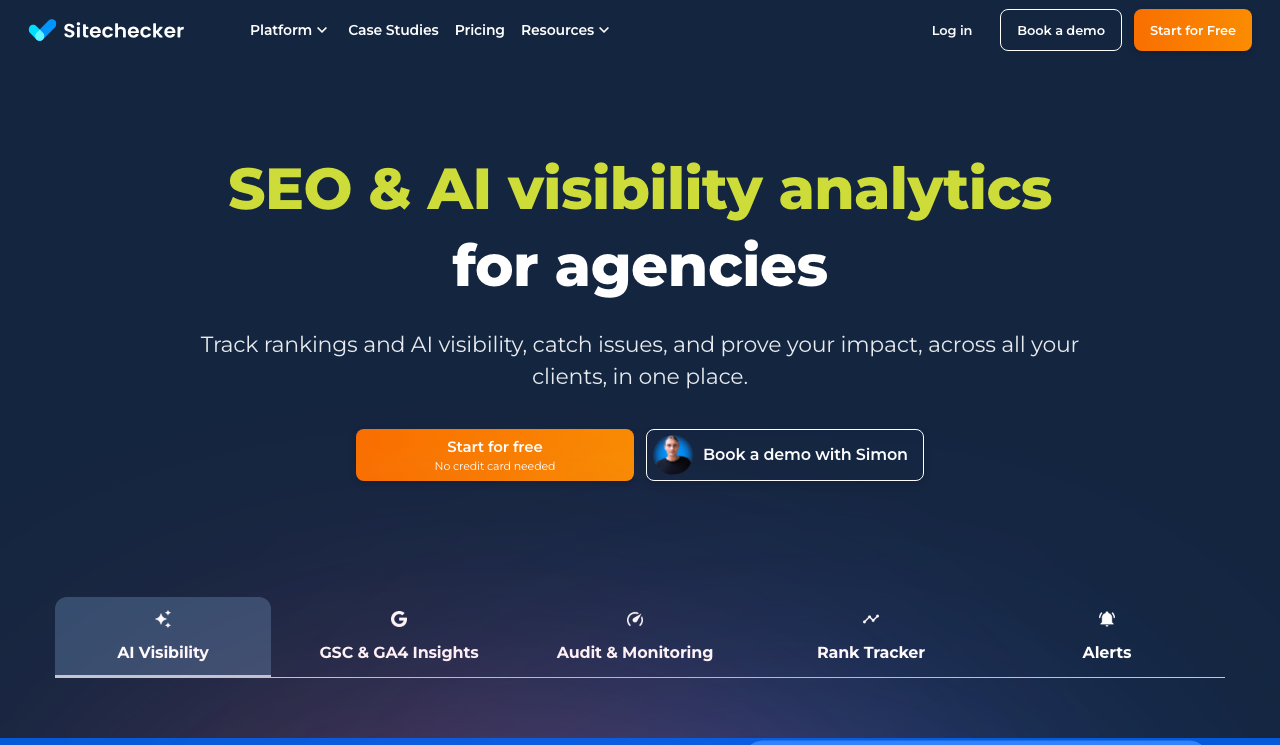
Sitechecker pairs rank tracking with site-change monitoring and the widest AI model list outside Nightwatch, including Microsoft Copilot. It’s repositioned around agencies running 10 or more client sites, with unified dashboards and no per-user fees. For more on tracking your presence in AI results, see our guides on AI visibility and LLM SEO.
Here’s what it actually tracks.
- Rank Tracker with SERP history included on every plan
- AI visibility across five models: ChatGPT, Gemini, Google AI Mode, Perplexity and Copilot
- Site content change tracking that flags new and deleted pages as events on your GSC and GA4 charts
- SEO tests that compare page versions on real GSC and GA4 metrics
- Page segmentation for filtering large sites into custom groups
- Alerts to email and Slack, plus Google Data Studio integration
- Unlimited users and unlimited recrawls on all plans
Pricing: Basic is 75/mo, Standard 183/mo and Premium 316/mo, with Enterprise by quote. Annual billing gives two months free. Premium covers 50 websites, 5,000 keywords and 250 prompts. Data retention scales from 12 months on Basic to 60 months on Enterprise, and custom domain plus interface branding appear at Premium.
It suits agencies that want traditional rankings, AI visibility and site-change alerts under one login and don’t want per-seat costs.
Independent ratings: it scores Capterra 4.6/5 (365+ reviews).
The strong points are these.
- Copilot coverage, which only Ahrefs also offers and almost no comparison article records
- Site change monitoring catches SEO regressions before they’ve reached your rankings
- Unlimited users on all plans, so a growing agency isn’t paying per head
The weak points are these.
- Less brand recognition than Semrush, Ahrefs or Moz, which matters if you’re reselling it
- Backlink depth doesn’t match dedicated link platforms
- Entry-tier keyword and prompt allowances are published on the plan page rather than in the summary cards
10. Mangools SERPWatcher: Best Simple Five-Tool Bundle
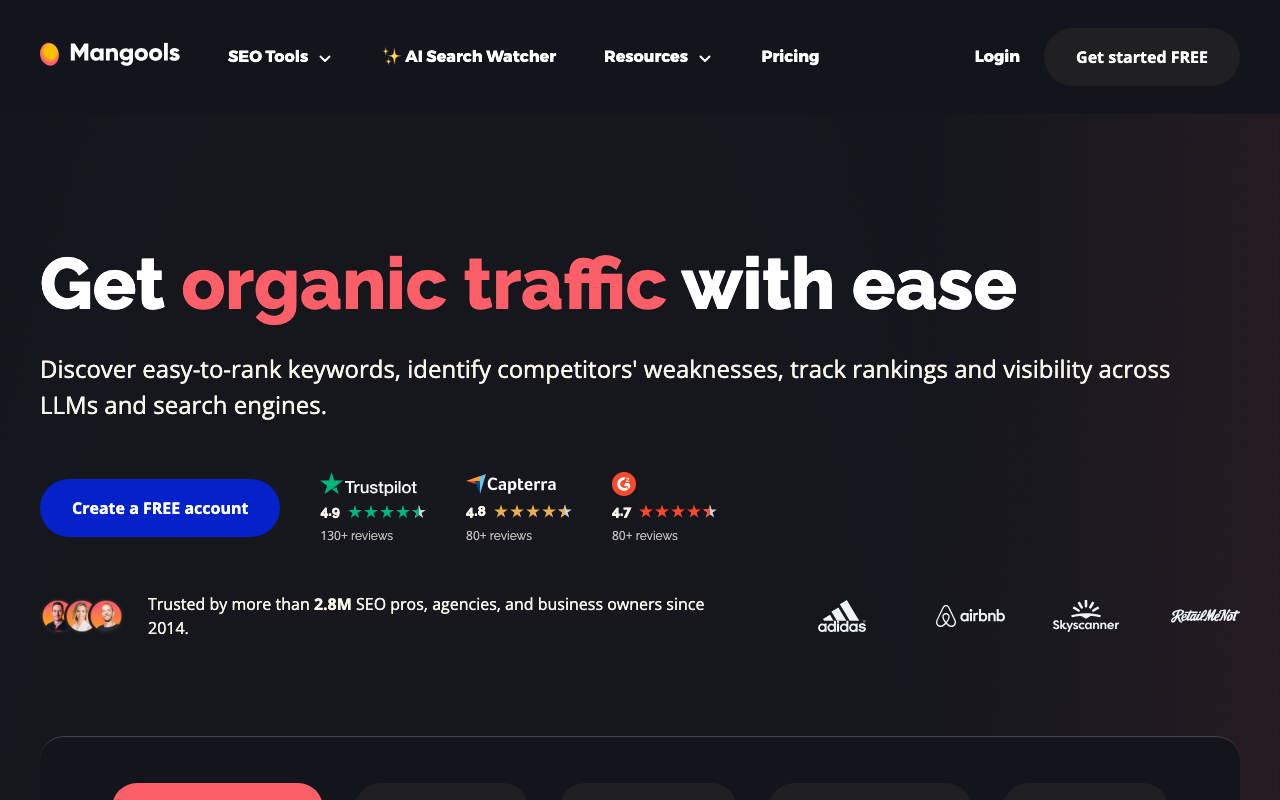
SERPWatcher is Mangools’ rank tracking module, and it no longer sells separately. It ships inside a bundle with KWFinder, SERPChecker, LinkMiner and SiteProfiler, so you get a lightweight SEO toolkit for roughly what a standalone tracker costs. The interface is the cleanest in the category, but the refresh schedule is where you pay for that simplicity.
The tracking capability breaks down like this.
- Rank tracking across unlimited domains, with the keyword count capped rather than the domain count
- Dominance Index: aggregates all your keyword positions into a single visibility score
- AI Search Watcher PRO across ChatGPT, AI Overviews, AI Mode, Gemini, Claude, Grok, Llama and Mistral, with 500 monitored prompts and unlimited monitors on every tier
- Location-specific tracking by country and city
- Email alerts for position changes above a threshold you set
- API and MCP access included at every plan level
- Shareable reports clients can view without logging in
Pricing: Basic $37.70/mo, Premium $52.70/mo and Agency $97.70/mo, all billed annually with a 35% discount against monthly. Keyword allowances are 200, 700 and 1,500. There’s a 48-hour money-back guarantee rather than a free trial.
Watch the refresh schedule here. Basic and Premium update rankings weekly. Only the $97.70 Agency plan updates daily. If you came for cheap daily tracking, Ranktracker is the better answer.
Freelancers and bloggers are the audience here, the ones who want a clean, affordable toolkit and don’t need daily position data.
Independent ratings: it scores Capterra 4.8/5.
Here’s where it’s genuinely good.
- Easiest onboarding of any paid tracker here, with tracking live in under ten minutes
- Eight AI models tracked on the $37.70 plan, including Grok, Llama and Mistral, which nothing else here covers
- Five tools in one subscription and the domain count isn’t capped
Here’s what you’re giving up.
- Weekly rank updates unless you’re on the Agency plan
- 200 keywords on Basic won’t last long
- A 48-hour refund window isn’t a real evaluation period
11. Wincher: Best Lightweight Tracker for Content Teams
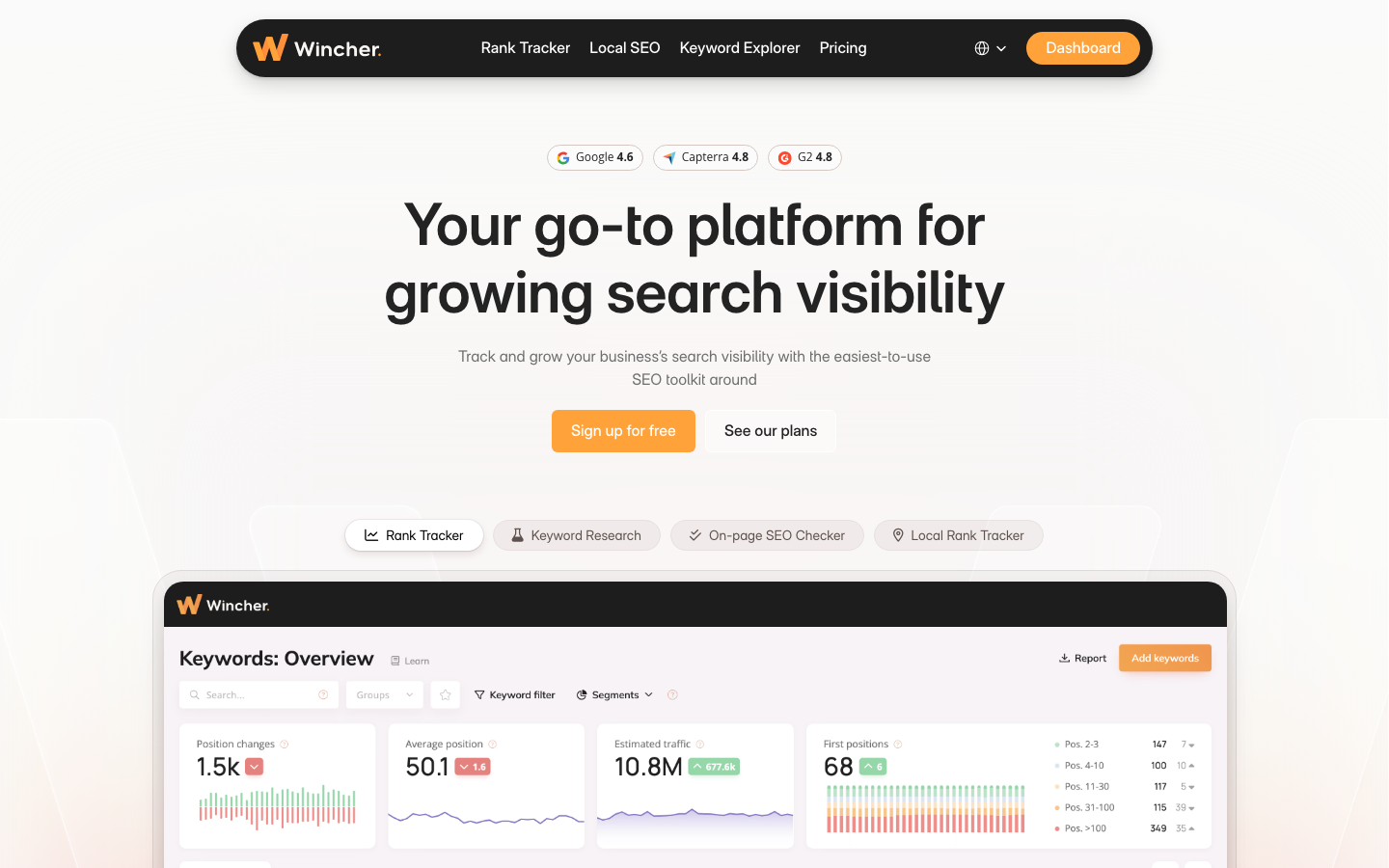
Wincher does daily keyword tracking, competitor monitoring and landing-page-level reporting without any of the weight of a full suite. Most users are set up and tracking within ten minutes of creating an account, with no configuration beyond a domain and a keyword list. What you won’t find anywhere in it is AI tracking.
You get the following on the tracking side.
- Daily keyword position tracking with desktop and mobile splits
- Local rank tracker for city-level positions
- Landing page reports that group keywords by the page being tracked rather than alphabetically
- Competitor tracking against your keyword set
- Keyword Explorer and an on-page SEO checker
- Free SERP volatility monitor
- Google Looker Studio connector and a documented API
Pricing: Basic $49/mo covers from 500 keywords across up to 10 websites with 1 user. Standard $89/mo covers from 1,000 keywords on unlimited websites with multiple users. Professional $319/mo covers from 5,000 keywords. Above 50,000 keywords you’ll get a custom quote, and there’s a free trial on every plan.
The right buyer here is bloggers and content teams that want simple daily tracking tied to their publishing workflow rather than a platform to learn.
Here’s what it does well.
- Clean, no-frills interface that doesn’t need a learning curve
- Landing page reports make content performance monitoring fast to read
- Unlimited websites from the $89 Standard plan
Here’s where it falls short.
- No AI search visibility tracking of any kind, and that’s a real gap in 2026
- Limited SERP feature coverage compared to SE Ranking or AccuRanker
- One user seat on the entry plan, so a team can’t share it
12. SEO PowerSuite Rank Tracker: Best for Unlimited Keywords
SEO PowerSuite Rank Tracker is the only desktop application on this list, and that single fact drives both its advantage and its constraints. Because it runs on your machine rather than in a vendor’s cloud, it doesn’t meter your tracking by a monthly keyword count. You track as many keywords as your computer and connection can handle, with no overage fees and no upgrade pressure. The trade-offs are real, though, and they’re listed below.
Its tracking feature set covers these points.
- Unlimited tracked keywords and unlimited projects on every paid licence
- 550+ search engines including Google, Bing, YouTube, Yandex and regional engines
- Google AI Overviews tracking, included even on the free plan
- Position history graphs, device breakdowns and SERP feature indicators per keyword
- Unlimited backlink tracking and full-site crawling in the same suite
- 5 competitors per project on Professional, 40 on Enterprise
- Full export to Excel or Google Sheets with no data lock-in
Pricing: the free plan runs forever with one project and no saving. Professional is $349/yr ($29.10/mo equivalent), Enterprise $599/yr adds white-label reports, PDF and HTML export and scheduled delivery, and Max+ $899/yr adds partner-programme extras. Licences carry no per-seat fees, so team size doesn’t change the bill.
It fits solo SEOs and small teams tracking thousands of keywords who work from one machine and don’t need cloud access.
These are the strengths.
- Unlimited keywords with no caps or overage charges, period
- A year of Professional costs less than two months of AccuRanker’s entry plan, and that’s not a rounding difference
- 550+ search engines, more than any cloud tool here except AWR
These are the drawbacks.
- Desktop only, so you can’t pull data from your phone or another machine
- Rankings only update while the software is running, so there isn’t an on-demand refresh
- AI tracking is limited to Google AI Overviews
- The interface hasn’t aged well
13. AgencyAnalytics: Best for Client Reporting Dashboards
AgencyAnalytics is a reporting platform first. It pulls data from 85+ integrations, including Semrush, Ahrefs, Google Analytics and Search Console, then combines them into branded client dashboards that don’t look like exports. If your problem is that SEO, paid and social all live in different tools while the client wants one report, this is the answer.
Here’s what the tracking side gives you.
- 85+ platform integrations consolidating SEO and marketing data in one view
- Drag-and-drop dashboard builder with full white-label branding and a custom domain
- Automated report scheduling, daily, weekly or monthly
- Client portal with granular permissions controlling what each client sees
- Goals, alerts and anomaly detection
- AI Tracker (beta): brand visibility, sentiment, position and citations across ChatGPT, Google AI Overview, Google AI Mode and Claude
- MCP access for ChatGPT and Claude, plus benchmarks and forecasting
Pricing: $20 per client per month, billed annually, with every feature unlocked and unlimited staff and client users. Enterprise pricing starts at 25 clients. Two add-ons matter: the Rank Tracker at $41.67/mo per 500 keywords and the AI Tracker beta at $20.83/mo per 250 credits. There’s a 30-day money-back guarantee.
The catch is easy to miss on a pricing page that leads with $20. Rank tracking is not in the base plan. It’s a paid add-on, and it updates weekly rather than daily. Budget for it if you plan to use AgencyAnalytics as your tracker rather than as your reporting layer.
This one is aimed at agencies running SEO alongside PPC and social that don’t want three separate client reports.
Independent ratings: it scores G2 4.7/5 (1,200+ reviews); Capterra 4.8/5 (115+ reviews).
It wins on these points.
- White-label dashboards and client portals included at the flat rate, not gated behind a tier
- Unlimited staff and client users, so you aren’t counting seats
- The AI Tracker covers Claude, which most reporting platforms skip
It loses points on these.
- Rank tracking costs $41.67/mo per 500 keywords on top of the base price
- Those add-on rankings update weekly
- Cost per client adds up quickly if you’re running a high-volume agency
14. Google Search Console: Best Free SEO Tracking Tool
Google Search Console shows you exactly how Google sees your site, because the data comes from Google’s own systems with no estimation or sampling. You can sign up free at search.google.com/search-console. Every site owner should connect it before paying for anything else, though it won’t replace a tracker. For a guide to getting more out of query data there, see our article on Google Search Console keywords.
The tracking features worth knowing about are these.
- Query-level data: impressions, clicks, CTR and average position for every keyword Google associates with your site
- Index Coverage report showing which pages are indexed, excluded or erroring
- Core Web Vitals monitoring with page-level scoring
- Enhancement reports for rich result eligibility
- URL Inspection Tool for checking page status and requesting re-indexing
Pricing: free, and no paid tier exists.
Every website should run it as a baseline alongside a paid tracker. It isn’t a replacement for one.
Independent ratings: it scores G2 4.7/5 (419+ reviews); Capterra 4.8/5 (207+ reviews).
The strong points are these.
- The most authoritative SEO data available, because it comes straight from Google
- Impressions and CTR data that no paid tracker can provide, since that data only exists inside Google
- Query discovery surfaces keywords you already rank for and didn’t know about
The weak points are these.
- Positions are averaged across queries, devices and locations, which hides individual movement
- No competitor tracking, no SERP feature breakdown and no local position data
- The 16-month window means you can’t do multi-year trend analysis unless you export
What to Look for in SEO Tracking Software
Most tools get the basics right, so the decision comes down to seven things: how accurate and how fresh the data is, what you can track before you hit a cap, whether local and international coverage matches your clients, how competitor data is presented, which SERP features are visible, whether AI surfaces are covered, and what the reporting looks like when a client opens it.
Tracking accuracy and update frequency
The first question is whether the positions a tool reports match what a real searcher sees. Don’t trust the marketing here, test it: check 10 to 20 of your tracked keywords manually on the same day and compare. Variations of one or two positions are normal, but consistent gaps are not. Consistent gaps of five or more usually mean the tool is simulating searches from a data centre rather than from your target geography.
Frequency is where the marketing and the pricing page most often disagree. Ahrefs updates weekly on every tier. Mangools updates weekly on its two cheaper plans. Advanced Web Ranking defaults to weekly and lets you change it. AgencyAnalytics’ add-on tracker updates weekly. Daily is the minimum for an active campaign, though on-demand refresh, which AccuRanker and AWR both offer, is what you’ll want when a client calls before the next scheduled crawl.
Keyword limits and what a keyword actually costs
Every platform caps how many keywords you can track and how many projects you can run. Model your real volume across all clients before you pick a tier, and convert to a common unit first, because a tracked keyword, a position check and a SERP credit are three different products. At the entry tier, Advanced Web Ranking gives you 7,000 weekly keywords for $139 while Moz gives you 300 for $99. Those aren’t the same purchase, whatever the pricing pages imply.
Local and international tracking
If you work with local businesses or across markets, confirm the tool checks positions at the granularity you need rather than at country level. A position-3 ranking in Chicago and a position-12 ranking in Miami both disappear inside a national average, and you won’t see either one. Nightwatch and AccuRanker both track to city and ZIP level, and Advanced Web Ranking covers local and Maps tracking across 4,000+ engines for international work.
Competitor tracking capabilities
Most platforms let you add competitor domains. The useful ones keep the history, so you’ll see whether a rival has been climbing steadily or jumped overnight. Watch the caps: Semrush and SE Ranking track 5 competitors per project, Ahrefs tracks 20, and Advanced Web Ranking tracks 50 at no extra cost.
SERP feature tracking
A position of 3 means something different depending on what sits above it. Tools that track SERP features tell you whether you own a snippet, a local pack entry, an image result or a video, which turns a flat number into a diagnosis rather than a data point. Knowing your keyword triggers a featured snippet you’re not winning is strategic information a position number can’t give you.
Share of voice, average position and striking-distance keywords
Three derived metrics do more work than raw positions. Share of voice measures what percentage of available clicks across your whole tracked set your site captures, weighted by volume, and it’s the number that holds up in a quarterly review. Average position over a date range shows trend direction rather than a single-day snapshot skewed by volatility. Striking-distance filters surface keywords sitting at positions 11 to 20, where a small content or link improvement produces a result faster than new content ever will.
Reporting, white label and integrations
If you report to clients, the deliverable matters as much as the data. Check for scheduled delivery, branded PDFs, client portals and Looker Studio or GA4 connections, so you’ll be showing rankings next to traffic. Advanced Web Ranking and AgencyAnalytics lead here. Note where white label sits in the pricing, though. SE Ranking charges €59/mo extra for it, Nightwatch starts it at the second tier, and SEO PowerSuite puts it on the Enterprise licence.
Which SEO Tracking Tools Monitor AI Search Visibility?
Mangools covers the most AI models at eight, Ahrefs, Nightwatch and Advanced Web Ranking each cover six, and Sitechecker is one of only two tools here that watches Microsoft Copilot. Semrush, SE Ranking, AccuRanker, Moz Pro and AgencyAnalytics cover between three and five, while Wincher tracks no AI surfaces at all and Ranktracker and SEO PowerSuite track Google AI Overviews only.
The matrix shows which engines each tool names on its own product pages, so you’ll rule out the ones that miss the surface you care about before you compare prices. A cell reads n/a when the vendor does not list that engine. Engine coverage was read from the vendors’ own product pages in September 2026 and this is the fastest-moving table on the page.
| Tool | AI Overviews | AI Mode | ChatGPT | Gemini | Perplexity | Claude | Copilot | Other models |
|---|---|---|---|---|---|---|---|---|
| Mangools | Yes | Yes | Yes | Yes | n/a | Yes | n/a | Grok, Llama, Mistral |
| Ahrefs | Yes | Yes | Yes | Yes | Yes | n/a | Yes | n/a |
| Nightwatch | Yes | Yes | Yes | Yes | Yes | Yes | n/a | n/a |
| Advanced Web Ranking | Yes | Yes | Yes | Yes | Yes | Yes | n/a | n/a |
| Sitechecker | n/a | Yes | Yes | Yes | Yes | n/a | Yes | n/a |
| Moz Pro | Yes | Yes | Yes | Yes | Yes | n/a | n/a | n/a |
| SE Ranking | Yes | Yes | Yes | n/a | Yes | n/a | n/a | n/a |
| AccuRanker | Yes | Yes | Yes | n/a | Yes | n/a | n/a | n/a |
| AgencyAnalytics | Yes | Yes | Yes | n/a | n/a | Yes | n/a | n/a |
| Semrush | Yes | n/a | Yes | n/a | n/a | n/a | n/a | n/a |
| Ranktracker | Yes | n/a | n/a | n/a | n/a | n/a | n/a | n/a |
| SEO PowerSuite | Yes | n/a | n/a | n/a | n/a | n/a | n/a | n/a |
| Wincher | n/a | n/a | n/a | n/a | n/a | n/a | n/a | n/a |
| Google Search Console | n/a | n/a | n/a | n/a | n/a | n/a | n/a | n/a |
Semrush is the awkward entry in that grid. Its AI visibility pages name ChatGPT and AI Overviews and then say “other LLMs” without listing them, so the empty cells mean the vendor doesn’t publish the detail rather than that the coverage definitely isn’t there. Everyone else names their engines outright, so you’ll know exactly what you’re buying.
Coverage is only half the question, though. The other half is how many prompts you’re given and how often they run. Nightwatch gives you 50 daily prompts on a €79 plan and Mangools monitors 500 prompts on a $37.70 plan, while Ahrefs gives you 5 on a $129 plan and Moz runs its prompt checks weekly rather than daily. SE Ranking includes 100 daily prompts in Core and sells deeper AI competitor research separately at €79/mo. Semrush lists AI search performance on its cheapest tier but the daily prompt allowance starts at Starter, and AccuRanker keeps AI CTR and AI Search Volume on the $764/mo Expert plan.
Worth saying plainly: a rank tracker with an AI module is not the same product as a dedicated AI visibility platform. Tools like Peec AI, Otterly.ai and Profound do prompt-level monitoring at a depth no tracker matches, and they don’t track blue-link positions at all. If AI citation share is your primary metric rather than a secondary one, start with our guide to the best AI visibility tools instead.
Which SEO Tracking Tool Fits Your Situation
The tools above mostly do the core job well, so the choice comes down to scale, reporting requirements, local depth and budget. Here’s how the shortlist changes by situation.
For agencies
AccuRanker and Advanced Web Ranking are the two strongest picks, for opposite reasons. AccuRanker wins on speed and data control, and it isn’t close: on-demand refresh, deep segmentation and a solid API make it the tool to buy when your agency competes on responsiveness. AWR wins on the deliverable, with the best white-label PDFs here, self-updating report permalinks and client portals, plus 50 competitors and 4,000+ engines at $139/mo.
SE Ranking with the Agency Pack is the middle path at €87.20 plus €59/mo, which sits above AWR on price while adding the keyword research AWR doesn’t have. AgencyAnalytics is the pick when reporting across channels matters more than the rankings themselves, though you’ll pay $41.67/mo per 500 keywords for the tracking add-on.
For freelancers and small businesses
Ranktracker at $31.20/mo annual is the best value for daily data, with 500 daily Top-100 keywords, AI Overview monitoring and unlimited users. Mangools at $37.70 is the better buy if you want keyword research and SERP analysis bundled in and don’t need daily refreshes.
Nightwatch is worth the €79 if local SEO is part of what you sell, because you won’t find city-level tracking and six AI surfaces at an entry tier anywhere else. Wincher suits content-led sites that want daily positions grouped by landing page and nothing more complicated than that.
For enterprises and in-house teams
Semrush is the default when you want one platform covering tracking, research, backlinks, audits and content, and the Advanced plan’s 5,000 keywords plus Share of Voice suits large teams with multiple stakeholders. Ahrefs is the stronger pick when data quality drives strategy decisions, as long as weekly rank updates work for you. Where they don’t, run Ahrefs for research and AccuRanker for positions, which is what plenty of enterprise teams actually do.
For unlimited keyword tracking on a budget
SEO PowerSuite Rank Tracker is the only real answer. A Professional licence at $349/yr tracks unlimited keywords across unlimited projects on 550+ search engines, which is less than two months of AccuRanker’s entry plan. You give up cloud access, mobile access and on-demand refresh in exchange. For a solo SEO with a fixed desk and thousands of keywords, though, that trade is worth making.
Alternatives to the Rank Trackers You Are Probably Already Paying For
Most people searching for a tracker already have one but want out of it. This section takes the six tools people most often look to replace and names what to move to, with every price verified today rather than carried over from last year’s article.
AccuRanker alternatives
AccuRanker’s $224/mo entry price is what drives most people to look elsewhere, and the thing they’re afraid of losing is the on-demand refresh. Advanced Web Ranking is the closest match: $139/mo buys 7,000 keywords, manual updates on every plan and 1-hour on-demand updates from the Agency tier. Ranktracker is the cheaper route at $31.20/mo annual with 500 daily keywords and 500 monthly instant checks, though you give up AccuLLM’s four-engine AI tracking and drop to AI Overviews only.
AuthorityLabs alternatives
AuthorityLabs still does the job it always did, and it does it well. Plus is $65/mo for 250 keywords across 50 domains, Pro is $129 for 1,000 keywords, Pro Plus is $295 for 2,500 and Enterprise is $585 for 5,000 or more, with daily updates, local and mobile tracking, white label and unlimited users on every plan. What it hasn’t got is any AI search visibility tracking. If that’s why you’re looking, Nightwatch at €79/mo covers six AI surfaces plus local tracking, and Sitechecker adds Copilot and site-change monitoring on top.
Raven Tools alternatives
Raven Tools prices in position checks, not tracked keywords, and that’s usually the reason people outgrow it. Small Biz is $39/mo for 2 campaigns and 1,500 position checks per month, which works out to about 50 keywords checked daily. Start is $79 for 20 campaigns and 15,000 checks, and full white label begins on the $139 Grow plan. For agencies that need real keyword volume with reporting attached, SE Ranking plus the Agency Pack or AgencyAnalytics with the Rank Tracker add-on both scale further without the position-check maths.
Ranktracker alternatives
Ranktracker’s gap is AI coverage. It monitors Google AI Overviews on every tracked keyword and stops there, with no ChatGPT, Perplexity or Gemini prompt tracking at all. Nightwatch at €79/mo is the natural step up, adding five more AI surfaces and city-level local tracking while keeping daily refreshes. SE Ranking at €87.20/mo annual gives you 2,000 daily keywords and 100 daily prompts, which is four times Ranktracker Launch’s keyword volume.
Advanced Web Ranking alternatives
People leave AWR for one of two reasons: they want research tools in the same subscription, or they want daily rather than weekly as the default. SE Ranking solves the first at €87.20/mo annual with unlimited keyword, competitor and backlink research included. AccuRanker solves the second, with daily updates plus on-demand refresh as the core product rather than a schedule setting. Neither matches AWR’s 4,000+ engines or its 50 tracked competitors, so weigh that before you move. You’d be trading breadth for freshness.
SE Ranking alternatives
The usual complaint about SE Ranking is add-on stacking: €87.20 for Core, €59 for the Agency Pack and €79 for the AI Search add-on turns a mid-range tool into a €225.20/mo bill, which isn’t mid-range any more. Nightwatch Professional at €159/mo bundles white-label reports, API access, 2,500 keywords and 150 daily AI prompts into one price. Advanced Web Ranking Pro at $139/mo includes AI visibility and white-label reporting with no add-ons at all.
Before you switch, export these four things: your full position history as CSV, your keyword list with its tags and groups, your competitor domain list, and any saved report templates. Most vendors offer assisted migration on annual plans, and SE Ranking includes it free, but the history is the part that’s genuinely hard to recreate. A tracker with three years of data is worth more than a better tracker with three weeks.
How to Get the Most from Your SEO Tracking Software
1. Set a keyword baseline before you start
Capture current positions for every target keyword before you begin optimizing. Without a before-and-after snapshot, it’s impossible to know what actually moved the needle.
2. Track competitors, not just yourself
Add the top two or three competitors to your tracked projects from day one. A drop from position 4 to 6 reads very differently if your main competitor climbed from 3 to 1 than if everyone shifted down after an algorithm update. You can’t tell those apart without the competitor data.
3. Segment keywords by intent and page type
Group keywords by informational versus commercial intent, by funnel stage, or by content type. Segmented tracking makes it easier to spot where optimization is working and where you’ve a structural gap. See our guide on topical authority for how content depth affects ranking strength.
4. Schedule a weekly ranking review
Daily data catches sudden drops. Weekly reviews are where strategy decisions happen. Set a fixed time to check trending keywords, flag pages that dropped more than 3 positions, and note whether any competitor positions shifted significantly. Resist the urge to rewrite a page over a two-position daily swing. That’s noise rather than signal, and reactive edits often cost more than they gain.
Frequently Asked Questions
What is the best free SEO tracking tool?
Google Search Console is the best free SEO tracking tool. It provides first-party data directly from Google including query-level impressions, clicks, CTR and average position for every keyword Google associates with your site. SEO PowerSuite’s free desktop plan is the best free option for actual position tracking, since it has no keyword cap, though it can’t save your history.
What is the most accurate SEO rank tracker?
AccuRanker and Ahrefs are the most accurate rank trackers in practice, for different reasons. AccuRanker’s on-demand refresh means its data is current at the moment you check rather than up to 24 hours old, and Ahrefs pairs a large keyword infrastructure with SERP history you can audit. The only accuracy test that settles it for your own site is checking 10 to 20 keywords manually on the same day and comparing.
How often should I check my keyword rankings?
Daily automated tracking with a weekly review is the right cadence for an active campaign. Spot-check manually right after publishing, after a confirmed algorithm update, or when traffic drops and you don’t know why. For a site in maintenance mode, weekly tracking is enough and it cuts the noise. Rankings move a position or two most days without meaning anything, so reacting to every daily swing usually does more harm than leaving the page alone.
Which SEO tracking tools monitor AI search visibility?
Most major platforms now monitor AI search visibility, though coverage varies more than the marketing suggests. Nightwatch and Advanced Web Ranking cover six AI surfaces each including Claude, Sitechecker is one of only two tools here that covers Microsoft Copilot, and Semrush, SE Ranking, AccuRanker, Moz Pro, Mangools and AgencyAnalytics each cover between three and five. Wincher has no AI tracking at all, and Ranktracker and SEO PowerSuite cover Google AI Overviews only.
Can I track rankings for free?
You can track rankings for free, with real limits on what you get. Google Search Console gives you averaged positions from Google itself but no competitor data and no daily per-keyword movement. SEO PowerSuite’s free desktop plan checks unlimited keywords but won’t save the results. Most paid tools run trials between 7 and 30 days, which is long enough to verify accuracy against your own keyword set before you commit.
What is the difference between local and global rank tracking?
Global rank tracking shows your position at country level while local rank tracking checks it from a specific city, ZIP code or set of GPS coordinates. The difference is often large, because search results vary with the searcher’s precise location. A plumber at position 2 in the city centre can sit at position 9 in a suburb ten miles out, and a national average hides both numbers. Nightwatch, AccuRanker and Advanced Web Ranking all track at that granularity.
How many keywords should I track?
Track the keywords you’re actively working on and the ones that drive decisions, not every keyword your site ranks for. A focused set of 50 to 500 keywords works for a small business, 500 to 2,000 for a mid-size site, and 2,000 or more for enterprise and agency campaigns. Tracking far more than you can act on creates noise and buries the signals worth reacting to.
What is the best SEO ranking report software?
Advanced Web Ranking and AgencyAnalytics produce the strongest client-facing ranking reports. AWR gives you fully branded PDFs, scheduled delivery, self-updating report permalinks and separate client login portals, and they’re all included from the $139/mo Pro plan. AgencyAnalytics pulls rankings alongside PPC, social and analytics data from 85+ integrations into one branded dashboard at $20 per client per month, with the rank tracking itself as a $41.67/mo add-on.
What is the difference between rank tracking and SEO monitoring?
Rank tracking measures keyword positions at a point in time, while SEO monitoring is broader and covers site changes that could affect rankings, backlink gains and losses, brand mentions and Core Web Vitals. Most modern platforms combine both, so you don’t usually have to choose. Sitechecker and Semrush both watch on-page element changes alongside positions, and screamingfrog.co.uk handles on-site monitoring at a more technical level.