
Similar Sites: The Best Tools to Find Similar Websites
If you need to find websites in the same niche as a given URL, similar sites tools make that search instant. Enter a domain and you get a list of competitors, related publishers or alternative services you might never have found through a regular Google search. This guide covers what similar sites tools are, how they work under the hood, which ones are worth using and how to build an actual SEO workflow around them.
What Are “Similar Sites” Tools?
Similar sites tools are web services that discover websites sharing a niche, audience or topic focus with a URL you provide. They surface competitors you didn’t know existed. They also help find link building prospects and give you a starting point for competitive research without spending hours clicking around. The output is always a list of domains related to the one you entered.
Three types of similar sites tools
Standalone web tools and browser extensions are the simplest entry point. SimilarSites.com, NicheProwler and Revalin fall here. You enter a URL and within seconds you get a results list. Many offer a browser extension so you can trigger the search on any site you’re visiting.
SEO platform features are built into tools you may already use. Ahrefs has a Competing Domains report inside Site Explorer; Semrush has a Competitors section in Domain Overview. Both pull similarity from backlink and keyword overlap, which gives a different angle than behavioral tools, one that’s more directly useful for SEO work.
Traffic intelligence platforms like SimilarWeb combine audience data, browsing behavior and traffic estimates to surface similar sites alongside full competitive analytics. These are the most data-rich. Also the most expensive, and overkill if all you need is a simple discovery list.
How Do Similar Sites Tools Work?
The methodology behind a tool determines what kinds of similar sites it surfaces. Understanding this helps you pick the right tool for your use case.
Behavioral browsing data is the method used by SimilarSites.com and the Similar Sites Chrome extension. The tool tracks which sites users visit before or after visiting a given domain. Sites that show up together in browsing sessions get treated as related. This method is good at surfacing direct alternatives and discovery-style competitors, but it’s biased toward high-traffic sites where enough behavioral signal exists.
Keyword and topic overlap is the method used by NicheProwler. It extracts descriptive keywords from the input URL (meta tags, body content or domain classification) and matches against a database of sites with similar keyword profiles. It works well for informational and SaaS niches where on-page topic signals are strong.
Audience panel and ISP data is SimilarWeb’s approach. It combines user panel data, ISP-level data and web crawls to build traffic estimates and audience profiles. Sites with overlapping audience segments get flagged as similar. This method scales across millions of sites and is the most statistically reliable, though it’s weakest on small sites with limited traffic.
Backlink profile overlap is how Ahrefs and Semrush identify competing domains. If two sites receive links from a large number of the same referring domains, they’re likely in the same niche. This signal is useful for SEO: if a site ranks for keywords you want and attracts links from the same domains as you, it’s a competitor worth tracking.
The Best Tools to Find Similar Sites
SimilarSites.com
SimilarSites.com is without question the best known dedicated tool for this task. Enter any domain and it returns a curated list of similar websites, each with a thumbnail and category label. The site also maintains a browser extension, Similar Sites, Discover Related Websites, with 300,000 active users, a 3.9/5 rating from 398 reviews and support for 28 languages. The extension lets you trigger a similar sites search on any page you’re currently browsing.
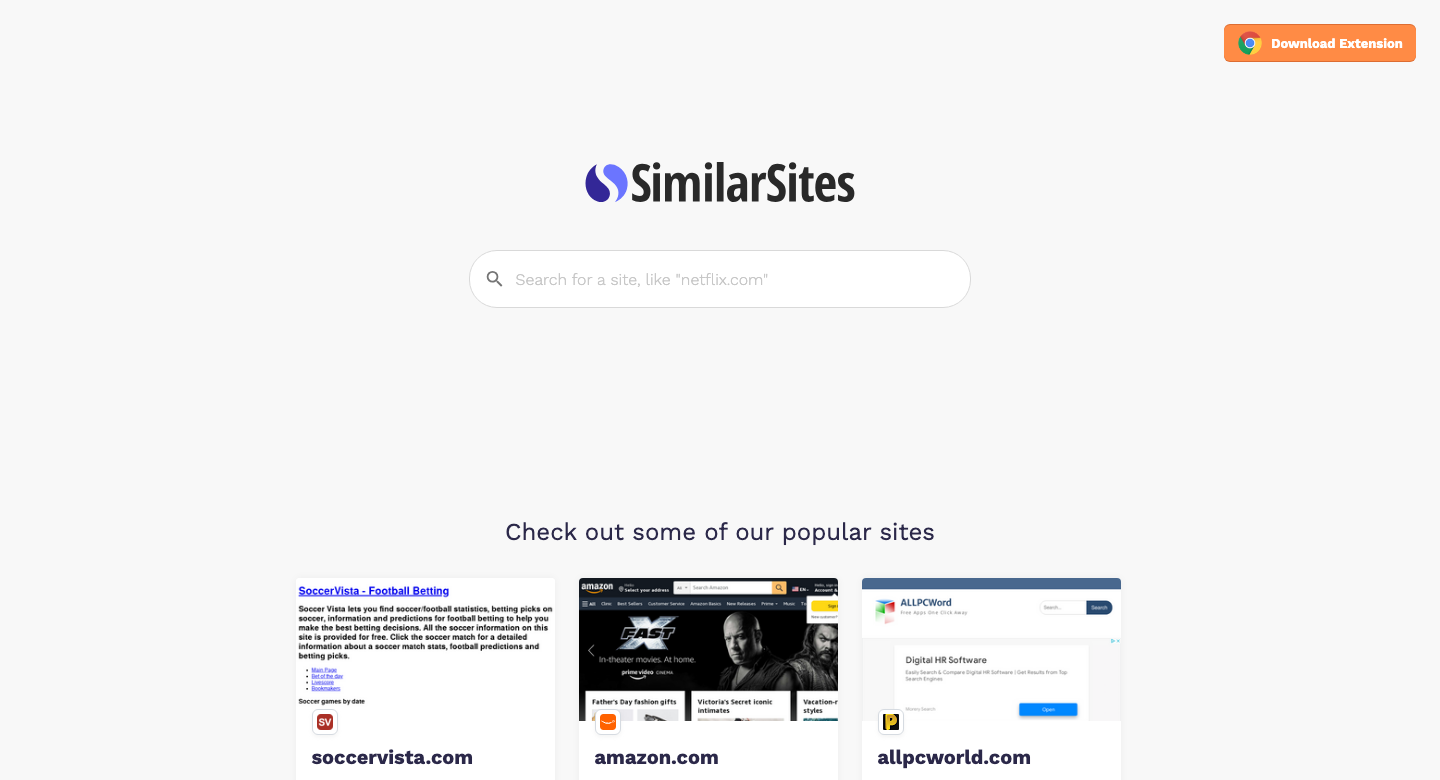
Four use cases drive most traffic to the tool: finding alternative online stores (shop smarter), discovering related blogs and news sources, finding related travel and leisure sites and doing business research. That’s free discovery at its simplest.
Best for: Quick competitor discovery, in-browser research while browsing, non-SEO use cases like finding content inspiration or shopping alternatives.
Limitations: No traffic data, no SEO metrics, no keyword rankings. Works best for high-traffic domains where behavioral signals are rich. Smaller or newer sites may return thin or irrelevant results.
Cost: Free.
SimilarSiteSearch.com
SimilarSiteSearch.com is a dedicated discovery tool that finds similar websites and alternatives by indexing sites based on category, topic and audience. Enter any URL or topic and the tool returns a list of related domains organized by niche. Free to use, no account needed.
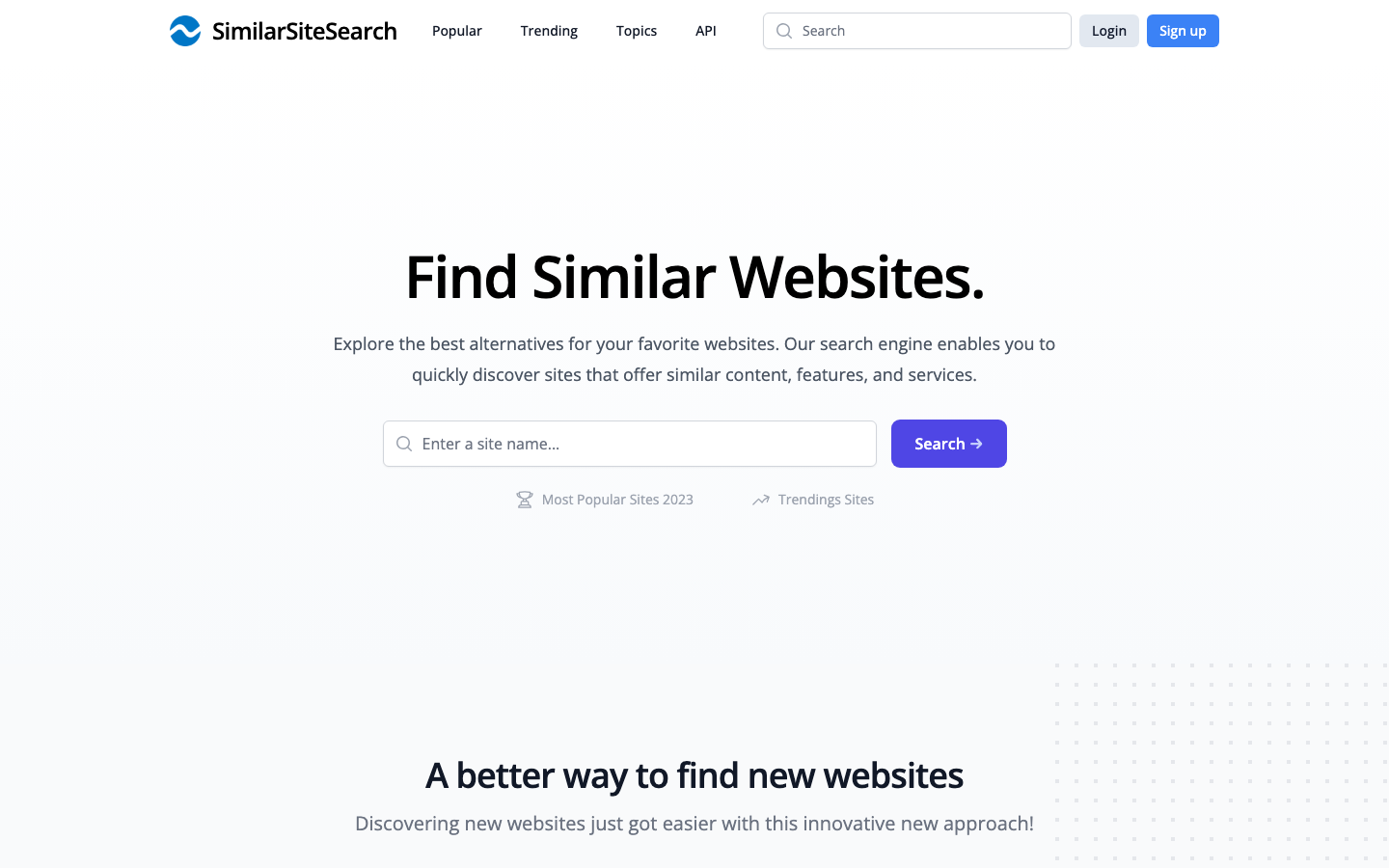
Best for: Category-level browsing when you want to explore an entire niche rather than compare one domain against a single competitor list.
Limitations: No traffic or SEO data. Smaller database than the major SEO platforms.
Cost: Free.
SimilarWeb
SimilarWeb is an enterprise-grade web analytics platform with a strong similar sites discovery feature. Its Competitive Landscape report surfaces competitor sites ranked by traffic and audience overlap, with detailed metrics: monthly visits, traffic sources, audience demographics and engagement rates.
The data methodology combines panel data, ISP-level traffic measurement and direct measurement from publishers who share their analytics. That makes SimilarWeb results more reliable across a wider range of site sizes compared to purely behavioral tools. It’s also a lot more expensive.
Best for: Organizations that need traffic intelligence alongside competitor discovery. Strong for e-commerce, media and SaaS companies doing competitive market research.
Limitations: The free tier is severely restricted. You can see a limited set of competitors with no traffic data. The entry self-service plan, Competitive Intelligence, runs $199/month billed monthly and drops to $125/month on annual billing. For a simple similar sites lookup, SimilarWeb is overkill, period. We break the tiers down in our SimilarWeb pricing guide.
Cost: Free tier (very limited); Competitive Intelligence from $125/month billed annually ($199/month billed monthly).
NicheProwler
NicheProwler takes a different approach. Enter a URL and the tool extracts the descriptive keywords from that site, then matches against its database to return related sites. Free with rate limiting. A paid API is available for automation and bulk lookups.
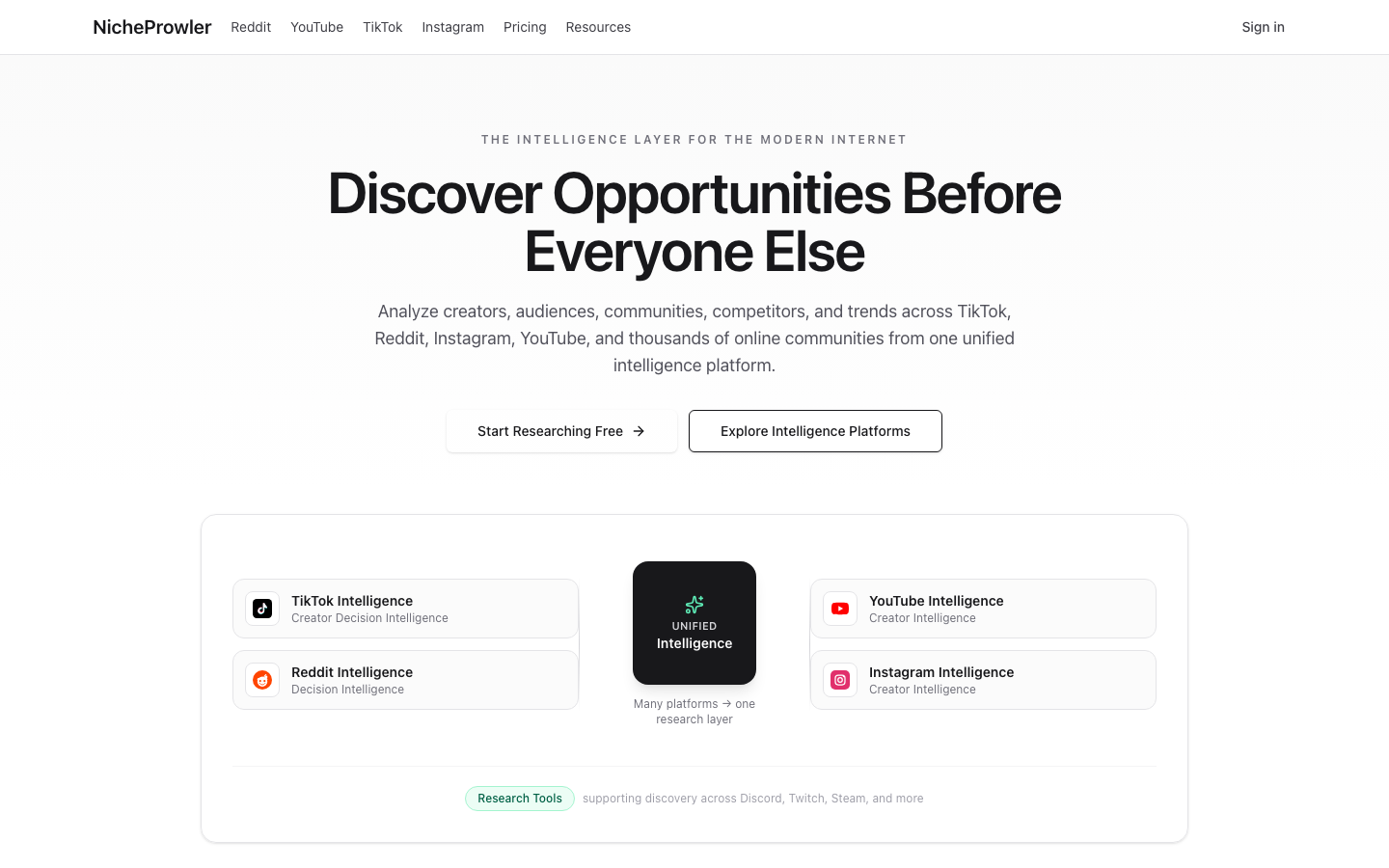
The focus is on niche research and market mapping. For SaaS companies, affiliate marketers and content strategists trying to build a picture of who else operates in a given topic space, NicheProwler delivers clean results without a subscription.
Best for: Niche research and market mapping, especially for informational content and SaaS niches where topic signals are strong. API access makes it useful for automated competitive analysis pipelines.
Limitations: Database is smaller than SimilarWeb or Ahrefs. No traffic data. May underperform for broad or multi-topic sites where extracting a single keyword set is difficult.
Cost: Free (rate-limited); API pricing available.
Revalin
Revalin focuses more on competitive analysis than pure discovery. Enter a URL and Revalin surfaces similar sites alongside data on their traffic and audience engagement, backlinks, domain rating and technical condition. This makes it useful not just for finding competitors but for quickly benchmarking them.
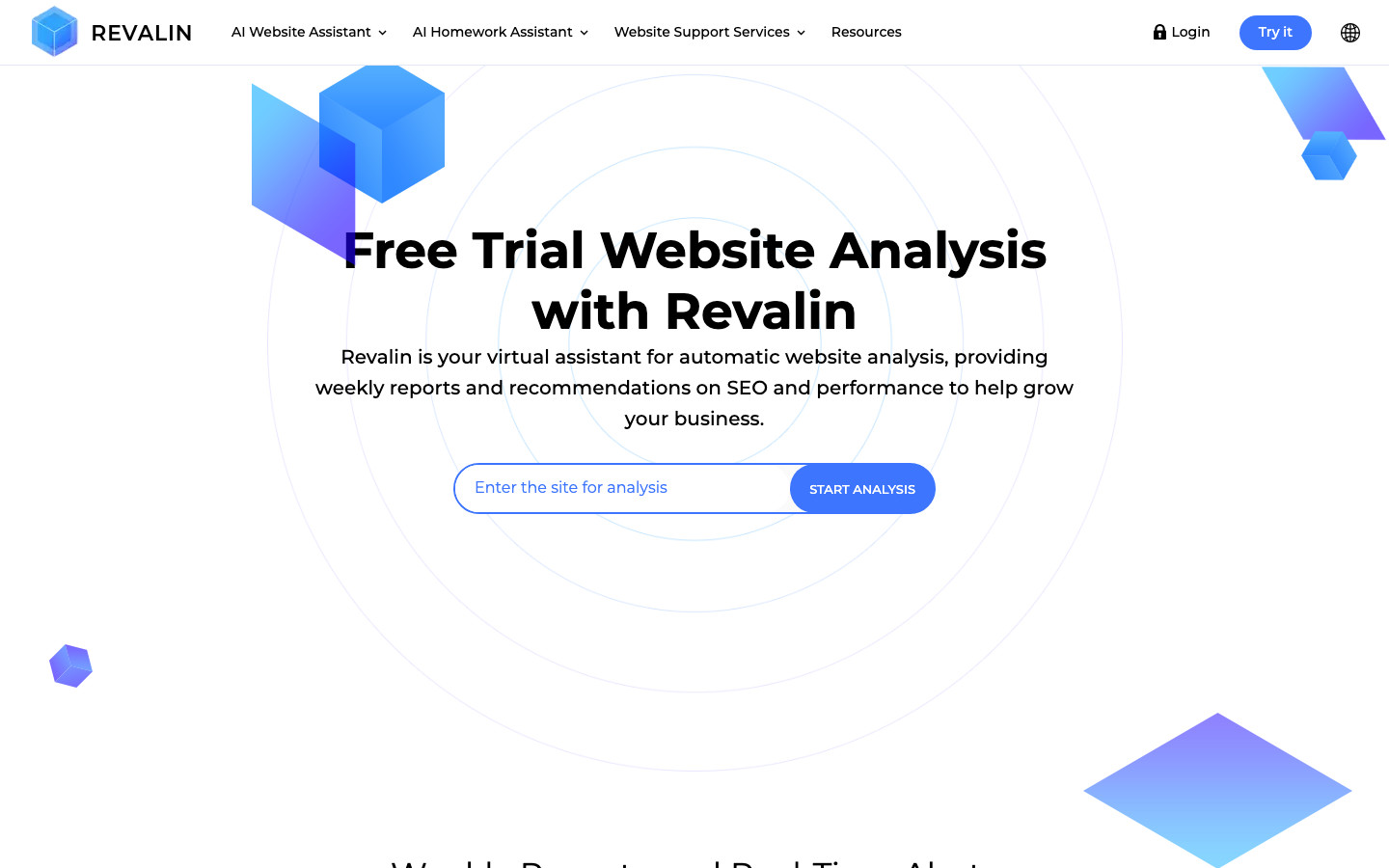
Revalin’s framing maps to three user personas: new to business (learn what competitors do to understand your market), niche brand creator (find which products or services to focus on) and experienced business owner (monitor competitors continuously to stay ahead). That structure fits different stages of a competitive research workflow.
Best for: Structured competitive analysis that includes performance metrics alongside discovery. Good for users who want more than just a list of domain names.
Limitations: Smaller, less well-known dataset than SimilarWeb or Ahrefs. Results may be thin for very specific micro-niches.
Cost: Free trial available; check Revalin.com for current pricing.
Similar24
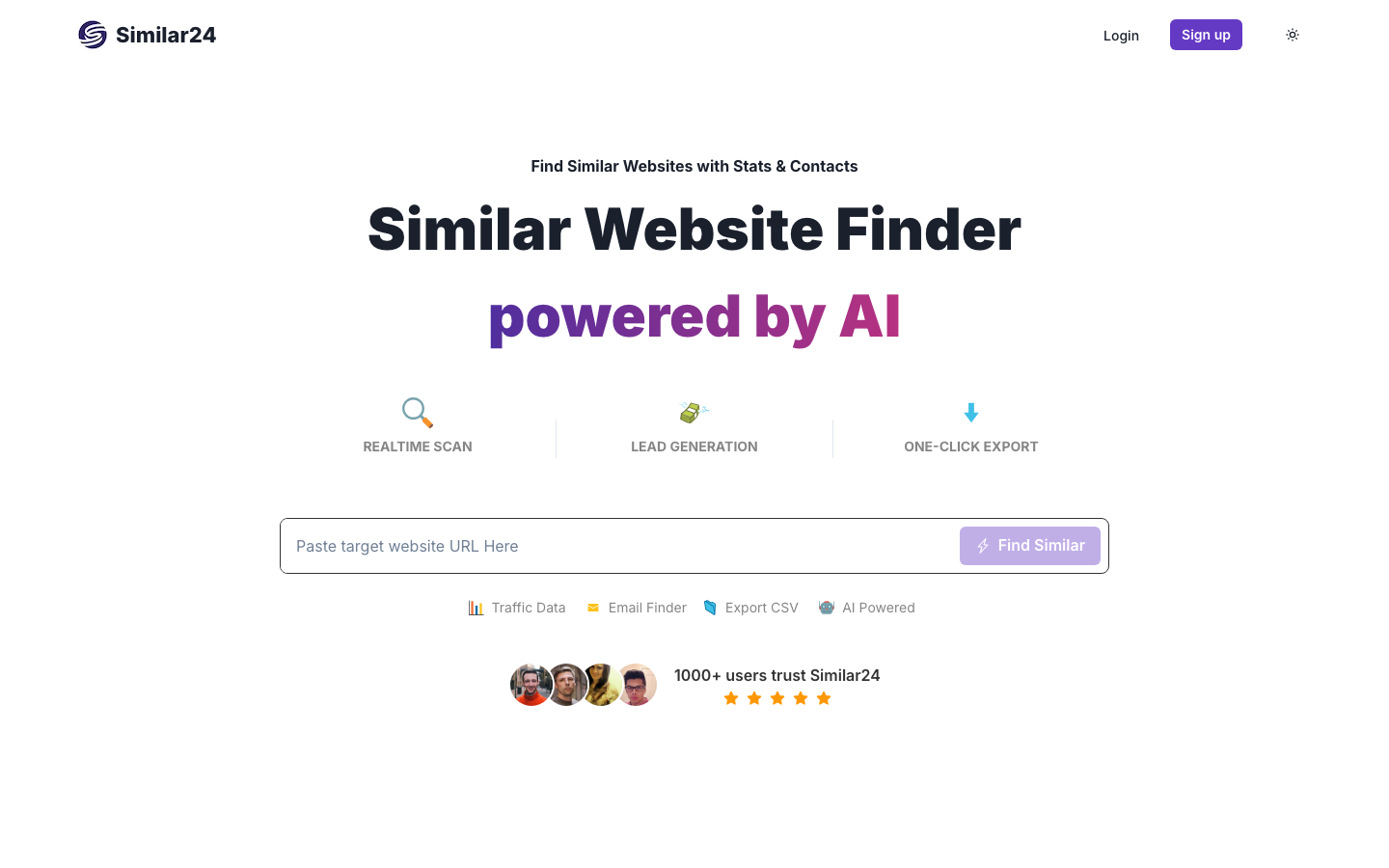
Similar24 is a newer entrant that pairs similar sites discovery with lead generation. Enter a URL and the tool crawls a database of more than 100 billion pages in real time rather than matching against a static index, then returns similar domains alongside estimated monthly visits and time-on-site figures.
The differentiator is contact discovery. Similar24 extracts public, verified email addresses and contact details from each result and lets you export the full list, including traffic and contact data, as a CSV. That makes it more of a prospecting tool than a pure research tool.
Best for: Agencies and sales teams that want a similar sites list paired with outreach-ready contact data, without a separate lead-enrichment step.
Limitations: The free trial caps how many results you can see. Full pricing for bulk exports and larger datasets isn’t published, so you’ll have to ask for it. The real-time crawl approach is newer and isn’t as proven at scale as SimilarWeb’s panel-based data.
Cost: Free trial with limited results; paid plans for bulk export, pricing on request.
Ahrefs and Semrush (Competing Domains Feature)
Both Ahrefs and Semrush have a competing domains feature built into their core workflow. For SEO-focused research it’s often more useful than a dedicated similar sites tool.
In Ahrefs, open Site Explorer and go to the Competing Domains report. Ahrefs surfaces domains that share ranking keywords with the input site, sorted by the number of common keywords. In Semrush, the Competitors section inside Domain Overview does the same via both organic and paid keyword overlap.

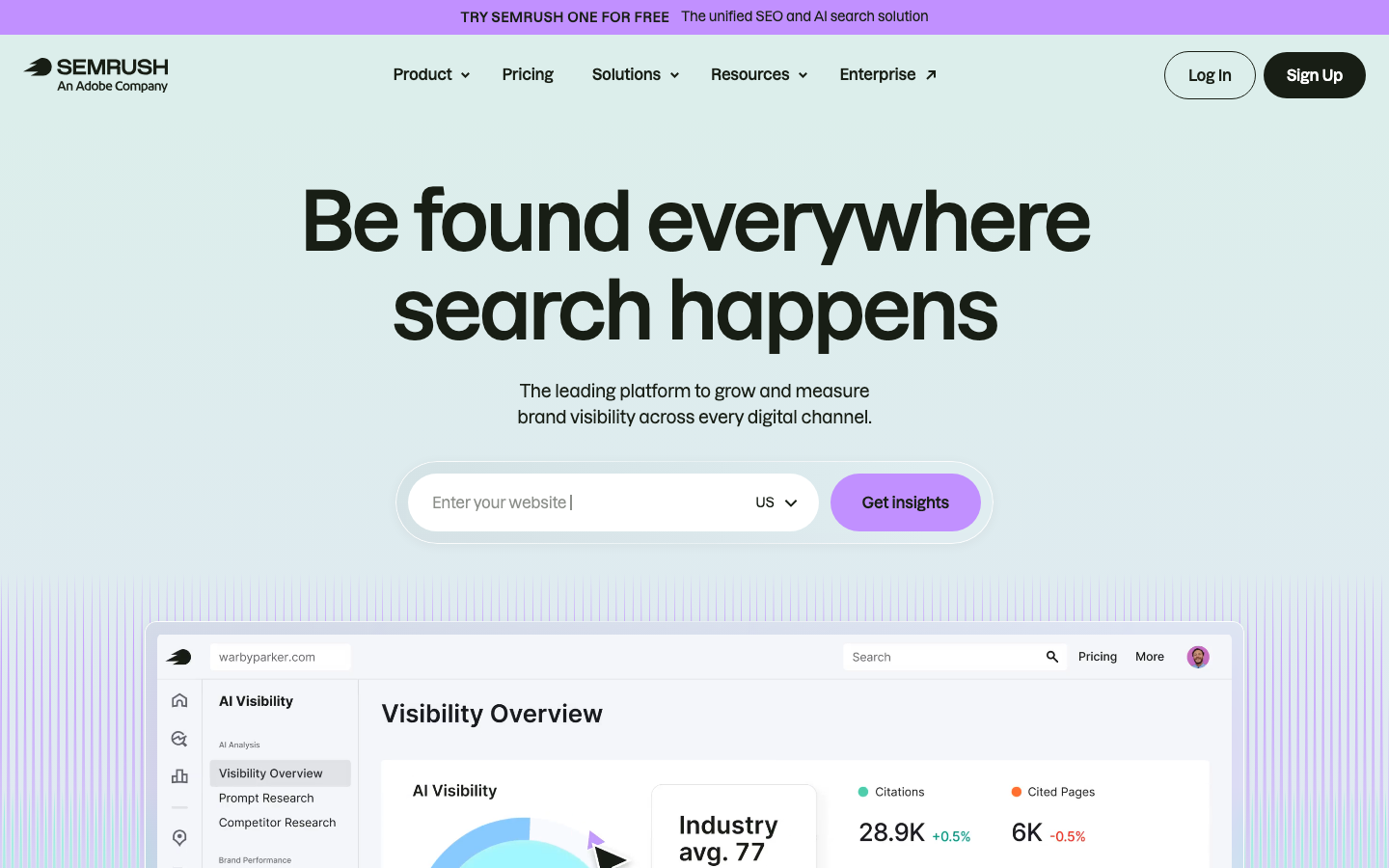
Because these features are based on keyword and backlink overlap rather than behavioral browsing data, the competitors they surface are tied to your SEO landscape. Sites that rank for the same terms and attract links from the same domains are exactly the competitors you need to track.
Best for: SEO-centric competitor research. If you already pay for Ahrefs or Semrush, that’s the first place to look.
Limitations: Finds SEO competitors, not audience competitors. A site with a very different keyword strategy but the same audience may not appear. The Competing Domains and Competitors reports both sit behind a paid plan.
Cost: Ahrefs lists Starter at $29/month and Lite at $129/month, on top of a free tier for your own verified site (full tiers in our pricing breakdown). Semrush starts at €134/month, or €112.52/month on annual billing, and keeps a free plan capped at 10 reports a day. If cost is the blocker, we compare the workarounds in our roundup of free Semrush alternatives.
Similar Sites Chrome Extension
The official browser extension from similarsites.com is one of the simplest tools in this list. While browsing any website, click the extension icon and get an instant list of related sites without copy-pasting URLs into a separate tool.
The extension uses behavioral browsing data, the same methodology as the main SimilarSites.com site, and delivers it in a frictionless in-browser workflow. It supports 28 languages and was last updated in December 2025 (version 7.3.17).
Best for: Real-time discovery during competitor research sessions. When you land on an unfamiliar site and want to see what else sits in its niche, nothing else comes close for speed.
Limitations: No traffic or SEO data, less reliable for small sites.
Cost: Free.
Quick Comparison: Similar Sites Tools at a Glance
| Tool | Free Tier | Best For | Methodology | SEO Data |
|---|---|---|---|---|
| SimilarSites.com | Yes, unlimited | Quick discovery, browsing | Behavioral | No |
| SimilarSiteSearch.com | Yes, free | Category-level niche browsing | Category/topic index | No |
| SimilarWeb | Very limited (1/month) | Traffic + discovery | Panel + ISP | Yes |
| NicheProwler | Yes, rate-limited | Niche/SaaS research | Keyword overlap | No |
| Similar24 | Free trial, limited | Prospecting with contact data | Real-time AI crawl | No |
| Revalin | Free trial | Competitive analysis | Traffic + backlinks | Partial |
| Ahrefs | Yes, Ahrefs Free | SEO-centric research | Keyword/backlink overlap | Yes |
| Semrush | Yes, 10 reports/day | SEO-centric research | Keyword/backlink overlap | Yes |
| Similar Sites (extension) | Yes, free | In-browser discovery | Behavioral | No |
How to Use Similar Sites Tools for SEO Research
Competitor Discovery
The most straightforward use case: map the full competitive landscape for your niche.
Start by entering your own domain into SimilarSites.com or NicheProwler. Save the results list and aim for 20 to 30 domains. Then run each domain through Ahrefs Site Explorer to check Domain Rating, organic traffic estimate and the number of ranking keywords. This takes about 30 minutes total and gives you a raw list to work from.
Next, filter down to a shortlist of 5 to 10 comparable competitors based on size and topic relevance. Add that shortlist to a tracking sheet and review it monthly. You’ll catch new entrants and shifts in competitor content strategy much earlier than if you wait for rankings to move.
For SEO-specific competitor discovery, run the Competing Domains report in Ahrefs or Semrush as a second pass. These surface keyword competitors you may not share an audience with but do share ranking territory with.
Link Building Prospecting
Similar sites tools are underused for link building. The logic is simple: if a site is in the same niche as you, the sites that link to it are potential link targets for you.
Use SimilarSites.com or NicheProwler to build a list of 10 to 15 sites in your niche. Take each into Ahrefs and open its Backlinks report, filtered to dofollow links from unique domains. Sort by DR. Identify domains that consistently link to multiple similar sites: these are niche-relevant linkers who are already predisposed to cover content like yours. Add the strongest prospects to your outreach pipeline. Filter out exact same-niche competitors who are unlikely to link back.
Content Gap Analysis
Run your domain through Ahrefs Competing Domains to surface your top 5 to 10 keyword competitors. Then open the Content Gap report (in Ahrefs) or the Keyword Gap tool (in Semrush) to find keywords those competitors rank for that you don’t. Sort the gaps by traffic potential, then by keyword difficulty. The high-traffic, low-difficulty gaps go at the top of your content calendar. Assign a target URL and target word count to each, and you have a ready-made brief.
Audience Overlap Research
SimilarWeb’s audience overlap feature shows which sites share significant audience segments with a given domain. This is less about SEO and more about finding partners and distribution channels.
- Finding co-marketing partners: sites with overlapping audiences are a natural fit for joint campaigns.
- Guest post targeting: overlapping audiences mean guest posts are more likely to generate referral traffic.
- Finding newsletters, podcasts or YouTube channels to pitch for collaboration.
Limitations of Similar Sites Tools
Accuracy degrades for small sites. Behavioral data tools need a minimum traffic volume to generate reliable recommendations. Sites under a few thousand monthly visitors often return poor or irrelevant results.
Data reflects the past, not the present. Behavioral patterns, keyword databases and backlink graphs are all snapshots. A site that pivoted its topic three months ago may still appear as a competitor for its old niche.
Free tiers are genuinely limited. SimilarWeb’s free tier gives you one competitor result per domain per month. Ahrefs and Semrush limit free users heavily. For serious competitive research, a paid tool is usually necessary.
Niche coverage varies. B2B SaaS, local businesses and technical niches are often underrepresented in behavioral databases. Keyword-based tools like NicheProwler tend to handle these better, but no tool is reliable across all niche types.
Not a substitute for manual research. Similar sites tools are starting points, not complete competitive intelligence. Use them to generate candidate lists, then verify and prioritize manually.
Who Should Use Similar Sites Tools?
SEO professionals use these tools to build competitor shortlists, find link building prospects and surface content gaps. Ahrefs and Semrush’s competing domains features are the most efficient starting point for existing subscribers.
Content marketers use similar sites discovery to find editorial competitors, identify topics they’re covering that you aren’t and spot content patterns worth modeling.
E-commerce brands use these tools to find competing stores, identify niche marketplaces they might sell through and monitor new entrants in their product category.
SaaS founders and product marketers use them for market mapping: building a picture of who else operates in the space, which tools are considered alternatives to theirs and which directories or review sites list their competitors.
Frequently Asked Questions
What is the best free similar sites tool?
For quick discovery without any account or limits, SimilarSites.com and SimilarSiteSearch.com are both solid free options. SimilarSites.com uses behavioral browsing data and offers a free Chrome extension with 300,000 active users. SimilarSiteSearch.com takes a category-based approach and is useful when you want to browse an entire niche. For SEO-specific competitor discovery without a paid subscription, NicheProwler is the best free option for keyword-based matching. Google retired the related: search operator in 2023, so it no longer returns results and isn’t a usable option anymore.
How do I find websites similar to mine?
You find websites similar to your own by entering your domain into SimilarSites.com or NicheProwler and reviewing the results list. For SEO-focused research, run your domain through the Competing Domains report in Ahrefs or Semrush to find sites that rank for the same keywords. Use both approaches for the fullest picture: behavioral similarity and keyword similarity often surface different competitor sets.
Is SimilarSites.com accurate?
SimilarSites.com is accurate for discovering competitors and conceptual alternatives for sites with meaningful traffic. Its behavioral methodology tracks what users browse before and after visiting a site, which makes it reliable for identifying direct content and audience competitors. Accuracy drops sharply for smaller or newer sites where the behavioral signal is thin. The tool doesn’t publish traffic estimates you can independently verify. For best results, use SimilarSites.com to build a discovery list, then cross-check with NicheProwler or Ahrefs to validate relevance and size.
What is the difference between SimilarSites.com and SimilarWeb?
SimilarSites.com is a free consumer-facing tool built for content discovery. Enter a domain and you get a list of related websites. It uses browsing behavior as its primary signal and doesn’t return traffic or SEO data. SimilarWeb is a comprehensive digital intelligence platform that surfaces competitor websites alongside traffic estimates, audience demographics, traffic source breakdowns and engagement metrics. SimilarWeb’s entry self-service plan, Competitive Intelligence, starts at $125/month billed annually, or $199/month if you pay monthly. The key distinction is purpose: SimilarSites.com is for finding similar websites quickly. SimilarWeb is for competitive market intelligence at depth.
Can I use a Chrome extension to find similar sites?
Yes, a Chrome extension is the fastest way to find similar sites while you browse. The Similar Sites extension from similarsites.com (300,000 active users, updated December 2025) lets you trigger a similar sites lookup on any page you’re browsing without copying URLs into a separate tool. The Similarly extension on the Chrome Web Store is an alternative with a slightly different approach. Both are free and they work best for instant discovery during live research sessions rather than bulk or systematic analysis.
How do Ahrefs and Semrush find similar sites?
Ahrefs and Semrush both identify competing domains from keyword and backlink overlap rather than from behavioral data. In Ahrefs, the Competing Domains report inside Site Explorer shows sites that rank for many of the same keywords as your input domain. In Semrush, the Domain Overview Competitors tab uses a similar approach. Sites with large keyword overlap are treated as SEO competitors. Because this method is anchored to search rankings, it surfaces sites that compete for the same search traffic rather than sites with the same general audience, which is exactly what an SEO usually needs.