Guide
Best TikTok Analytics Tools: 10 Tools Compared by Price and Job

The best TikTok analytics tools for most teams are Virlo for finding viral videos and trends before they peak, TikTok Studio for free analytics on your own account and Exolyt for TikTok-only competitor tracking and social listening. Metricool is the cheapest way to add competitor tracking and longer history, Sprout Social, Hootsuite and Socialinsider cover reporting and benchmarks for brands and agencies, and Iconosquare, Later and Sotrender are cheaper multi-network options with TikTok dashboards.
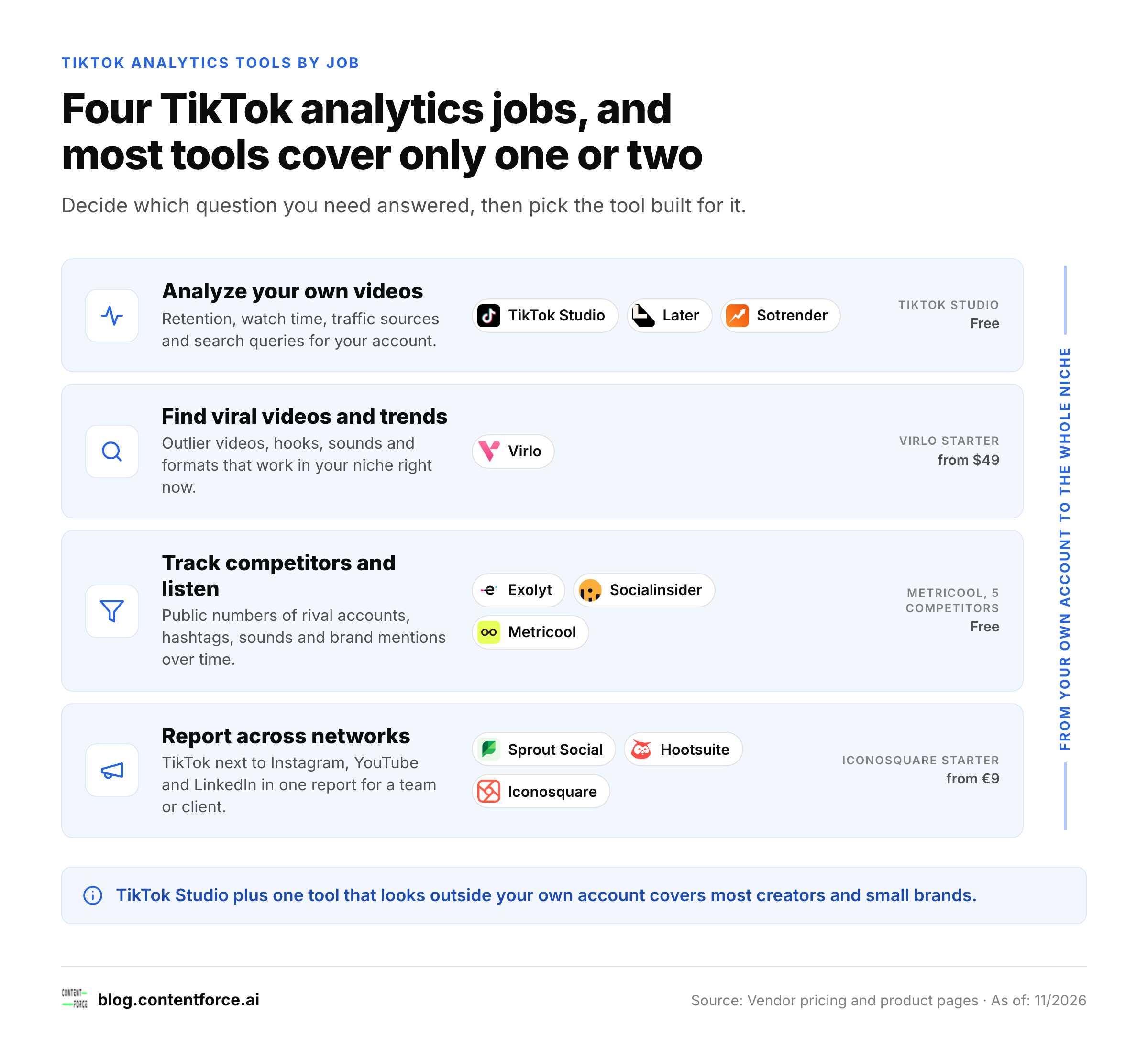
The trouble is that "TikTok analytics" covers four different jobs. Reporting on your own videos is one, and it's the one most people mean. Comparing yourself with competitors is another. Spotting trends and outlier videos in your niche is a third, and listening to what people say about a brand on TikTok is the fourth. Most tools are good at one or two of these, but they're rarely good at all four, so it's worth deciding which job you're paying for first.
This guide compares 10 TikTok analytics tools by job, entry price and the plan limit that matters most, such as tracked accounts, data history or credits. Prices were checked on each vendor's pricing page on November 27, 2026.
Which TikTok analytics tool fits which job?
Start with the question you can't answer today. That's the fastest way to narrow the list. If you don't know which videos keep viewers watching, TikTok Studio already has that data, and it's free. If you don't know what's working for other accounts in your niche, you need a tool that reads public TikTok data. If a client wants a monthly PDF, you'll need a reporting suite. The table maps each job to the tools that do it best and the lowest paid price.
| Job | Best pick | Entry price | Skip it if |
|---|---|---|---|
| Find outlier videos, hooks and trends in your niche | Virlo | Starter $49/month (4,900 credits) | You only report on your own account |
| Check watch time, retention and traffic sources of your own videos | TikTok Studio | Free | You need competitor data |
| Track TikTok competitors, hashtags and sounds | Exolyt | Essentials €250/month (€210 billed annually) | You also post on Instagram or LinkedIn |
| Add competitor tracking on a small budget | Metricool | Free plan; Starter €20/month | You need TikTok social listening |
| Report TikTok next to other networks for a brand team | Sprout Social, Hootsuite | Sprout Essentials $79/seat; Hootsuite Standard $99/user (billed annually) | You're a solo creator |
| Benchmark TikTok accounts against an industry | Socialinsider | Adapt $990/year | You need more than 3 months of history on the entry plan |
| Keep a cheap TikTok dashboard with long history | Iconosquare, Later | Iconosquare Starter from €9/month; Later Starter $18.75/month (billed yearly) | You need trend or competitor research |
| Track engagement metrics such as Share Rate | Sotrender | Essential $72/month (billed annually) | You want TikTok PDF reports without a custom plan |
For most creators and small brands, two tools clearly cover the whole thing: TikTok Studio for your own numbers and one tool that looks outside your account. The budget stacks further down show three combinations with their monthly totals.
The 10 best TikTok analytics tools compared
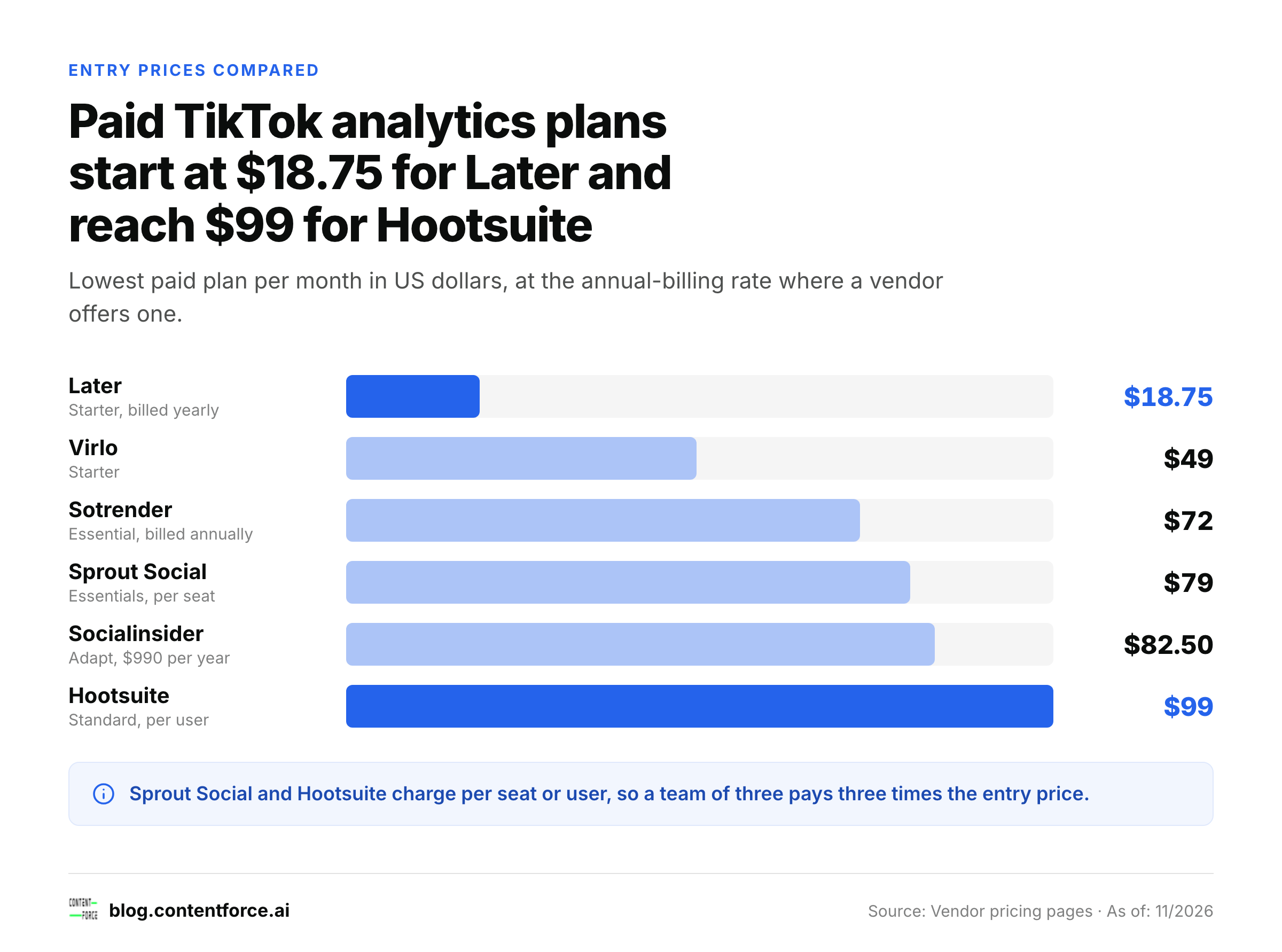
Every price and limit below comes from the vendor's own pricing or product page, checked on November 27, 2026. Prices are per month in US dollars unless we've noted otherwise. Exolyt, Metricool and Iconosquare show euro prices, so their figures are in euros. It's an editorial comparison of vendor documentation, not a lab test, and we didn't use review-site ratings.
It's not a popularity contest. The ranking puts tools higher when they answer questions your own TikTok analytics can't, such as what's working for other accounts right now, and when they state their limits clearly. Tools built for one network score on depth, suites on how well TikTok is covered next to everything else.
| Tool | Main job | Free option | Paid plans from | Limit to watch |
|---|---|---|---|---|
| Virlo | Viral video, trend and niche research | 7-day free trial on Starter | $49 (Starter) | 4,900 credits per month on Starter |
| TikTok Studio | Analytics for your own account | Free | n/a | Own account only; export up to 365 days at a time |
| Exolyt | TikTok competitor tracking and listening | Basic plan (1 account, 7 days of chart history) | €250 (€210 billed annually) | 50 tracked accounts on Essentials |
| Metricool | Budget analytics and competitor tracking | Free plan (1 brand, 5 competitors) | €20 (€16 billed annually) | 30 days of analytics on the free plan |
| Sprout Social | Cross-network reporting for brands | 30-day trial | $79 per seat (billed annually) | 5 social profiles on Essentials |
| Socialinsider | TikTok benchmarks and competitor analysis | 14-day trial | $990 per year (Adapt) | 3 months of history on Adapt |
| Hootsuite | Publishing plus TikTok analytics | 14-day trial | $99 per user (billed annually) | 5 competitors on Standard |
| Iconosquare | Low-cost dashboards with long history | Free plan (2 profiles, 1 month of history) | €9 (Starter, billed yearly) | Competitor monitoring on Scale |
| Later | Scheduling with TikTok analytics | 14-day trial | $18.75 (billed yearly) | 3 months of TikTok history on Starter |
| Sotrender | Engagement metrics and analyst reports | 7-day trial | $72 (billed annually) | TikTok reports only on the Custom plan |
1. Virlo: Best for finding viral TikTok videos and trends before they peak
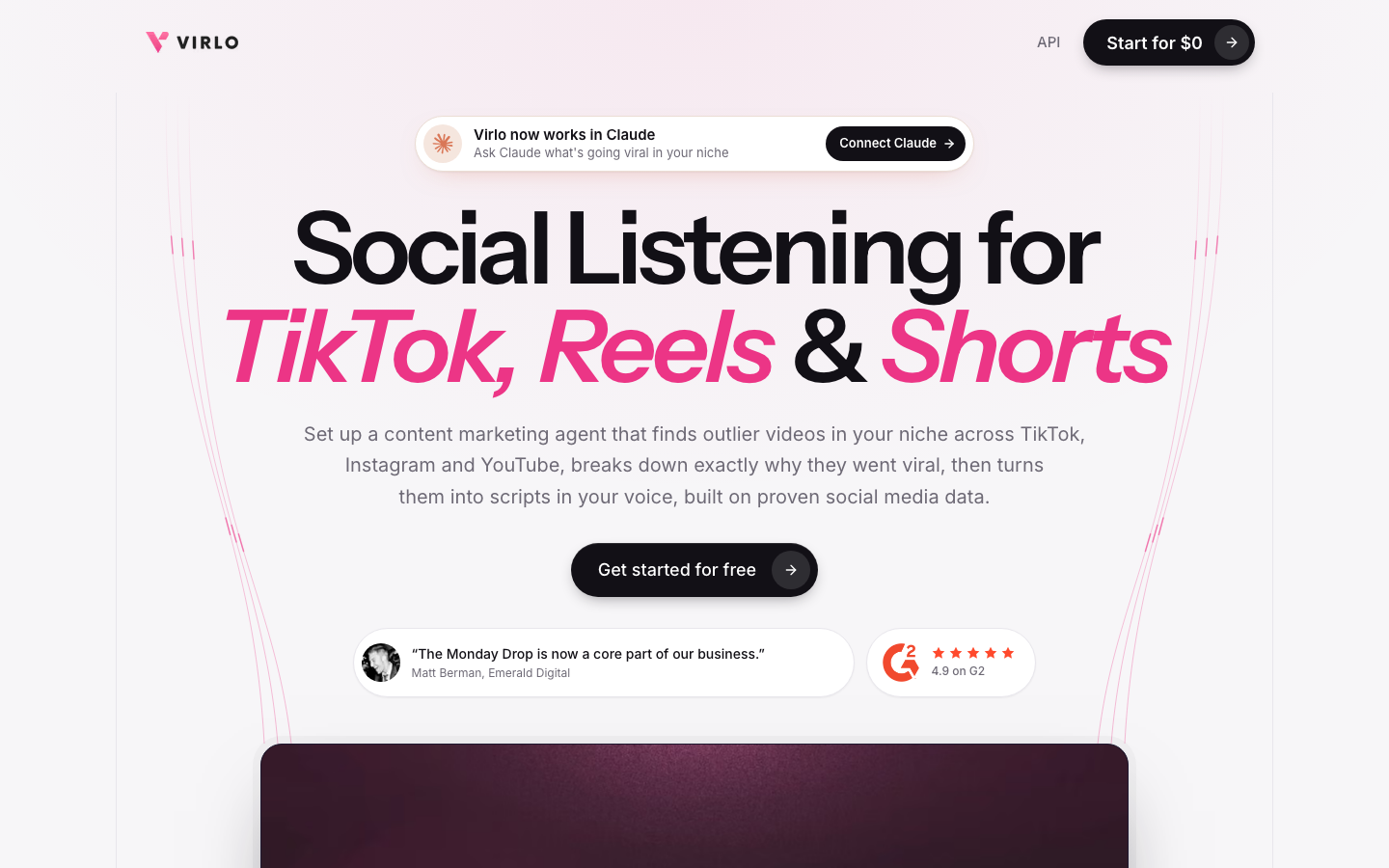
Virlo is a short-form video intelligence platform for TikTok, Instagram Reels and YouTube Shorts. Rather than focusing on your own posts, it looks at what's working across a niche: its Outliers view shows creators and videos that perform well above their own baseline, with daily alerts when something breaks out. Virlo says its database holds more than 23.1 million viral videos. That's what makes it the tool on this list for the one question TikTok Studio really can't answer: what you should post next.
Pricing: Starter costs $49 per month with 4,900 credits, Pro $199 with 22,000 credits and up to 10 team seats, and Enterprise $499 with 66,000 credits and unlimited team seats. API and MCP access are included in every plan. Starter comes with a 7-day free trial, so you can check it against your own niche before you're charged. Credits pay for the work, and reading results is free: a marketing agent run costs 50 credits, tracking a creator 15 credits per check and tracking a video 10 credits, while browsing Outliers and Trends to copy costs nothing. New credits last 3 months from the day you get them, and the oldest are used first.
TikTok analytics features: marketing agents that run once or stay on and surface outlier videos, hooks, creators, slideshows, sounds and duets or stitches; the Niche Analyzer, which compares engagement, growth and competition between niches on TikTok, Reels and Shorts; Tracking for creators and competitor accounts with daily snapshots and growth badges; a TikTok Profile Analyzer for engagement trends and posting times on any public profile; and Trends to copy, a list of video formats many creators are using right now, each checked by the Virlo team. Vee Copilot turns the videos Virlo finds into scripts and briefs, and Account Connect links your own TikTok or YouTube account for personalized recommendations. A content calendar lets you schedule generated videos and publish them to connected social accounts.
Exports and integrations: data goes out as Excel, CSV, JSON or a branded PDF, and alerts can go to Slack, Discord, Telegram, Gmail, Notion, Google Sheets or a webhook. Virlo also has an MCP server, so AI agents such as Claude or ChatGPT can query its data directly, and the developer API runs on the same plan credits.
Limits: Starter is for one person, and unlimited creator tracking starts on Pro, so teams and agencies that track many accounts will end up on Pro. The free trial only covers Starter and comes with 100 credits.
Skip Virlo if you mainly need client reports built from your own account's private metrics such as watch time and traffic sources, because Virlo's strength is research across public videos in a niche.
2. TikTok Studio: Best free analytics for your own TikTok account
TikTok Studio is TikTok's own analytics, and it's where every account should start, because it holds data that no outside tool can read, such as per-video retention and the search queries that brought viewers in. In the app you open it from your profile menu under TikTok Studio, then Analytics. On a computer it's the Analytics tab in TikTok Studio on the web.
Pricing: it's free for every account.
TikTok analytics features: the Overview tab shows post views, profile views, likes, comments, shares, traffic sources and search queries. The Content tab lists your top 10 posts (it doesn't go deeper than that) and, per video, retention rate, average watch time, the share of viewers who watched the full video and traffic sources. Viewers and Followers show gender, age, locations and most active times, plus what your audience also follows and watches. TikTok analytics in the Viewers tab also split unique from returning viewers, and the LIVE tab counts views, new followers and Diamonds received during your streams.
Limits: date ranges are the last 7, 28, 60 or 365 days or a custom range. On the web, custom ranges go back only to July 17, 2022, and you can download up to 365 days at a time. It doesn't show anything about competitors or trends outside your account, though.
Skip TikTok Studio if you manage many accounts and need one report across them. For a single account, though, there's honestly no reason not to use it.
3. Exolyt: Best TikTok-only tool for competitor tracking and social listening
Exolyt calls itself a TikTok social intelligence platform, and it really does cover TikTok only. It tracks accounts, hashtags and sounds, runs social listening projects with share of voice and a Brand Comparison view, and includes influencer search and campaign tracking. For a brand that cares about TikTok above every other network, it goes deeper than the multi-network suites. The price, however, is aimed at brands and agencies, not solo creators.
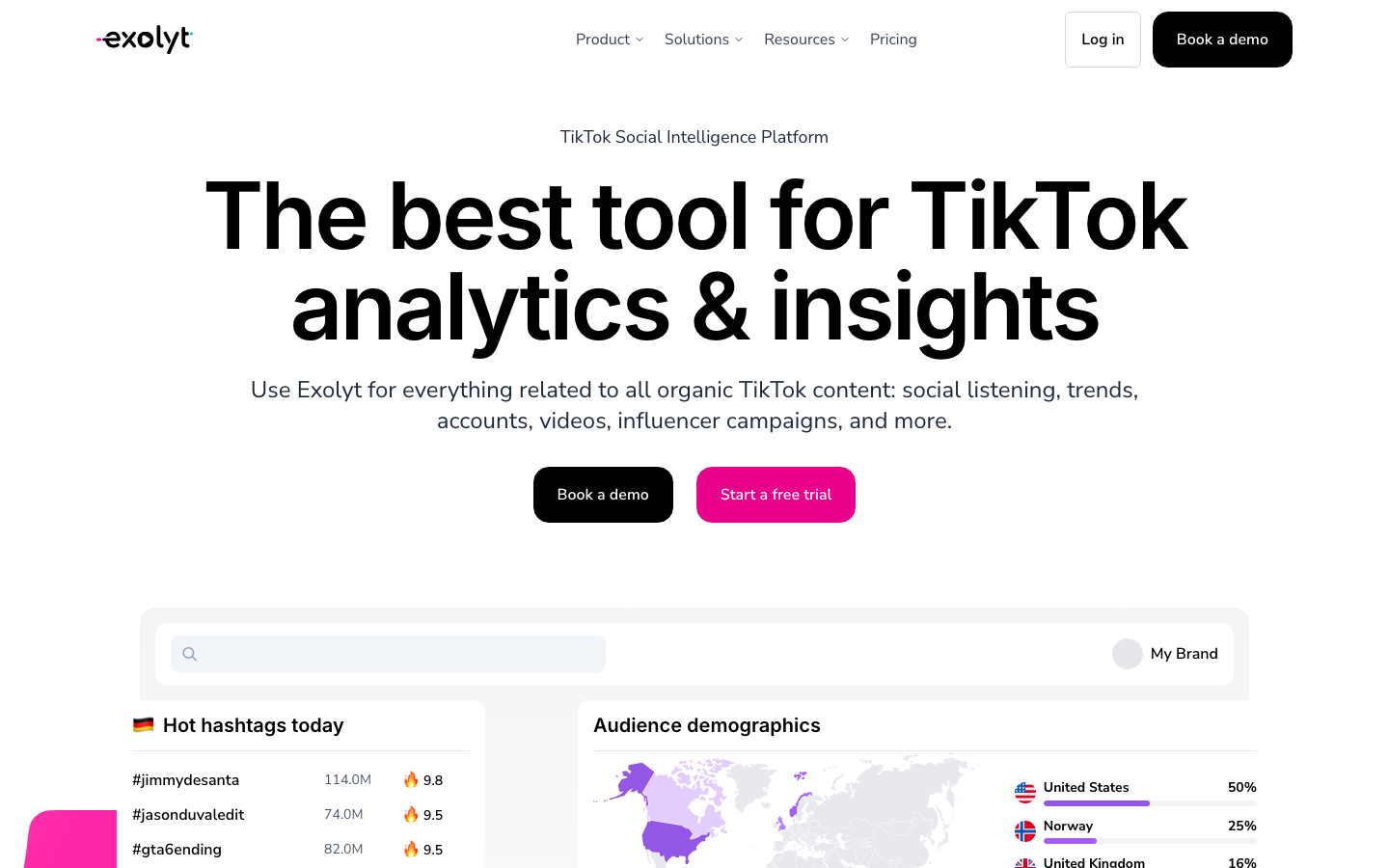
Pricing: the Basic plan is free. Essentials costs €250 per month or €210 per month billed annually, and Advanced €600 per month or €500 billed annually. Prices are shown with 0% VAT, and the trial doesn't need a credit card.
TikTok analytics features: Industry Insights and video comment analysis on Essentials; sentiment analysis, video transcriptions and an Influencer Database on Advanced (paid extras on lower plans).
Limits: Basic tracks 1 account, 1 hashtag and 1 sound with 7 days of chart history and one update a day. Essentials raises that to 50 of each, 3 listening projects, 90 days of history and two updates a day. Advanced allows 300 of each, 15 projects, at least a year of history and six updates a day.
Skip Exolyt if your reporting has to cover Instagram, YouTube or LinkedIn in the same dashboard, because Exolyt reads TikTok only.
4. Metricool: Best budget tool for TikTok analytics and competitor tracking
Metricool combines scheduling, analytics and ads reporting for most networks at a price small teams can carry. It's not the deepest TikTok tool here, but it's the cheapest way to watch competitors. Its TikTok analytics show top videos, follower trends and average watch time, and you can connect a TikTok Ads account to see campaign CPM, CPC and CTR in the same place.
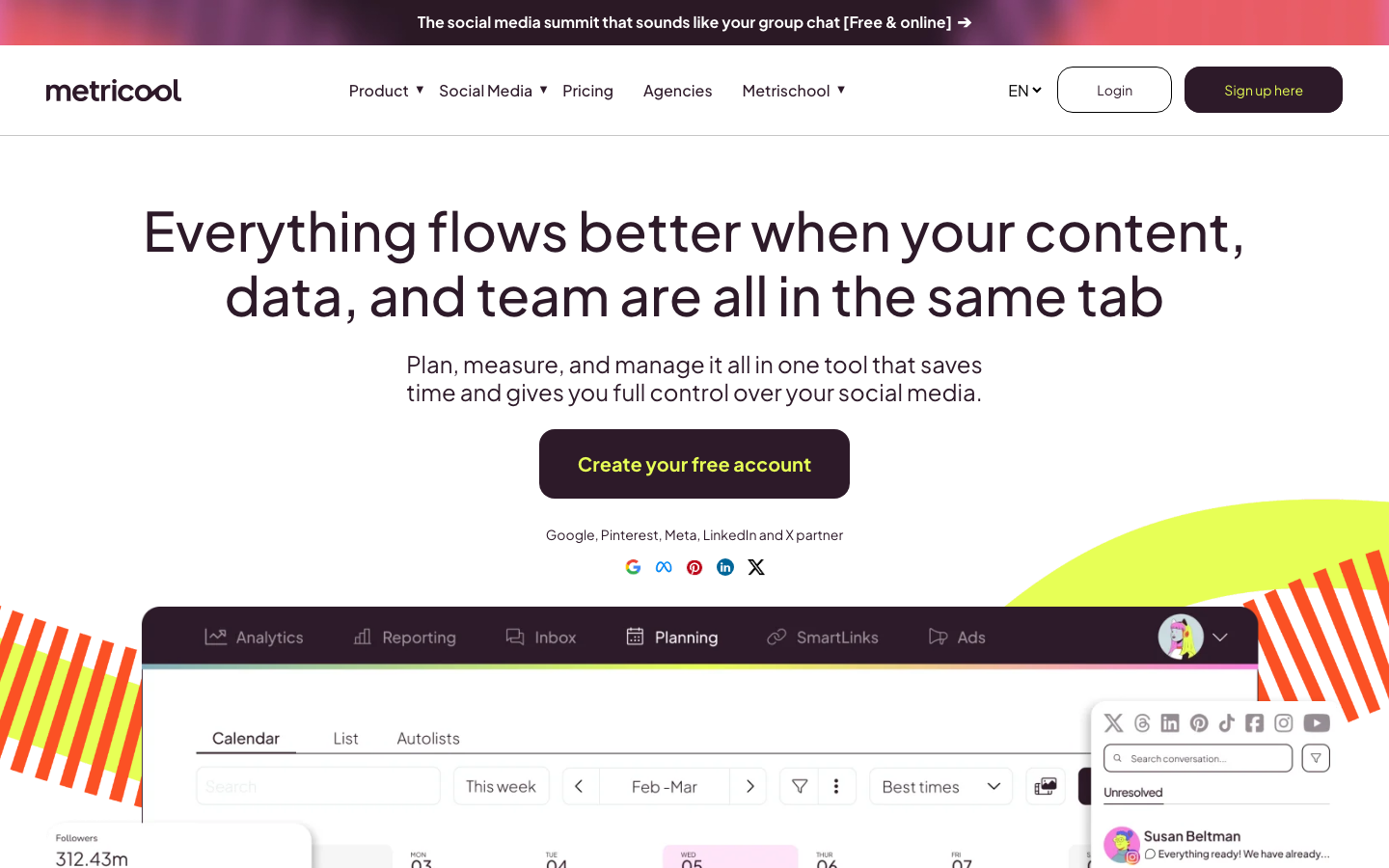
Pricing: the free plan covers 1 brand on every network except LinkedIn and X. Starter costs €20 per month, or from €16 per month billed annually for 5 brands (about $25 or $20 in US dollars). Advanced starts at €43 per month billed annually for 15 brands, or €54 monthly. Custom plans go through sales.
TikTok analytics features: organic TikTok metrics, competitor profiles, TikTok Ads campaign data and custom reports in Metricool Studio.
Limits: the free plan keeps 30 days of analytics, allows 20 posts a month and tracks 5 competitor profiles. Starter keeps unlimited history and tracks up to 100 competitors.
Skip Metricool if you need to hear what TikTok users say about a brand, because it doesn't do TikTok social listening at all.
5. Sprout Social: Best for brand teams reporting TikTok with other networks
Sprout Social is a full social media suite, and TikTok is just one network in it. The TikTok Profiles Report puts all TikTok metrics in one view, cross-network reports compare TikTok with your other channels, and TikTok comments land in the same Smart Inbox as everything else. Optimal Send Times suggests when to schedule videos.
Pricing: per seat, Essentials costs $79 per month billed annually or $99 billed monthly, Standard $199, Professional $299 and Advanced $399 (annual billing). There's a 30-day free trial, and you won't need a credit card.
TikTok analytics features: TikTok Profiles Report, cross-network reports, Smart Inbox with Inbox Rules for TikTok comments and message approval workflows for publishing.
Limits: Essentials and Standard include 5 social profiles. Competitor, tag and paid insights are listed only from Professional, and Listening and Premium Analytics are add-ons from Standard up.
Skip Sprout Social if you're one creator with one account, because the per-seat price buys a team workflow you won't use. That's money better spent on a research tool. For AI features in social media suites, see our comparison of AI social media tools.
6. Socialinsider: Best for TikTok benchmarks and competitor analysis
Socialinsider is built for comparison rather than publishing. Its TikTok competitor analysis works on any TikTok business profile, so you can put your account next to rivals and see how engagement, posting frequency and content compare, then check the whole set against industry benchmarks. TikTok content insights group videos into AI-detected content themes.
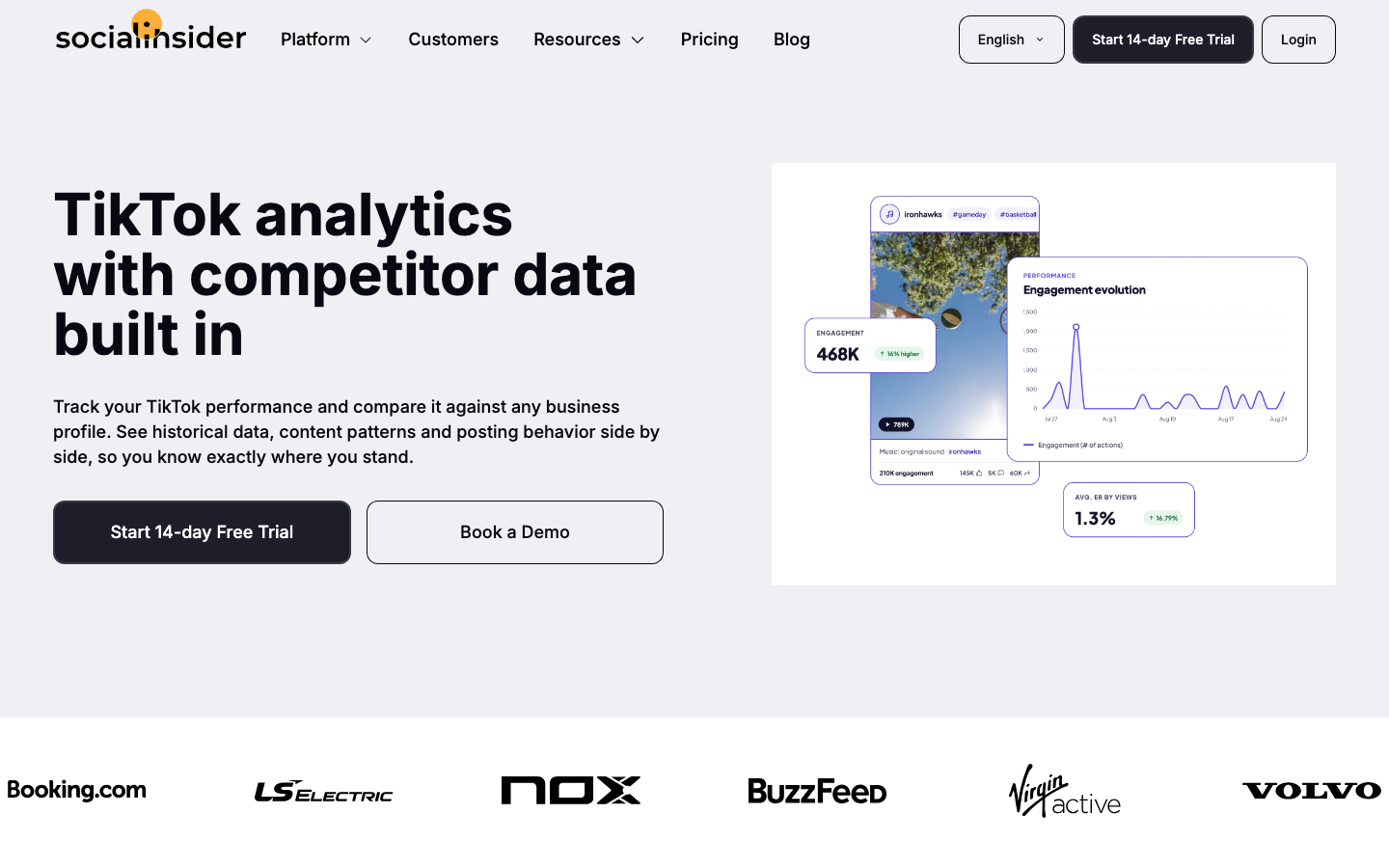
Pricing: Adapt costs $990 per year, Optimize $124 per month and Predict $199 per month, with yearly billing giving two months free. Enterprise is priced on request. There's a 14-day trial without a card.
TikTok analytics features: TikTok competitor analysis, benchmarking against industry, TikTok content insights and Socialinsider AI.
Limits: Adapt covers up to 20 social accounts, 3 months of history and 1 seat. Optimize raises that to 30 accounts, 6 months and 2 seats, Predict to 40 accounts, 12 months and 5 seats. Competitor accounts count toward the same limit, which isn't obvious from the plan names.
Skip Socialinsider if you need scheduling or an inbox, because it's an analytics tool and nothing else.
7. Hootsuite: Best for teams that publish and report TikTok in one suite
Hootsuite schedules TikTok videos and reports on them next to other networks, so it's a publishing tool first and an analytics tool second. Its TikTok page names TikTok analytics, competitive benchmarking reports and a best time to post heatmap, and Wisdom, an AI feature that the page says reads live TikTok conversations about your brand. Industry benchmarking comes on every plan.

Pricing: per user, Standard costs $99 per month billed annually or $149 billed monthly, Professional $199 or $299 and Advanced $399 or $499. Enterprise needs a demo. There's a 14-day trial with daily posting limits, but there isn't a free plan.
TikTok analytics features: TikTok analytics, competitive benchmarking, best times to publish charts and recommended times to publish.
Limits: Standard covers 10 social accounts and 5 competitors, while Professional and Advanced allow unlimited accounts and 20 competitors. Social listening with 13 months of history via Talkwalker is Enterprise only.
Skip Hootsuite if you only need analytics, because most of what you're paying for is publishing and engagement.
8. Iconosquare: Best low-cost TikTok dashboards with long history
Iconosquare tracks more than 30 TikTok metrics and wraps them in dashboards and automated reports. AI KPI analysis explains changes in your numbers, and optimal posting times show when your followers are active. All plans include every network except X.
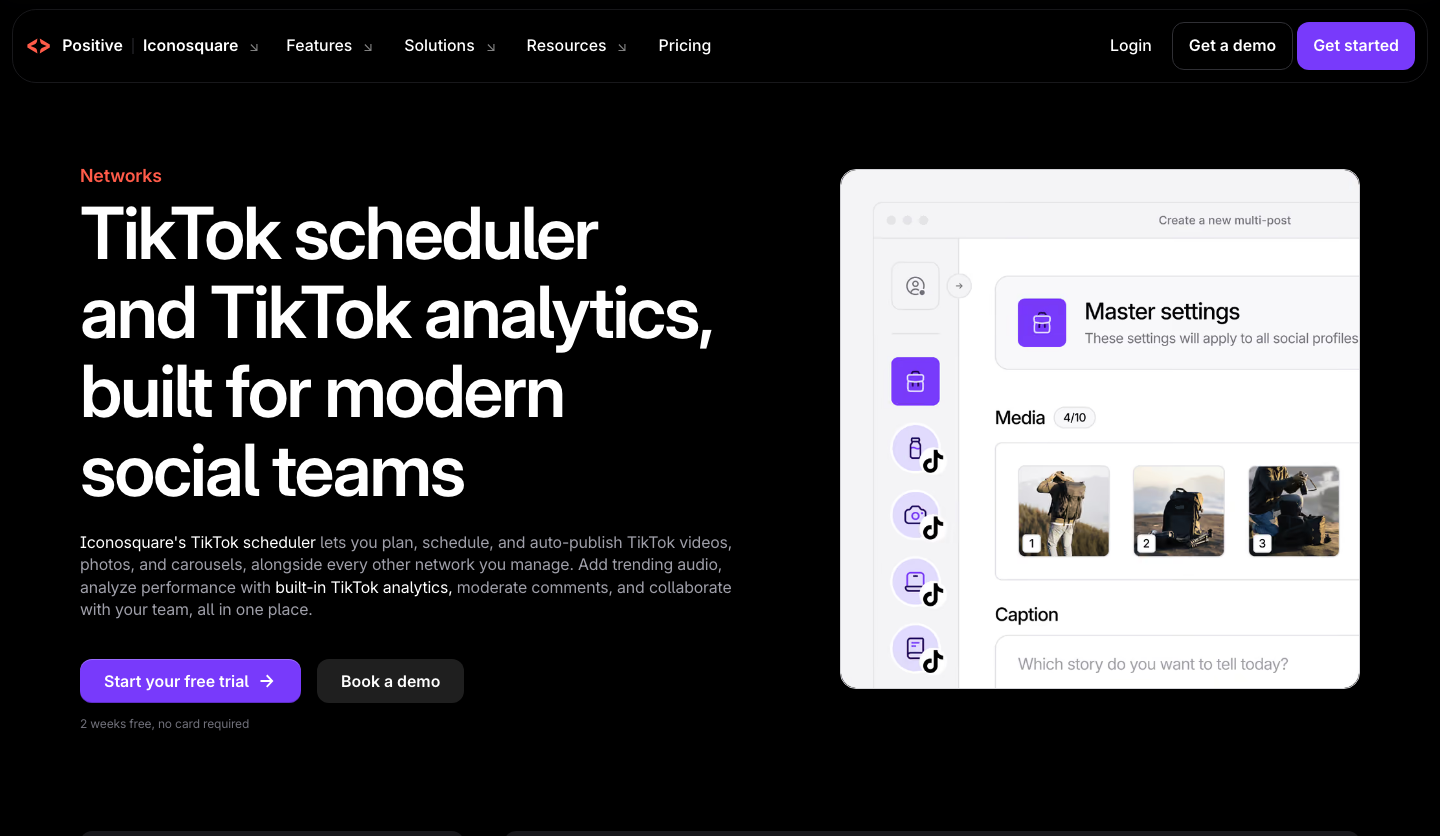
Pricing: the free plan costs €0. Starter starts at €9 per month, Launch costs €33 and Scale runs from €69 per month for 5 profiles to €219 for 20, all billed yearly. Custom plans start at €116 per month. Prices vary by region, and there's a 14-day trial without a card.
TikTok analytics features: 30+ TikTok metrics, AI KPI analysis, automated reports and dashboards, and optimal posting times.
Limits: the free plan covers 2 profiles with 1 month of history. Starter and Launch keep 1 year of history, Scale keeps 2 years, and competitor monitoring is listed under Scale.
Skip Iconosquare if competitor tracking is the main reason you're buying, because it only appears on the more expensive Scale plan, and that's where the price jumps.
9. Later: Best for creators who schedule and track TikTok together
Later is a scheduling tool first. Its TikTok analytics are basic, though they keep your history longer the higher you go. Each plan is built on social sets, which bundle one profile per network, so a single creator brand usually fits in one set. Still, it's a scheduler with analytics, not the other way around.
Pricing: Starter costs $18.75 per month, Growth $37.50 and Scale $82.50, all billed yearly in US dollars plus tax. There's a 14-day free trial.
TikTok analytics features: TikTok performance analytics alongside Instagram, with history that grows by plan.
Limits: Starter covers 1 social set with 8 profiles, 1 user and up to 3 months of TikTok analytics history. Growth gives 2 sets, 2 users and 1 year, Scale 6 sets, 4 users and 2 years.
Skip Later if you want to study other accounts, because its analytics only cover profiles you've connected.
10. Sotrender: Best for engagement metrics and analyst-built TikTok reports
Sotrender analyzes your own TikTok profile with its own metrics, such as Activity Index, Share Rate and Unique Engagement Rate, which make videos easier to compare than raw view counts do. TikTok reporting, on the other hand, is locked to the top plan. For competitor work on TikTok, Sotrender offers a report prepared by its analysts.
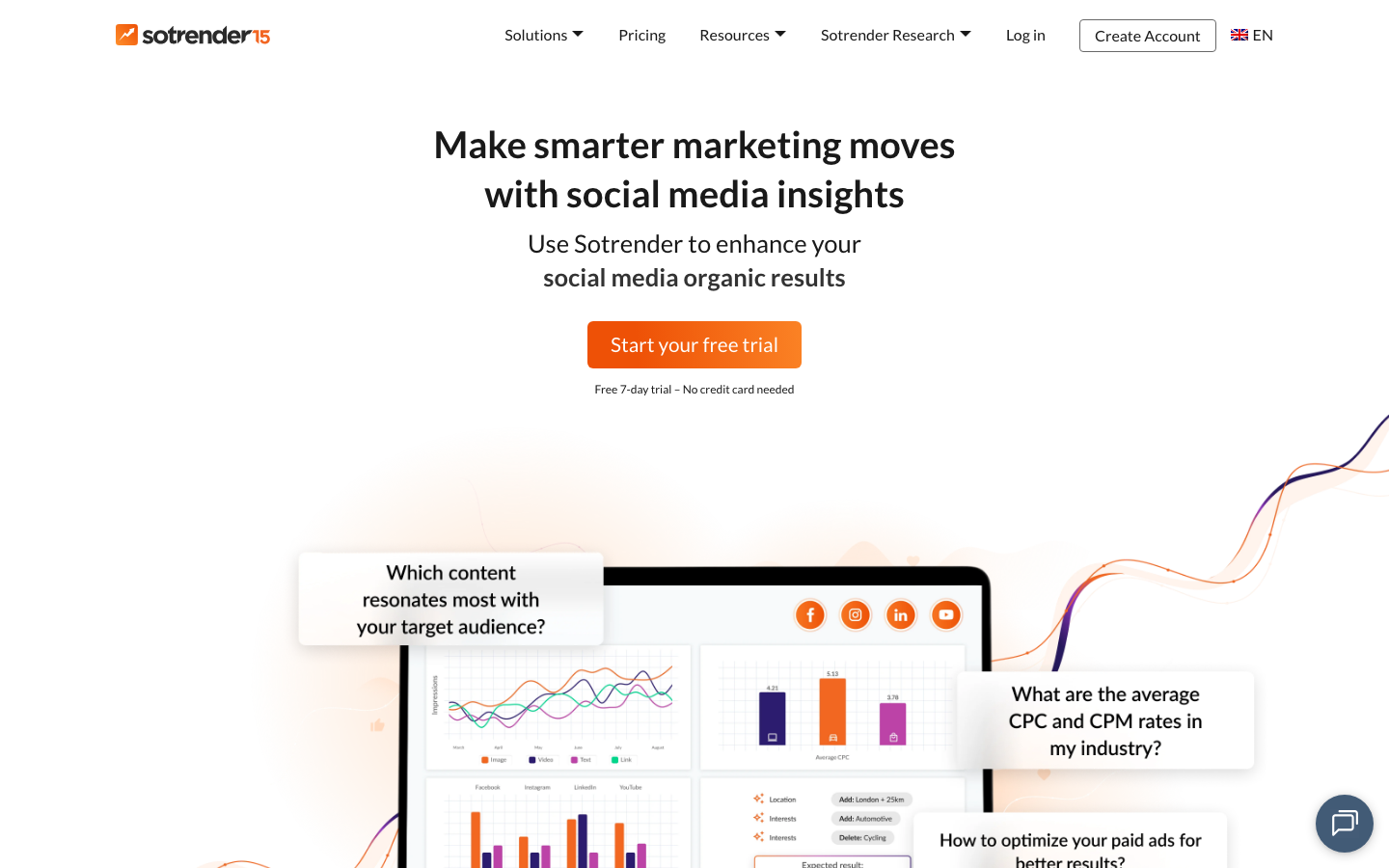
Pricing: Essential costs $72 per month billed annually or $80 monthly, Plus $176 or $200 and Expert $315 or $355. Custom is priced on request. There's a 7-day trial without a card.
TikTok analytics features: TikTok profile dashboards with Activity Index, Share Rate and Unique Engagement Rate. TikTok reports and TikTok competitor benchmarking are on the Custom plan.
Limits: Essential covers 5 profiles, 3 users and 90 days of history, Plus 15 profiles and 180 days, Expert 30 profiles and 365 days. A newly connected TikTok profile gets only 60 days of backfilled data.
Skip Sotrender if you need TikTok PDF reports on a standard plan, because those sit on Custom, and Custom isn't priced publicly.
Pentos and Analisa.io, two TikTok analytics tools that were popular a few years ago, aren't included, because neither website could be reached on November 27, 2026.
SEO Title Generator: eight title tag variations, sized for the SERP and matched to your topic. Free, no signup.
Are there free TikTok analytics tools?
Yes, and one of them is, of course, the best place to start. These are the free options with the limit you'll hit first:
- TikTok Studio: free analytics for your own account, with 7, 28, 60 or 365-day ranges, per-video retention and exports of up to 365 days at a time.
- Metricool free plan: 1 brand, 5 competitor profiles and 30 days of analytics.
- Iconosquare free plan: 2 profiles with 1 month of history.
- Exolyt Basic: 1 tracked account, hashtag and sound, with 7 days of chart history and one update a day.
- Virlo trial: 7 days on Starter with 100 credits, enough to test whether outlier videos in your niche change what you post.
Free tools cover your own numbers well. They don't go far, though, once you want more than a month of history on outside accounts, more than a handful of competitors or any listening. That's usually the point where a paid plan actually pays for itself.
TikTok analytics stacks for three budgets
Most teams don't need more than TikTok Studio plus one tool that looks outside their own account. Reporting suites only make sense, however, when several people or clients are involved. These three stacks use the verified prices above and show the monthly total before tax.
| Budget | Stack | Monthly cost | Good for |
|---|---|---|---|
| Free | TikTok Studio + Metricool free plan + Exolyt Basic | $0 | New creators checking a few competitors |
| Under $100 | TikTok Studio + Virlo Starter ($49) + Metricool Starter (about $25 billed monthly) | About $74 | Creators and small brands planning content from trends |
| Brand team | Virlo Pro ($199) + Sprout Social Professional ($299 per seat, billed annually) | $498 with one Sprout seat | In-house teams that report to management and research trends |
Agencies that only work on TikTok can keep Virlo and swap the Sprout seat for Exolyt Essentials (€210 per month billed annually) and get 50 tracked accounts and listening projects instead of cross-network reporting.
How to choose a TikTok analytics tool
Check these six points before you buy. They'll decide the real cost more often than the headline price does:
- Own account or the whole niche. TikTok Studio, Later and Sotrender report on profiles you connect. Virlo, Exolyt, Socialinsider and Metricool also read public data from other accounts.
- History length. Exolyt Basic keeps 7 days of charts, Socialinsider Adapt 3 months, Iconosquare Scale 2 years. A new tool can't always backfill, and Sotrender, for example, gets 60 days for a newly connected TikTok profile.
- Tracked accounts and competitors. Hootsuite Standard tracks 5 competitors, Metricool Starter 100 and Exolyt Essentials 50 accounts.
- Credits versus seats. Virlo charges by credits per month, Sprout Social and Hootsuite by seat or user. Count both before you compare prices, or you'll compare the wrong numbers.
- Currency and billing. Exolyt, Metricool and Iconosquare price in euros, and most annual prices only apply when you pay for the year upfront.
- Where the data goes next. Check exports (CSV, PDF, Google Sheets) and alerts (Slack, email) before you buy, because a report nobody opens won't change what you post.
Whatever you pick, watch the same few numbers in TikTok Studio every week: average watch time, the share of viewers who watched the full video, shares and the traffic source split between the For You feed, search and your profile. Third-party tools only make sense once those numbers raise a question your own data can't answer. If TikTok is one channel in a wider plan, our overview of AI marketing tools covers the rest of the stack.
Frequently asked questions
What is the best TikTok analytics tool?
For your own account, TikTok Studio is the best TikTok analytics tool. It's free and it shows retention, watch time and traffic sources that outside tools can't read. For finding viral videos and trends in your niche, Virlo is the strongest pick from $49 per month. Exolyt suits TikTok-only competitor tracking and listening from €210 per month billed annually.
What is the best free TikTok analytics tool?
TikTok Studio is the best free option, with up to 365 days of data on your own account. For competitors, Metricool's free plan tracks 5 competitor profiles with 30 days of analytics, and Exolyt Basic tracks 1 account, hashtag and sound.
Where can I access TikTok analytics?
In the TikTok app, open your profile, tap the menu, choose TikTok Studio and then Analytics. On a computer, open TikTok Studio on the web and select the Analytics tab. There's also a separate TikTok Studio app with the same Analytics tab.
Can ChatGPT analyze TikTok?
Not on its own, because ChatGPT can't log in to your TikTok Studio. You can still get there, though. You can download your analytics as a file (up to 365 days at a time) and upload it for analysis. Virlo goes further with a ChatGPT plugin, a Claude connector and an MCP server, so an AI assistant can query its TikTok trend data directly.
How far back does TikTok analytics go?
TikTok Studio offers preset ranges of 7, 28, 60 and 365 days plus custom ranges. On the web, custom ranges reach back to July 17, 2022, and older data is only visible in the app. Third-party tools usually start collecting when you connect an account, so it's smart to connect early if you'll want long history.
What is the TikTok 3 second rule?
The 3 second rule is an informal creator rule, not a TikTok policy, but it's a useful one: a video has about three seconds to give viewers a reason to keep watching. You can test it with analytics instead of guessing. The retention rate per video in TikTok Studio shows where viewers drop off, and Virlo's Outliers and hook research show how breakout videos in your niche open.
Can you see a competitor's TikTok analytics?
Yes, but only their public numbers, such as views, likes, comments, shares and follower growth. Private metrics like watch time or traffic sources stay hidden. Virlo, Exolyt, Socialinsider, Metricool and Hootsuite track those public numbers over time and compare them with yours.