
Tool list · 8 tools
8 Best Email Deliverability Tools Compared

An email deliverability tool tests, monitors or repairs the factors that decide whether a message reaches the inbox, such as authentication records, blocklist status and folder placement. Validity Engage fits enterprise senders, MailReach pairs warmup with spam tests, and PowerDMARC covers DMARC enforcement.
The best email deliverability tool depends on the job you need done. Validity Engage fits enterprise senders, MailReach suits cold outreach teams that need warmup, and PowerDMARC fits brands that want DMARC enforcement. Google Postmaster Tools is the free baseline for anyone who sends to Gmail.
Your email service provider (ESP) can report a 99% delivery rate while a share of your messages still lands in the spam folder, because "delivered" only means the receiving server accepted the message. The tools below measure what happens after that point, and that's the part you can actually fix.
What are email deliverability tools?
Email deliverability tools test, monitor or repair the factors that decide whether a message reaches the inbox: authentication records (SPF, DKIM and DMARC), sender reputation and blocklist status, and the folder a message actually lands in. Some tools add warmup for new mailboxes, address verification or the sending infrastructure itself, and that's where the categories start to blur.
No single product does all of that well, but most teams get far with a small stack of two or three. The table below maps each tool to the jobs its own pages list. "No" means the vendor doesn't list that feature, not that it can't exist.
| Tool | Placement or spam test | Authentication checks | Blocklist monitoring | Warmup | Address verification | Sends mail |
|---|---|---|---|---|---|---|
| Validity Engage | Yes | Yes | Yes | No | No | No |
| MailReach | Yes | Yes | Yes | Yes | No | No |
| MXToolbox | Yes | Yes | Yes | No | No | No |
| Google Postmaster Tools | No | Yes | Yes | No | No | No |
| ZeroBounce | Yes | Yes | Yes | Yes | Yes | No |
| Postmark | No | Yes | No | No | No | Yes |
| PowerDMARC | Yes | Yes | Yes | No | No | No |
| Mail-Tester | Yes | Yes | Yes | No | No | No |
What does Gmail require from bulk senders?
Gmail's sender guidelines require anyone who sends 5,000 or more messages a day to personal Gmail accounts to set up SPF, DKIM and DMARC for the sending domain. That's a hard requirement, not a tip. Smaller senders aren't exempt from the idea, since Google still recommends SPF, DKIM and DMARC for every domain, but the 5,000 threshold is where it's enforced as a rule. If you're near that volume, check your records before you check anything else. Google also tells senders to keep the spam rate shown in Postmaster Tools below 0.10% and to avoid reaching 0.30% or more.
Those two numbers make a handy test for any tool on this list: a good one shows you authentication results and complaint-style signals before Gmail starts filtering you. Tools that only run a one-off spam test cover the first half of that question, but they miss the second.
How do I choose an email deliverability tool?
To choose an email deliverability tool, start with the problem you can see. If new mailboxes struggle to reach the inbox, you'll need warmup. If campaigns suddenly drop in opens, you'll want placement tests and blocklist monitoring. If anyone can spoof your domain, you'll need DMARC reporting. If bounces climb, that's a list verification job.
Then check three things on every pricing page: how many placement tests the plan includes, how many domains or mailboxes you can add, and whether you're billed per mailbox or per volume. Those details move the real cost more than the headline price, and they're easy to miss.
The 8 best email deliverability tools (compared)
Every price and feature below comes from the vendor's own pricing or product page, and we checked them all on October 27, 2026. Prices change often, so treat the numbers as a snapshot and confirm them before you buy. Frankly, that goes for every software roundup.
The ranking weighs how many deliverability jobs a tool covers, how transparent the pricing is and how useful the free option is. It's an editorial ranking, not a lab test. Use the table to pick by job, then read each entry's limits before you commit.
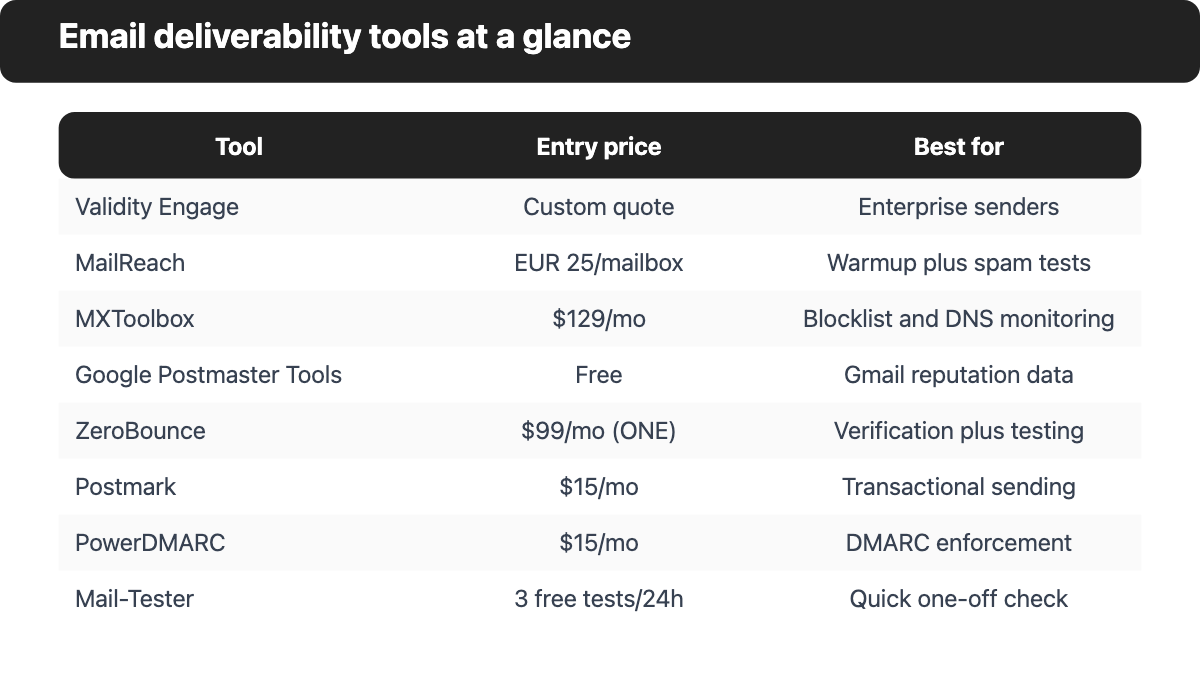
| Tool | Best for | Free option | Paid plans from (price per month unless noted) |
|---|---|---|---|
| Validity Engage | Enterprise senders | None listed | Custom quote |
| MailReach | Warmup plus spam tests | Free spam checker, 3 tests per 24 hours | €25 per mailbox per month |
| MXToolbox | Blocklist and DNS monitoring | Free plan with weekly blocklist monitoring | $129 per month |
| Google Postmaster Tools | Gmail reputation data | Yes | No paid plan |
| ZeroBounce | Verification plus deliverability tools | 100 validation credits a month | $39 pay as you go, $99 per month subscription |
| Postmark | Sending transactional email | 100 emails a month | $15 per month |
| PowerDMARC | DMARC enforcement | Free plan for personal domains | $15 per month, $12 billed yearly |
| Mail-Tester | Quick one-off spam check | 3 tests per 24 hours | Test packs from €1 to €10 |
1. Validity Engage: Best for enterprise senders
Validity Engage is where Validity now sells the inbox placement and deliverability monitoring that it previously offered as Everest. A Validity announcement dated July 1, 2026 says Everest and Litmus are now part of Engage, and that existing customers' workflows aren't changing.
Pricing: Validity doesn't publish plan prices for Engage. The product page offers a demo and a sales contact, and the company says it's priced on what each team needs.
What it adds: Placement testing by provider, IP and domain across 90+ email providers, sender reputation and blocklist monitoring, authentication monitoring and email previews that check rendering across 100+ clients.
Strengths: One of the largest provider counts on this list, at 90+ by the vendor's own figures. Placement, reputation and authentication data sit in one platform. Previews and pre-send checks are included, thanks to the Litmus products.
Limitations: No public pricing, so you can't compare costs without a sales call. Built for larger programs; small senders won't use most of it.
2. MailReach: Best for warmup plus spam tests
MailReach pairs email warmup with a seed-based spam tester, which makes it a natural fit for cold outreach teams that run many mailboxes. Its spam test reports results across 30+ mailboxes and names Google, Microsoft and Yahoo providers.
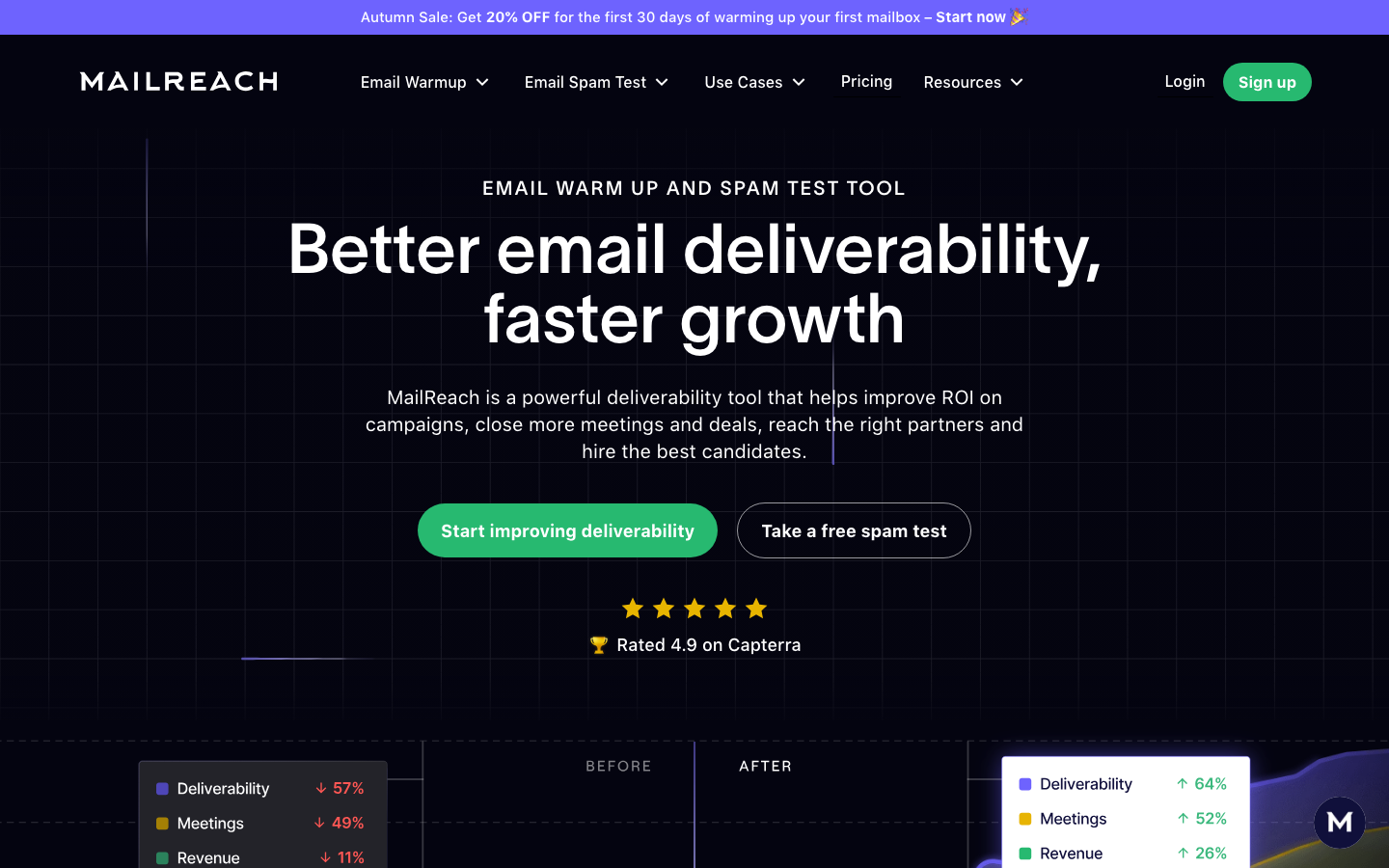
Pricing: The All-in-One plan (warmup plus spam tester) shows €25 per mailbox per month on the euro price list, including 20 spam test credits. Annual billing saves 20%. A spam-tester-only plan sells credits, and one credit equals one inbox placement test with a deliverability report. Agencies get a custom quote. Currency and price can differ by region, so check what you'll see on the page.
What it adds: Warmup for up to 100 emails a day per mailbox, a reputation dashboard and domain and inbox health checks for blocklists, SPF, DKIM and DMARC. The free spam checker allows up to 3 tests per 24 hours.
Strengths: Warmup and placement testing in one plan. The spam test checks content, links and DNS setup, not only the folder. Recurring tests can alert you through Slack or webhooks, so you won't have to check manually.
Limitations: Per-mailbox pricing adds up quickly for large outreach teams, so it's costly at scale, and you'll want to count mailboxes before you commit. No address verification or DMARC reporting is listed.
3. MXToolbox: Best for blocklist and DNS monitoring
MXToolbox is the long-standing free toolkit for DNS, blocklist and mail server lookups, and its paid Delivery Center adds placement analysis and DMARC reporting. The company's page says it checks 100+ blocklists.
Pricing: The Free plan includes weekly blocklist monitoring for 1 domain. Delivery Center costs $129 a month with 30 inbox placement analyses a month, 5 domains and 500,000 messages. Delivery Center Plus costs $399 a month with 100 placement analyses, SPF flattening and 5,000,000 messages.
What it adds: Recipient complaint reporting, DMARC delivery reports, inbound and outbound mailflow monitoring, BIMI management and domain impersonation protection. Inbox placement covers the top three providers.
Strengths: Clearly strong free diagnostics for DNS, SPF, DKIM and blocklists.
Limitations: A big jump from the free plan to $129 a month, although the free tools stay useful. Placement testing covers three providers, but several rivals cover more.
4. Google Postmaster Tools: Best free source of Gmail reputation data
Google Postmaster Tools shows what Gmail itself thinks of your domain, which no outside tester can fake. Its dashboards cover compliance status, spam rate, IP and domain reputation, authentication, encryption, delivery errors and a feedback loop view. You'll need only a Google or Workspace account and a verified sending domain.
Pricing: No price list appears in Google's help pages, and the service is generally offered at no cost.
Outlook equivalent: Microsoft runs a similar service for Outlook.com called Smart Network Data Services (SNDS). It gives IP owners detailed data on individual IPs and access to the Junk Email Reporting Program, which sends reports when users junk your messages.
Strengths: First-party data from the largest mailbox provider you're likely to send to. The compliance status dashboard checks you against Gmail's sender requirements. Authentication pass rates for SPF, DKIM and DMARC in one view.
Limitations: Gmail only; it says nothing about Outlook or Yahoo. Dashboards stay empty when your daily volume to Gmail is too low, which still happens to many small senders. The spam rate excludes messages Gmail filters automatically, so a very low number can mislead.
5. ZeroBounce: Best for verification plus deliverability tools
ZeroBounce started as an address verification service and now bundles deliverability tools around it, so it's the one entry that also cleans your list. The vendor claims 99.6% validation accuracy, which is the vendor's own figure, not an independent test.
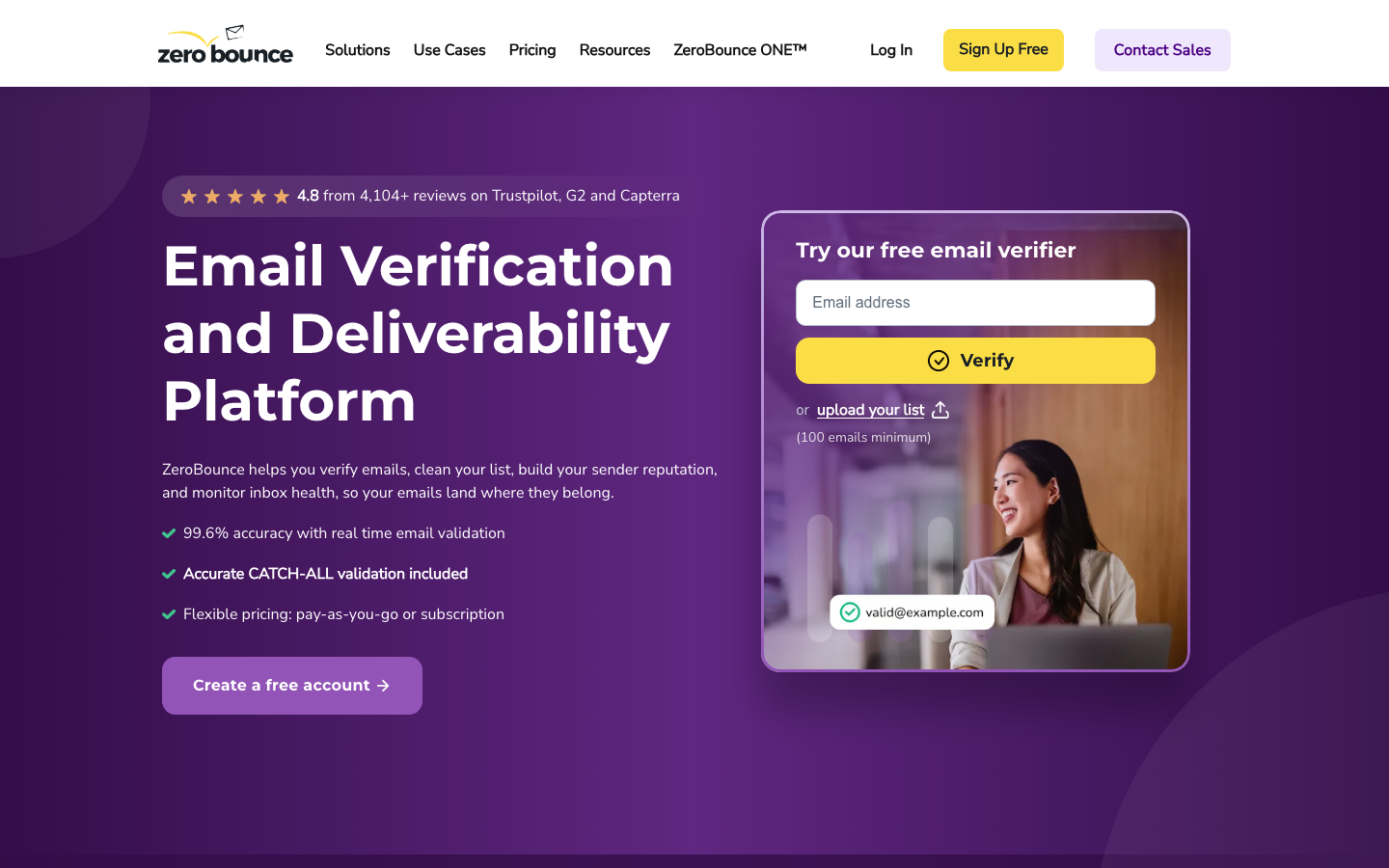
Pricing: The free plan includes 100 validation credits a month, 1 inbox test, 1 email server test and 1 blocklist monitor. Pay as you go starts at $39 for 2,000 addresses. The ZeroBounce ONE subscription starts at $99 a month for a minimum of 10,000 credits, and annual billing saves 20%.
What it adds: The subscription lists 100 inbox placement tests a month against 20+ global providers, 250 warmup seeds, 10 blocklist monitors that scan every 8 hours, 100 email server tests and 1 DMARC monitor domain.
Strengths: Cleans your list and tests placement, so you don't need a second vendor.
Limitations: Most deliverability extras sit behind the $99 subscription. DMARC monitoring covers 1 domain on the listed plan.
6. Postmark: Best for sending transactional email
Postmark is a sending service rather than a testing tool, so it's here for the infrastructure side of deliverability, while the testers above cover measurement. It separates transactional and broadcast traffic into message streams and publishes its delivery statistics to the major inbox providers on its status page.
Pricing: Free is $0 with 100 emails a month and no overages. Postmark offers a REST API and SMTP, so you can send from almost any app. Basic is $15 a month for 10,000 emails, with extra emails at $1.80 per 1,000 and 5 custom sending domains. Pro is $16.50 a month with extra emails at $1.30 per 1,000 and 10 domains. Platform is $18 a month with $1.20 per 1,000 and unlimited domains. Dedicated IPs start at $50 a month per IP for senders at 300,000+ emails a month, on Pro or higher.
What it adds: A DMARC monitoring add-on from $14 a month per domain, DKIM and SPF setup, suppression management and 45 days of message history by default.
Strengths: Message streams keep transactional mail away from marketing reputation problems, and per-volume pricing is easy to forecast.
Limitations: It doesn't run placement tests, so you'll pair it with a tester.
7. PowerDMARC: Best for DMARC enforcement and authentication monitoring
PowerDMARC is a DMARC platform that has grown a placement tester. Its core job is to take a domain from DMARC monitoring to enforcement, so spoofed mail is blocked and legitimate mail stays authenticated, which protects your domain's reputation as a side effect.
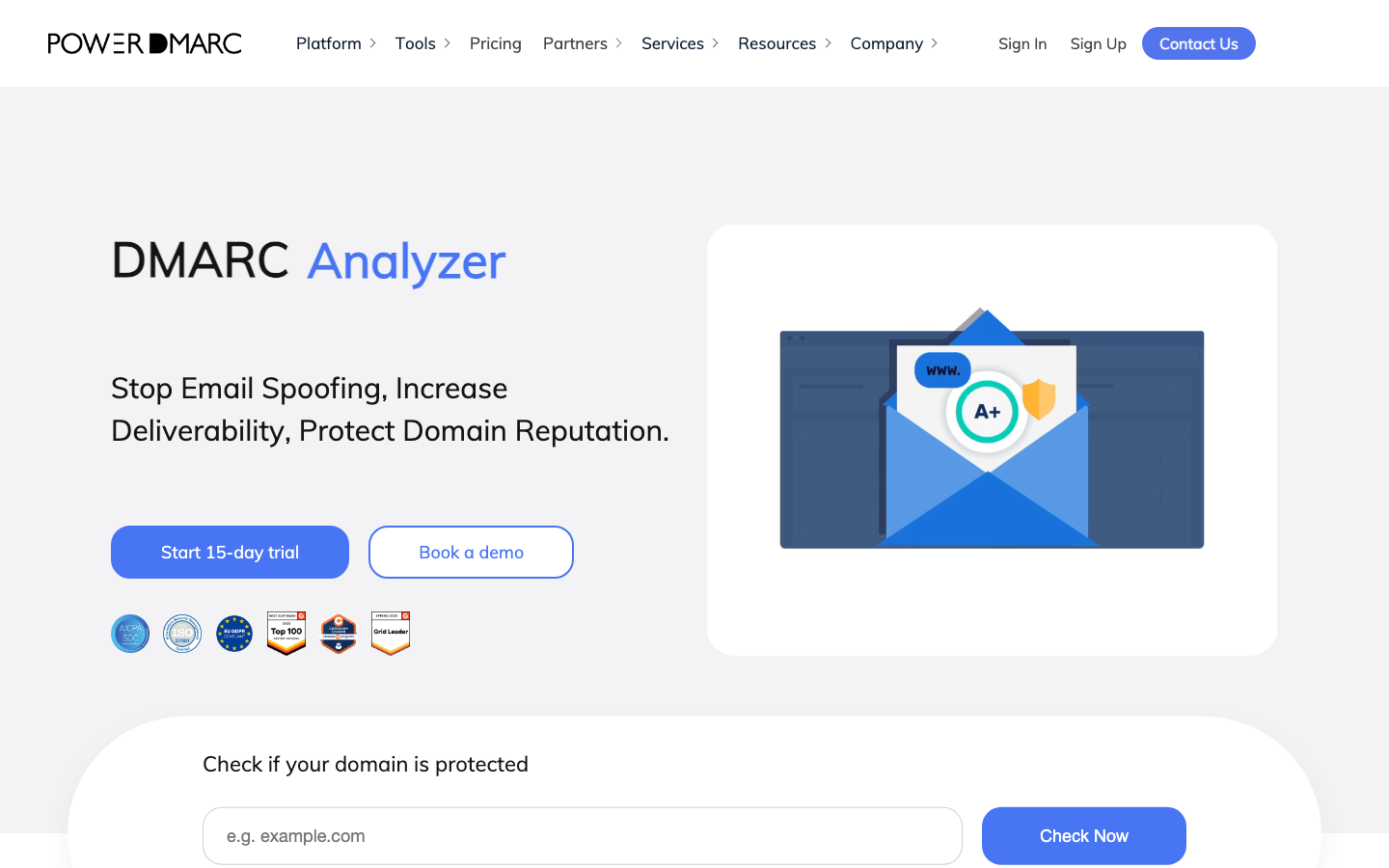
Pricing: Pricing is based on outbound DMARC-compliant emails. The Free plan covers personal domains only, with 10,000 compliant emails a month, 1 domain and 10 days of data history. Basic is $15 a month, or $12 a month billed yearly, for 100,000 compliant emails (recommended), 5 domains, 2 users, 1 year of data history and a 15-day free trial. Enterprise is a custom quote with unlimited domains and users, DKIM and SPF analytics, SIEM support, lookalike domain monitoring and the Inbox Placement Analyzer.
What it adds: The Inbox Placement Analyzer sends real test emails to platform-managed mailboxes at six providers: Gmail and Google Workspace, Outlook and Microsoft 365, Yahoo Mail, AWS SES, Zoho Mail and Apple iCloud Mail. It reports inbox, spam, promotions and not received outcomes, scores the domain from 0 to 100 and checks SPF, DKIM, DMARC and BIMI. A Google Postmaster Tools integration and CSV export are included.
Strengths: Hosted DMARC, SPF, DKIM and BIMI management without editing DNS for each change. Report processing turns raw DMARC data into readable dashboards. The free plan and a 15-day trial mean it's easy to try.
Limitations: The Inbox Placement Analyzer appears under the Enterprise plan on the pricing page, so smaller teams may get mostly DMARC tooling. The free plan is limited to personal domains.
8. Mail-Tester: Best for a quick one-off spam check
Mail-Tester is the fastest way to sanity-check a single email, and it's what many people try first. You send a message to a randomly generated address, then open the report and read the score out of 10. The FAQ says you're aiming for a perfect 10/10.
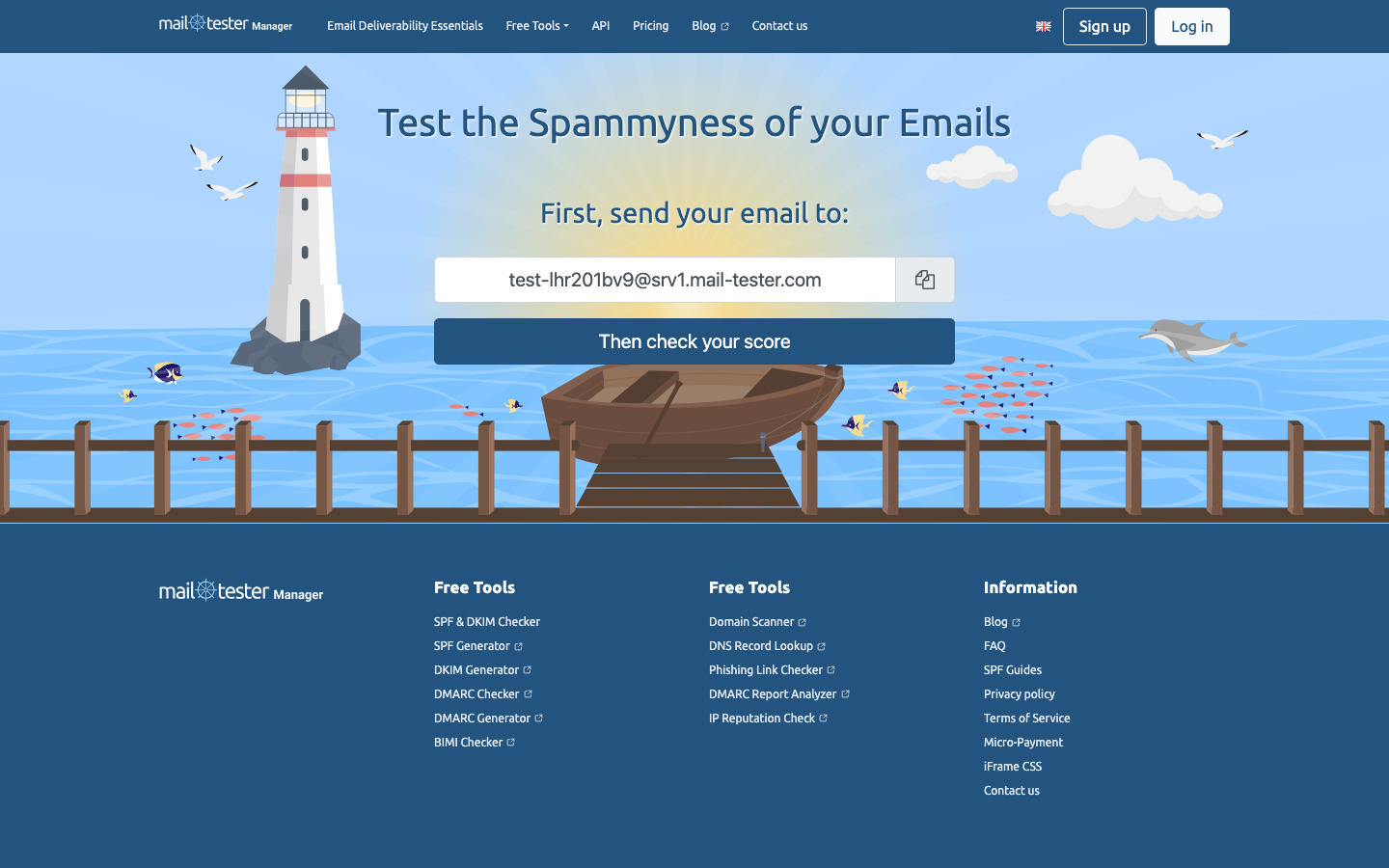
Pricing: The FAQ allows 3 free tests within a 24-hour window. Extra test packs cost between 1 and 10 euros, plus local tax in the EU.
What it adds: Free checkers for SPF, DKIM, DMARC and BIMI, a domain scanner, DNS lookup and an IP reputation check.
Strengths: You don't need to sign up for a first look at your authentication and content.
Limitations: A single test covers one message at one moment, so it can't replace monitoring, and you shouldn't treat it as a long-term plan. There's no warmup, no DMARC reporting and no recurring test, so any score you get is a snapshot of that one message. Treat it as a first check before you invest in something heavier.
Outline, title, intro, conclusion, FAQ, rewriter and summarizer, each on its own page. No signup.
Which tools should you combine?
Most senders get the best result from a pair, and it's rarely the most expensive one: one tool that tests and one that monitors. Bulk senders who also depend on an ESP should keep the ESP for sending and add a separate tester, since mailbox providers (ISPs) judge the traffic, not the tool. Here's how the feature lists above combine.
| Sender profile | Suggested stack | Why |
|---|---|---|
| Small business newsletter | Google Postmaster Tools plus Mail-Tester | Free, covers Gmail data and a pre-send check |
| Cold outreach team | MailReach plus Google Postmaster Tools | Warmup, placement tests and Gmail reputation data |
| Marketing team with growing volume | MXToolbox Delivery Center | Placement analysis, DMARC reports and blocklist monitoring in one plan |
| Enterprise or regulated sender | Validity Engage plus a DMARC platform | Broad placement coverage plus enforcement |
| App with transactional mail | Postmark plus a placement tester | Reliable sending infrastructure, tested regularly |
| Brand fighting spoofing | PowerDMARC | Hosted DMARC enforcement and reporting |
If you also run a wider marketing stack, see our roundup of AI marketing tools and our guide to content marketing strategies.
Frequently asked questions
Is there a free email deliverability test?
Several tools offer a free email deliverability test, and here's what you get without paying. Mail-Tester allows 3 free tests within 24 hours, MailReach's free spam checker allows up to 3 tests per 24 hours, and MXToolbox offers a free plan with weekly blocklist monitoring for 1 domain.
What is the difference between email delivery and inbox placement?
Email delivery means the receiving server accepted the message. Inbox placement means the message landed in the inbox rather than spam or the promotions tab. A message can be delivered and still end up in spam, and that's exactly why placement tests exist.
Do I need a deliverability tool if my email platform reports high delivery rates?
You probably still need an email deliverability tool when your platform reports high delivery rates. A delivery rate doesn't show folder placement, and a high rate says nothing about spam complaints, however good it looks. Gmail's spam rate guidance (below 0.10%) is measured in Postmaster Tools, and your sending platform doesn't show you that number.
What about Litmus and other email preview tools?
Rendering tools preview how an email looks across clients, and they don't test the inbox. They matter for design quality, but they don't decide whether the message reaches the inbox. Litmus is now part of Validity Engage, and we've covered that in entry 1 above.
How many seed mailboxes does a placement tester use?
Seed counts depend on the vendor, and not every vendor publishes one. MailReach says its spam test reports results across 30+ mailboxes, ZeroBounce says its inbox placement test runs against 20+ global providers, and Validity says it tests across 90+ email providers. PowerDMARC lists six providers: Gmail and Google Workspace, Outlook and Microsoft 365, Yahoo Mail, AWS SES, Zoho Mail and Apple iCloud Mail.
Is an email warmup tool the same as an inbox placement tester?
An email warmup tool builds sending history for a new mailbox, while an inbox placement tester measures where a message lands. MailReach and ZeroBounce sell both, and the warmup in MailReach's All-in-One plan covers up to 100 emails a day per mailbox. Teams that send cold outreach from fresh domains usually need warmup first and testing second.
How do I fix emails that go to spam?
Check authentication first, because Gmail requires SPF, DKIM and DMARC from bulk senders. Then look at blocklist status and the spam rate in Google Postmaster Tools, which should stay below 0.10%. A placement test shows which provider is filtering you, and a content check shows whether links or HTML are the trigger.